
一人座り
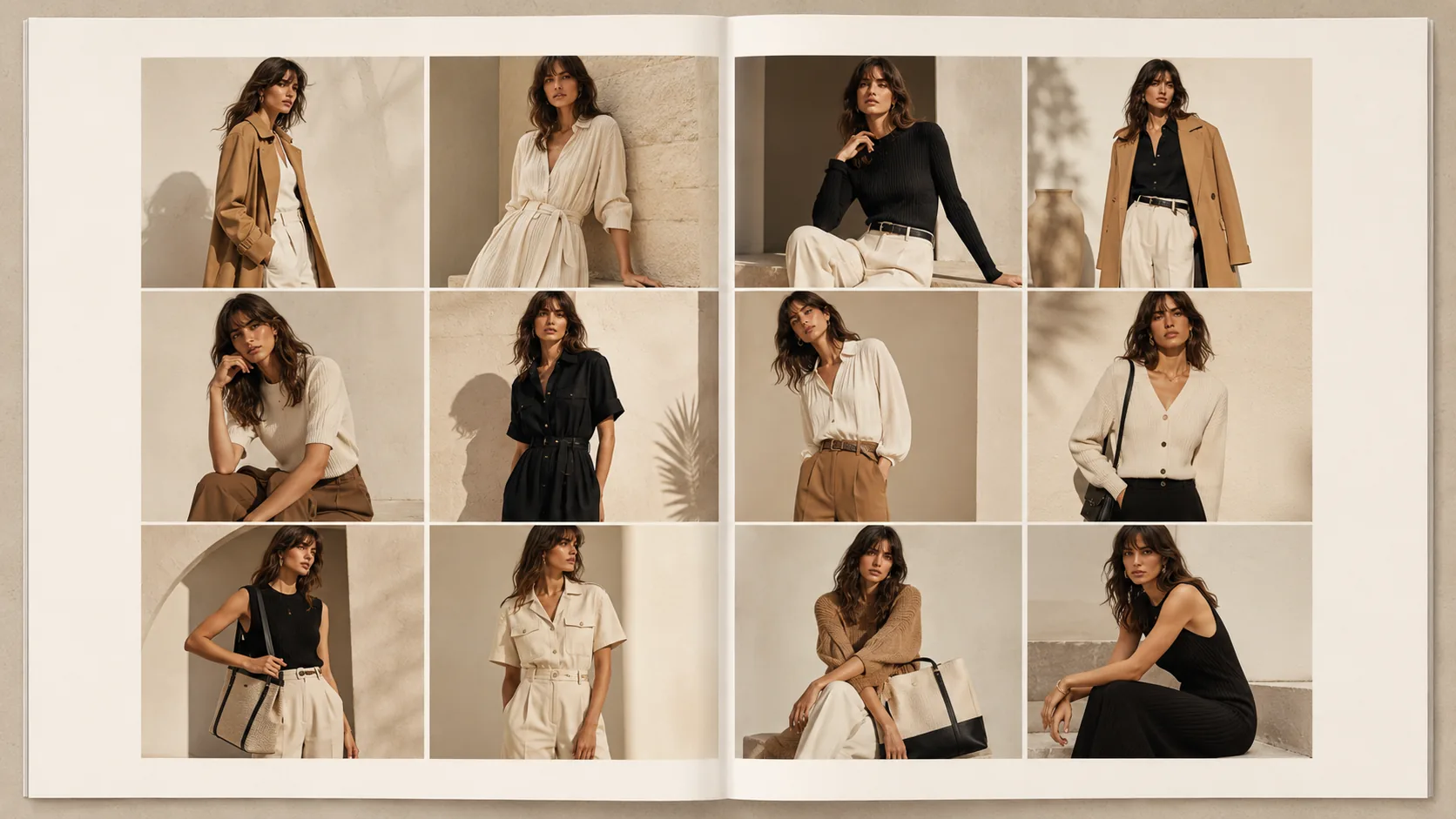
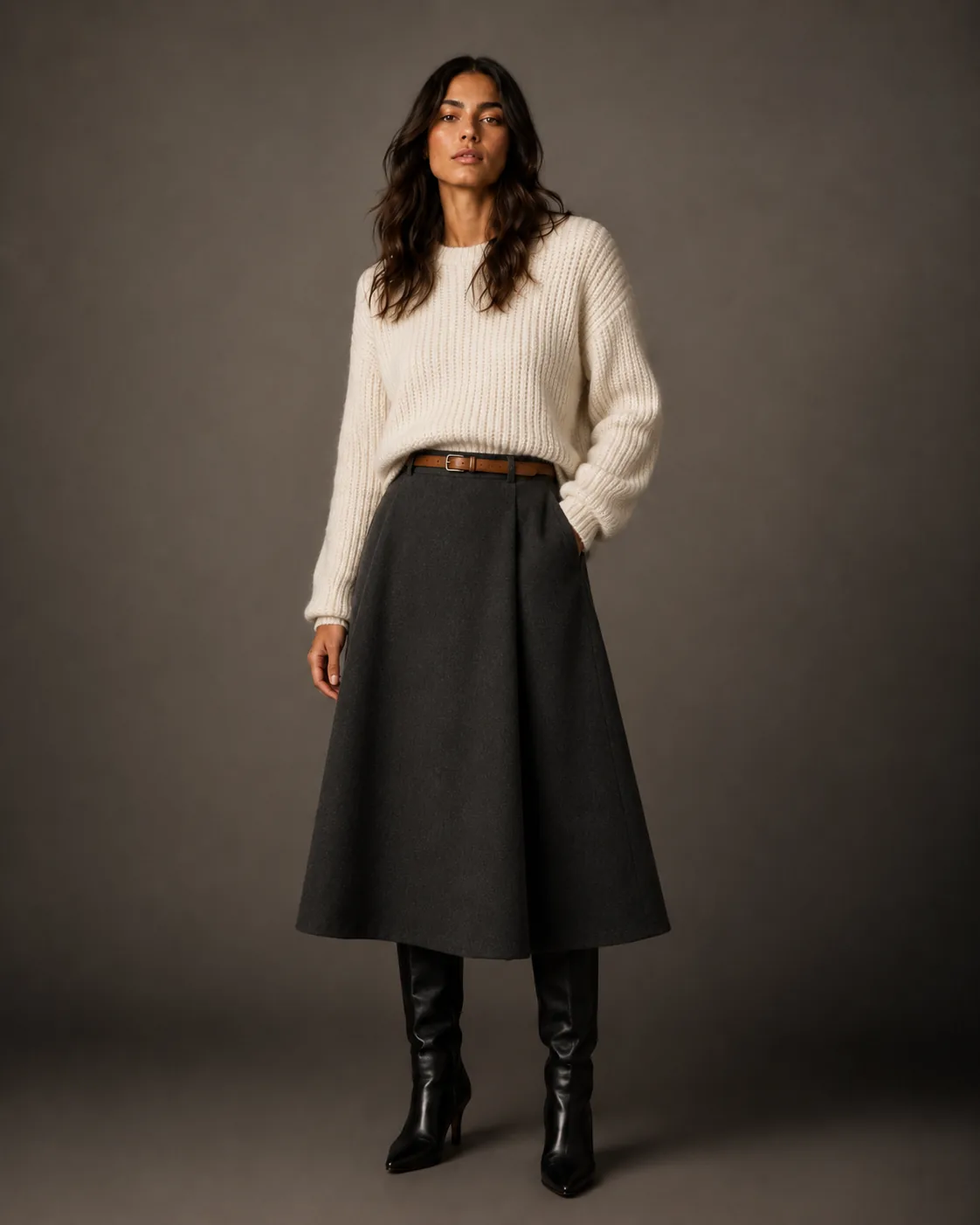
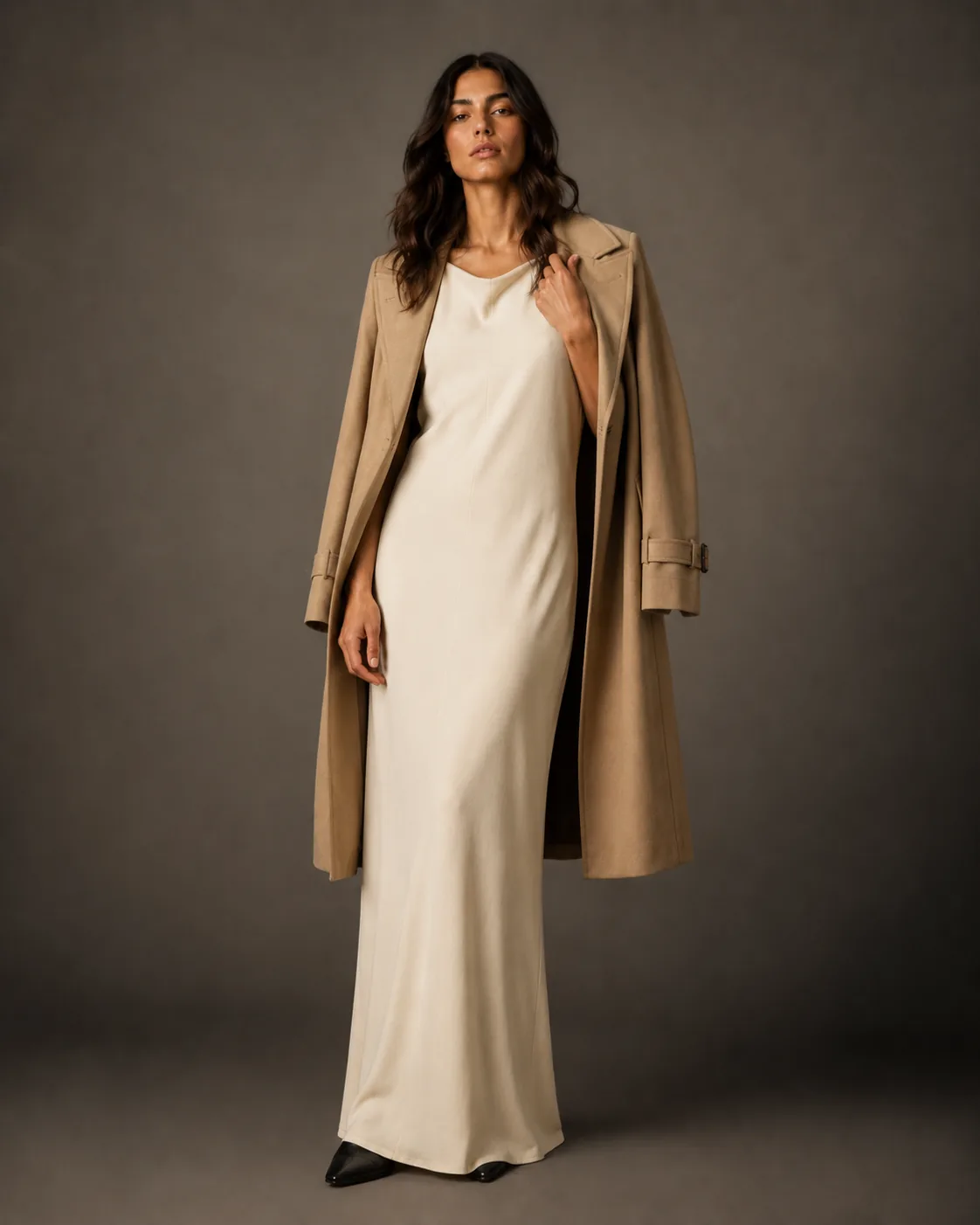
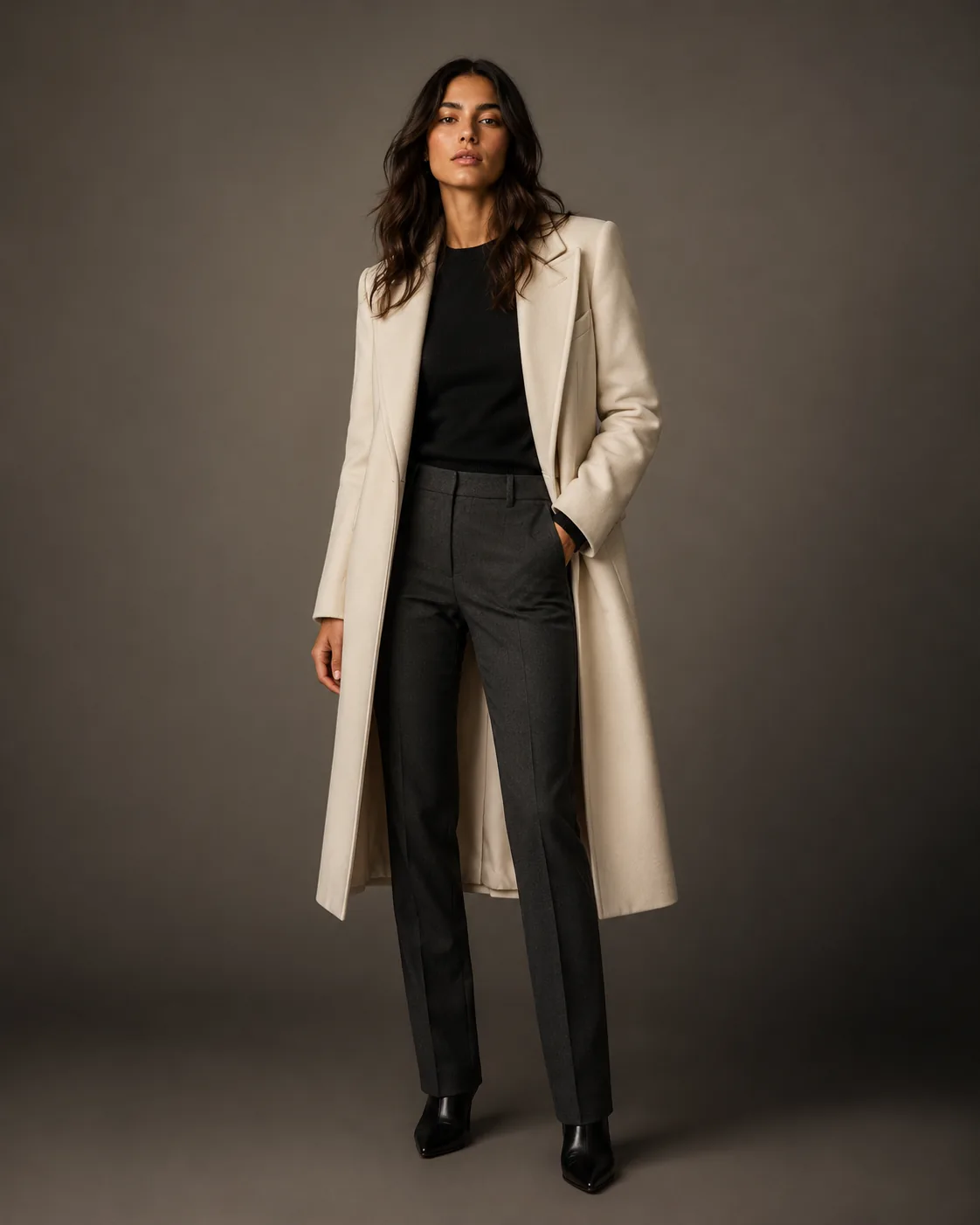
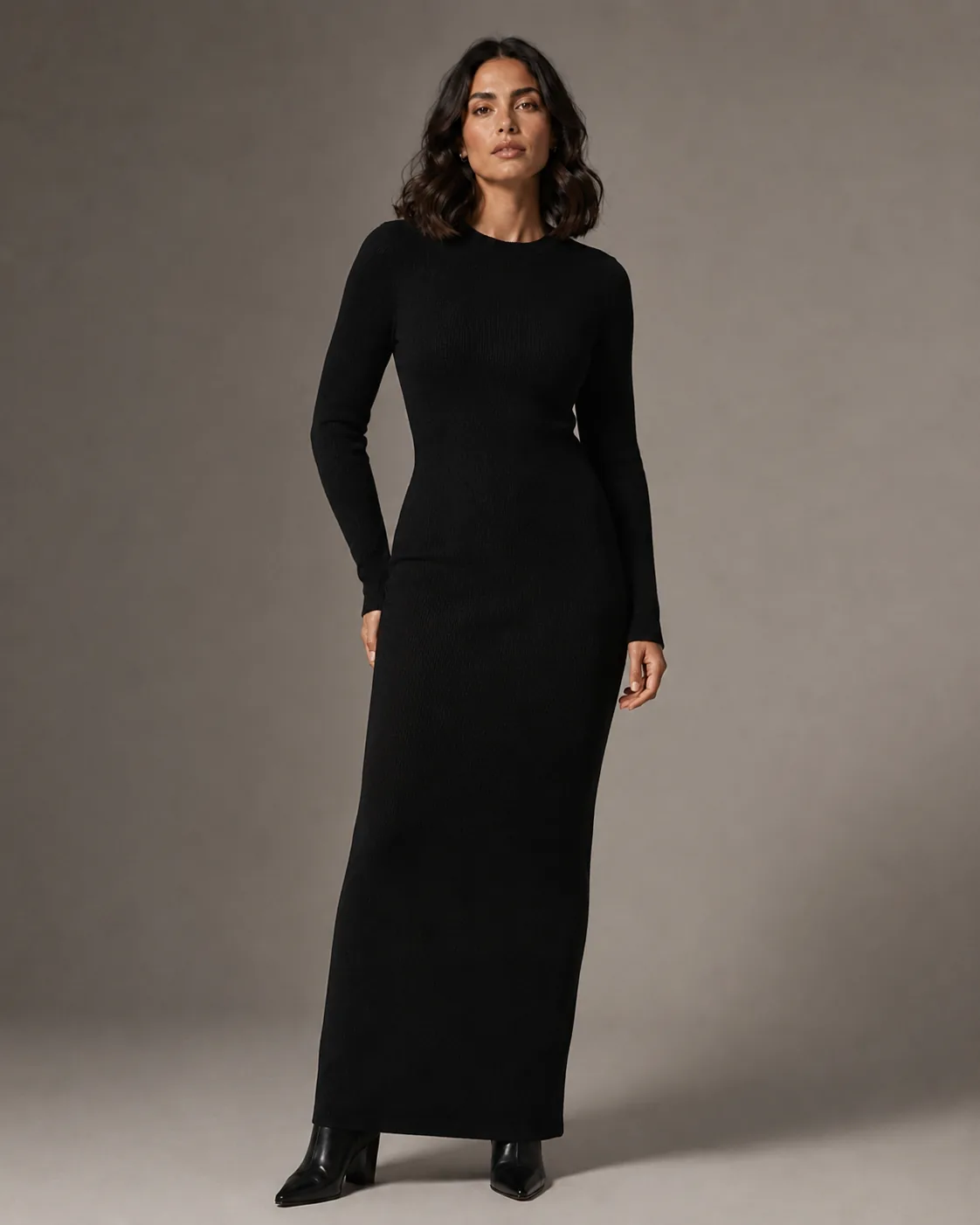
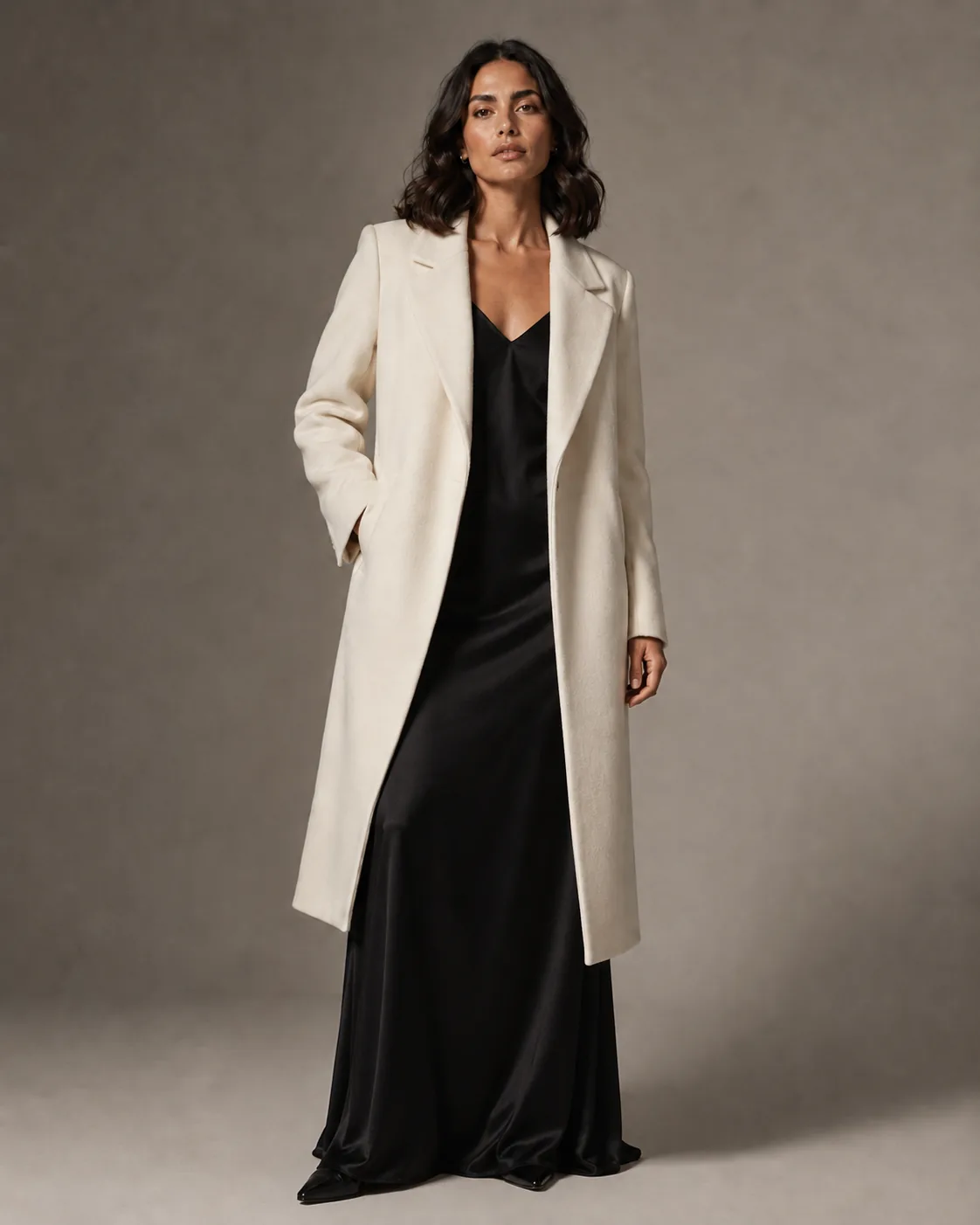
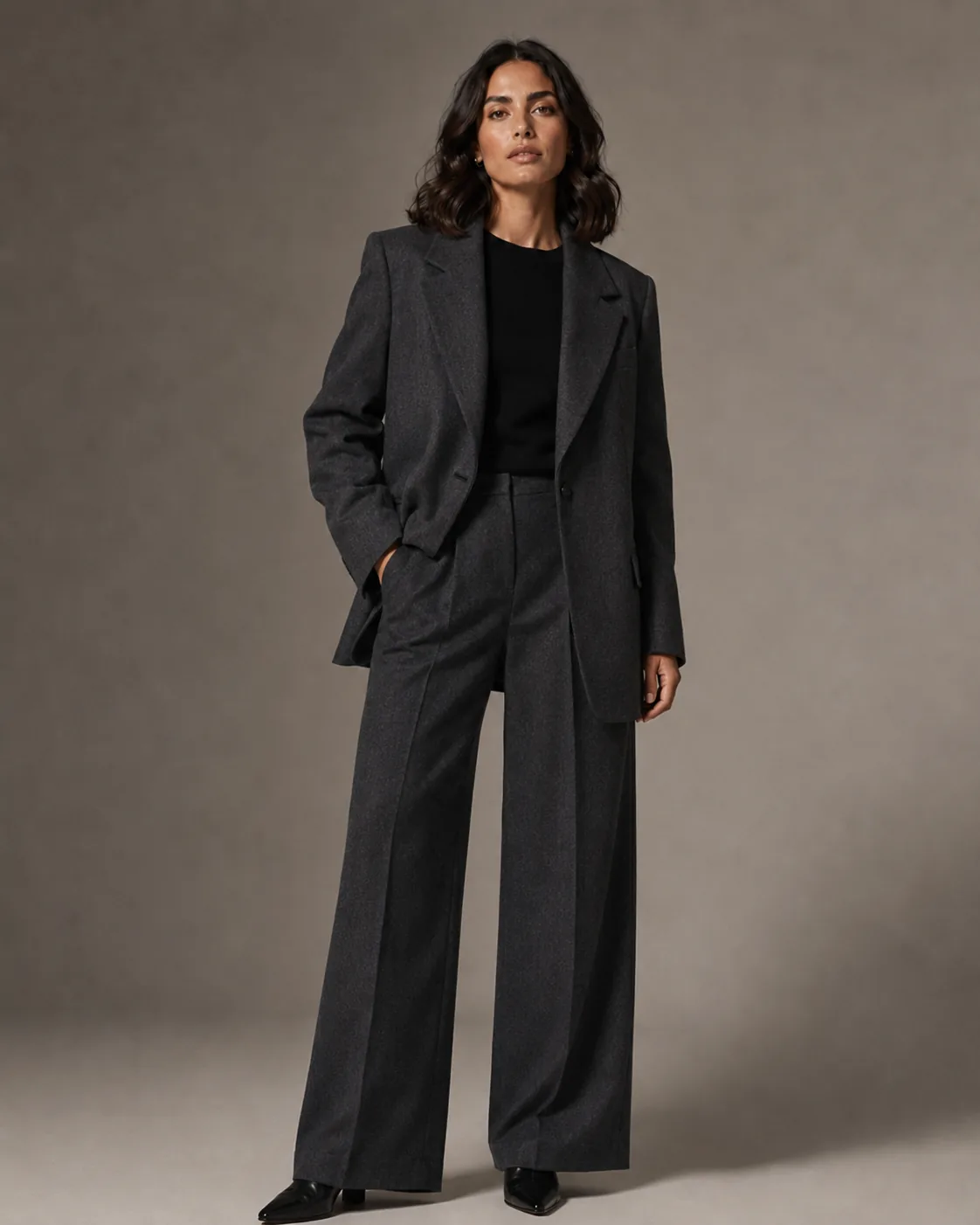
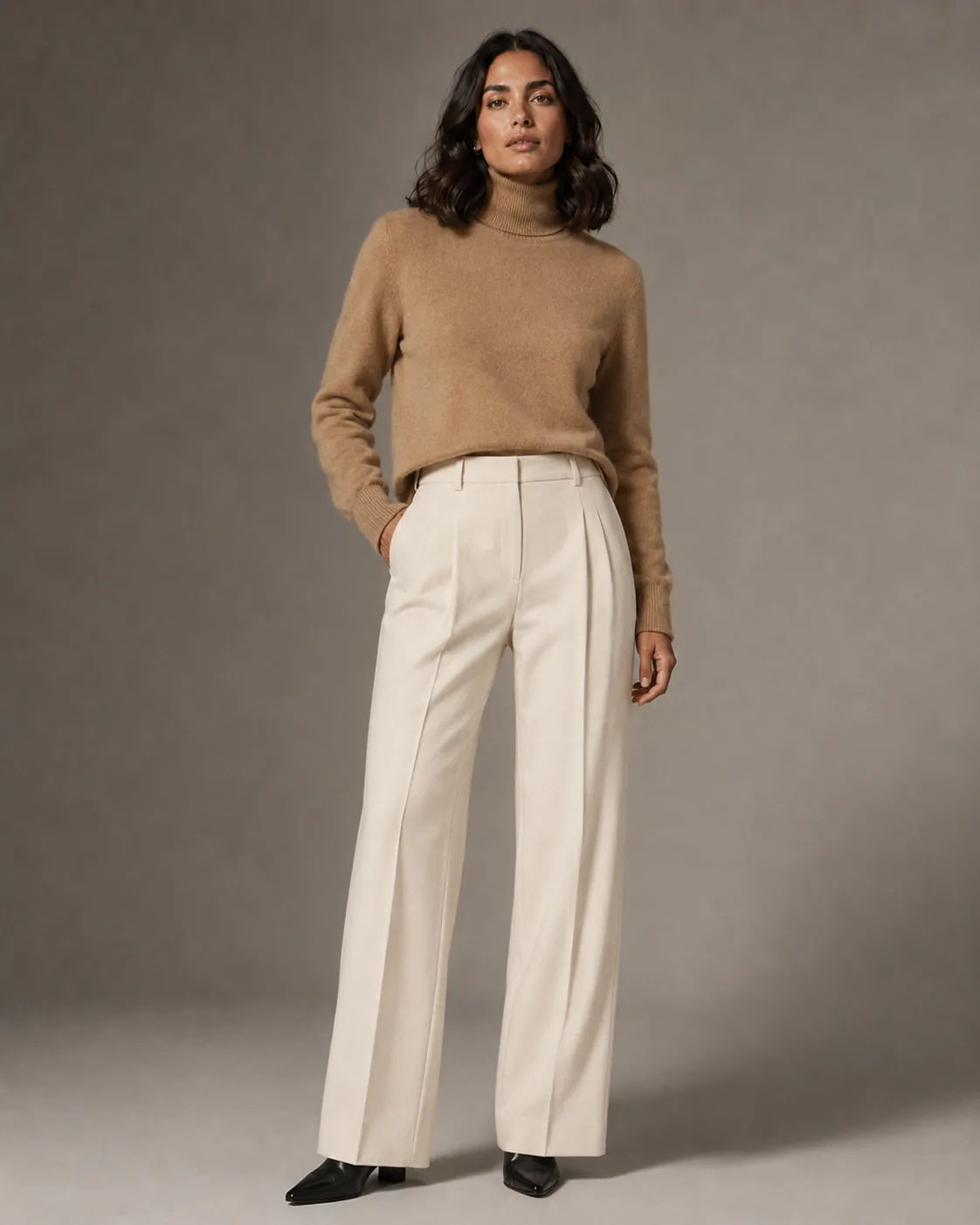
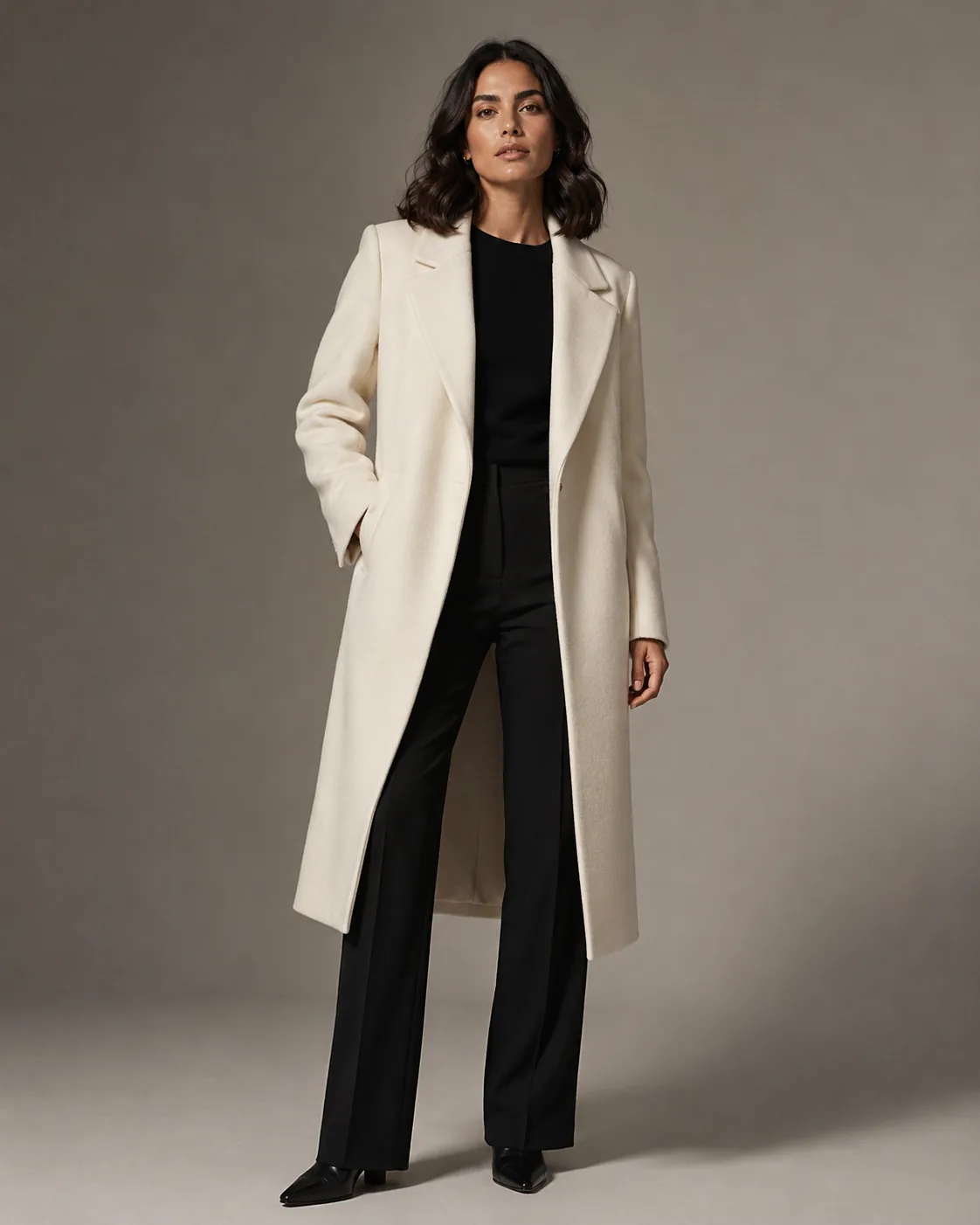
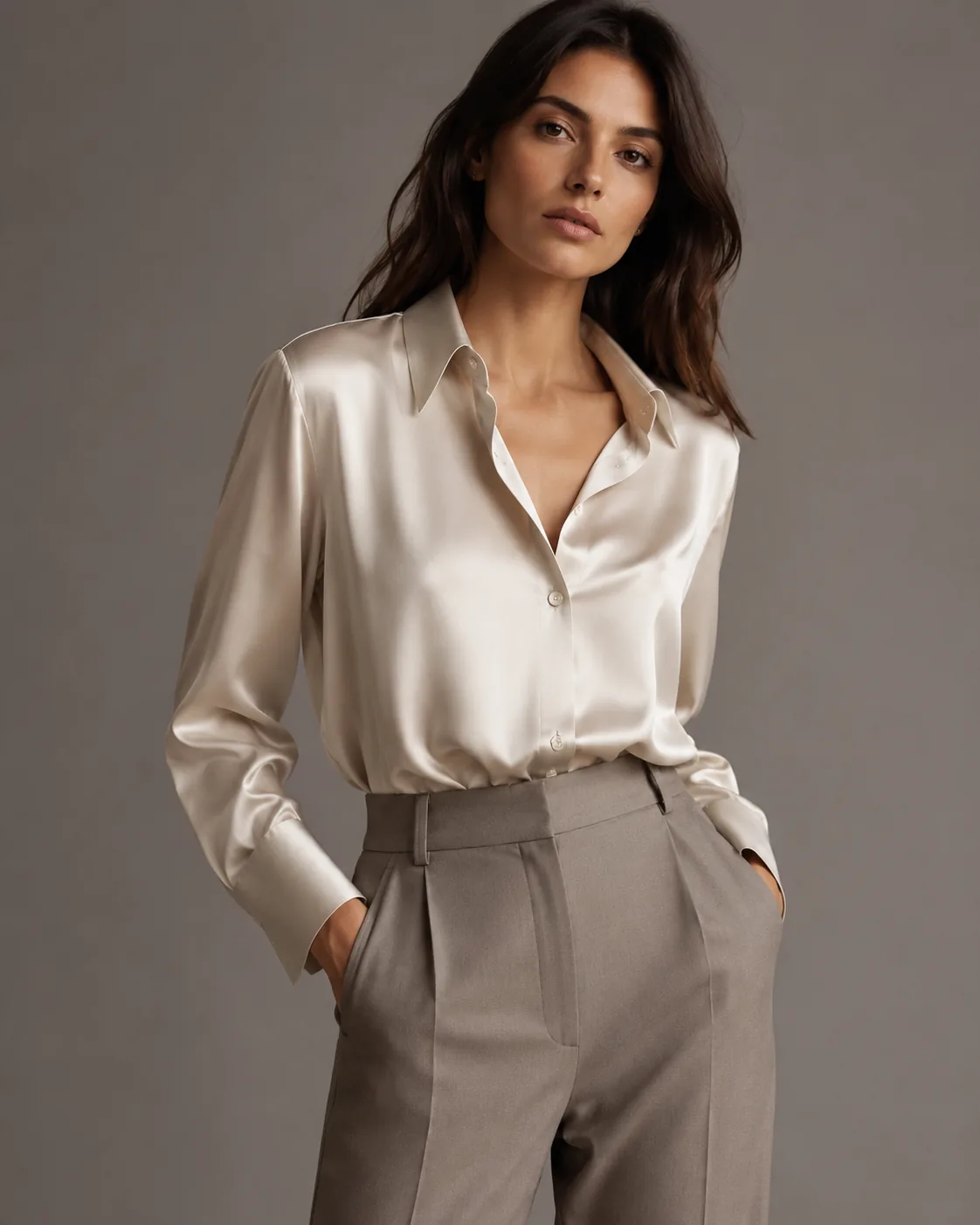
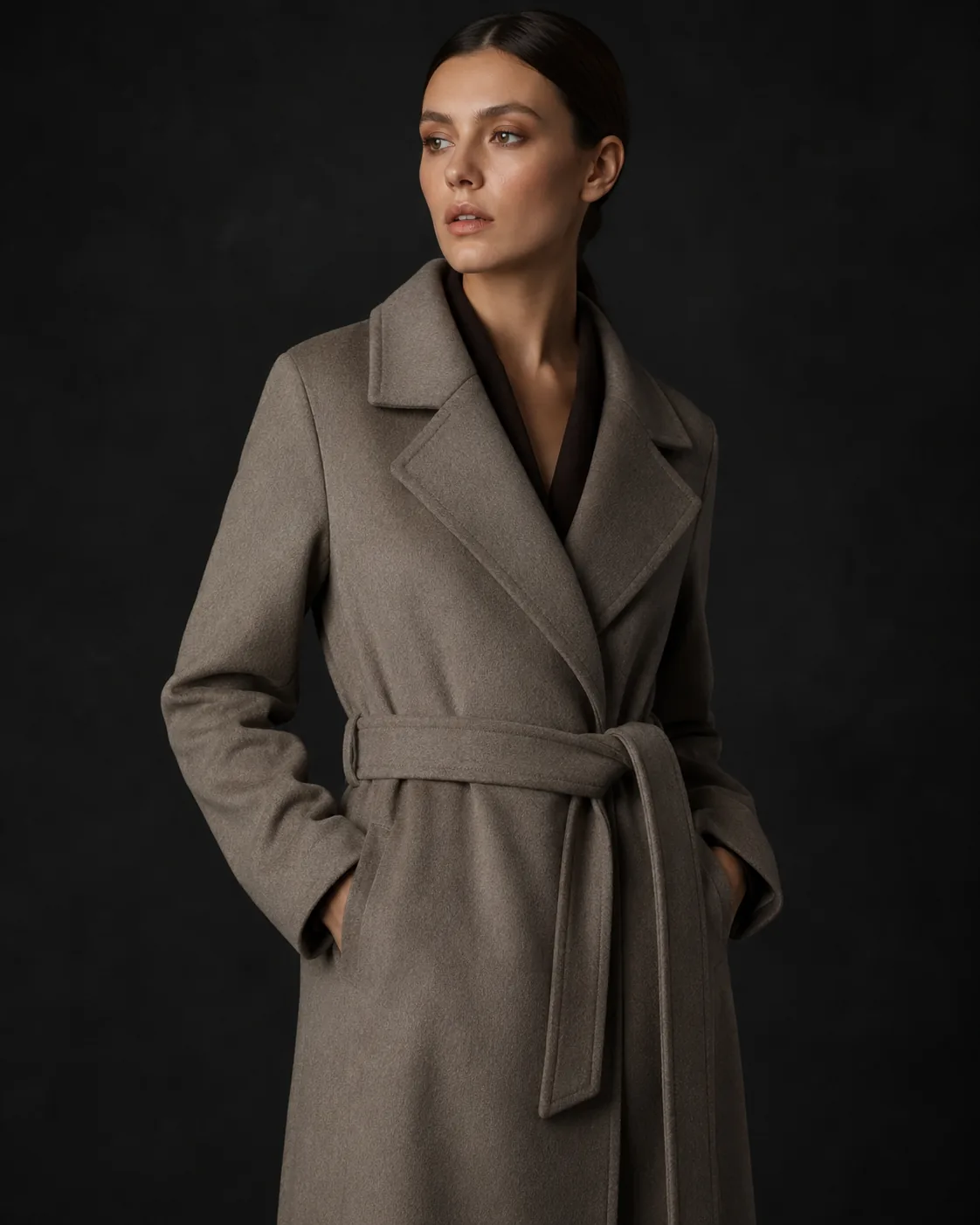
Twelve looks。一人のmodel。一つのafternoon。
capsule collectionを1回のCollection Photoshoot sessionでend-to-end処理します。以下のすべてのlookは同じpersona、同じlighting setup、同じcolor gradeを共有します。3つのshoot daysを予約するのではなく、1つのbatchで生成されます。
仕組み
Catalogをupload。Catalogを受け取る。
- 01
Collectionをアップロード
product imagesをbulk-uploadします。raw studio shots、hangers上のsamples、supplier photosなど、どのinput qualityでも使えます。
- 02
Creative directionを一度だけ設定
persona、lighting、scene、moodを一度定義します。sessionがそれをすべてのSKUへ自動的に適用します。
- 03
Review、approve、export
各shotを確認し、改善したいものを再生成して、最終セットをLibraryからダウンロードします。
Automationの理由
Collection photoshootには、かつて数か月かかっていました。
Casting、location、scheduling、shooting、editing、retouching、delivery。すべてのstepがbottleneckでした。Collection Photoshootはpipeline全体を圧縮します。
- すべてのSKUでconsistent
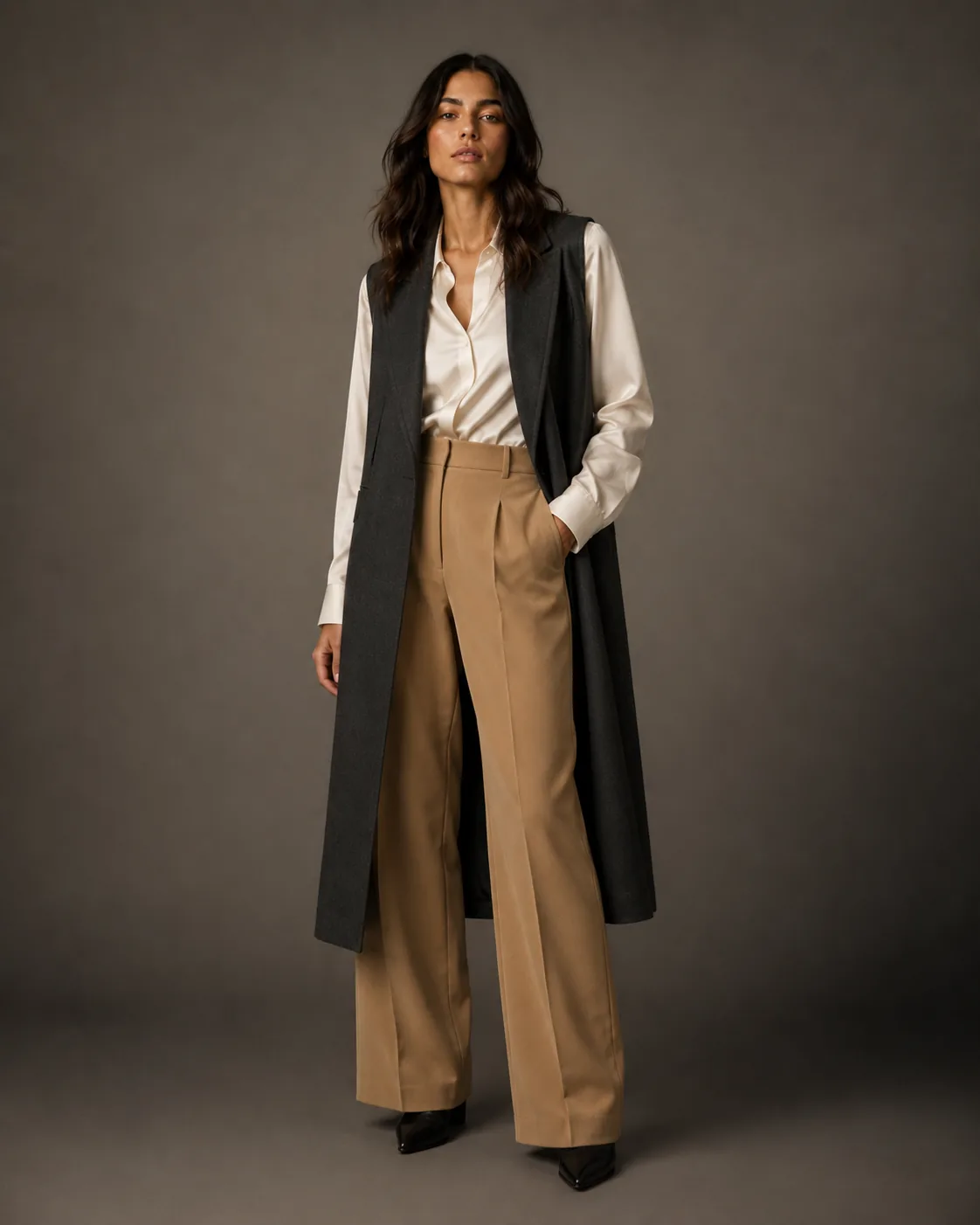
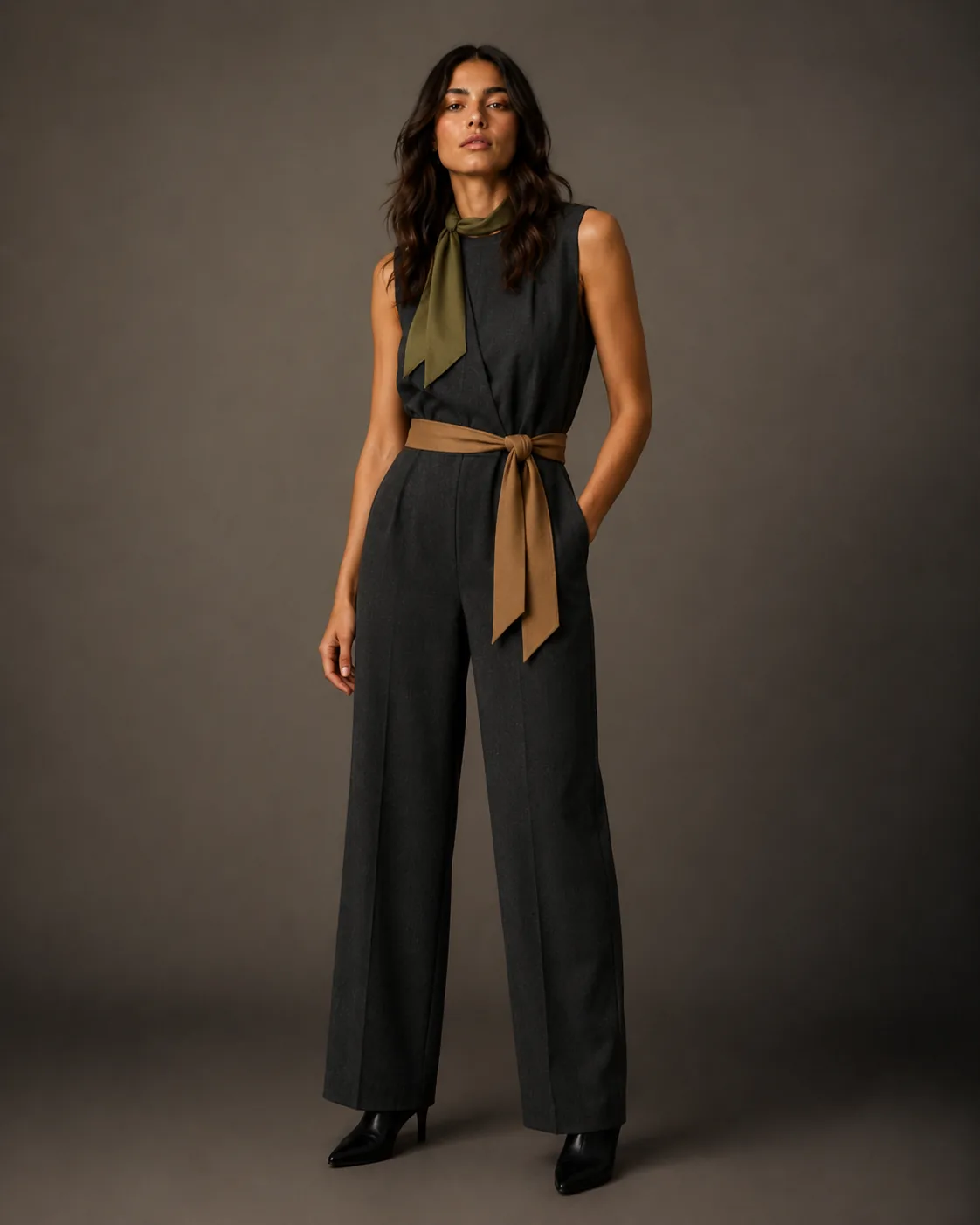
- 数百のproductsにわたってcasting、light、moodを統一します。premium catalogsを際立たせるvisual coherenceです。
- 非同期処理
- batchをsubmitし、tabを閉じ、completed queueに戻れます。generationをbabysitする必要はありません。
- Download前のQA
- 個別shot approvalにより、standardを満たすimagesだけをexportできます。大きなRAW libraryを手動でcullingする必要はありません。
- Seasonごとにiterative
- SSとAWのセッションで同じpersonasとcreative directionを再利用できます。drops間のconsistencyがsystematicになります。
よくある質問
Collection Photoshootに関するよくあるご質問
1回のセッションで何件のSKUを処理できますか?
強制的な上限はありません。処理は非同期で実行され、処理時間はボリュームとoutput resolutionに応じて変わります。
衣料、靴、バッグなどのカテゴリーを1つのセッションで混在させられますか?
はい。モジュールがgarmentカテゴリーを自動検出し、SKUごとに適切な生成方法を適用します。Mixed-category collectionsも1回のアップロードで処理できます。
セッション開始後に新しいSKUを追加するとどうなりますか?
各セッションは、開始時に選択したSKUを処理します。新しいアイテムには、同じpersonasとcreative directionでフォローアップセッションを開始してください — 一貫性はsetupを通じて引き継がれます。
最終確定前に個別ショットをQAして却下できますか?
はい。使用する前にLibraryで生成された各shotを確認し、基準に達しない個別のSKUを再生成できます。