

Coming to House
The full catalog. One session.
Upload your entire collection, set the casting and creative direction once, and generate consistent on-brand imagery for every single SKU — while your team works on the next season.
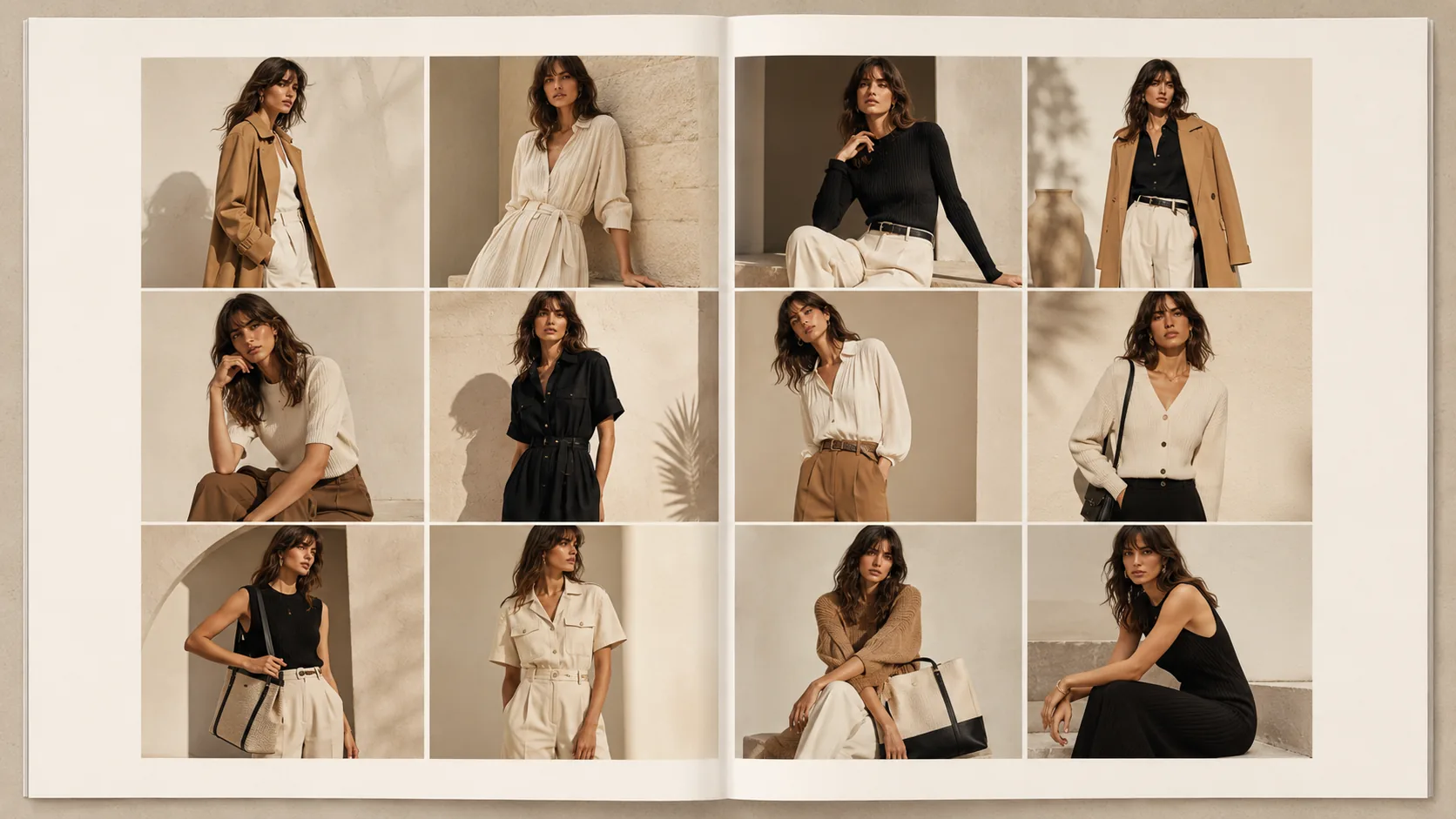
One sitting
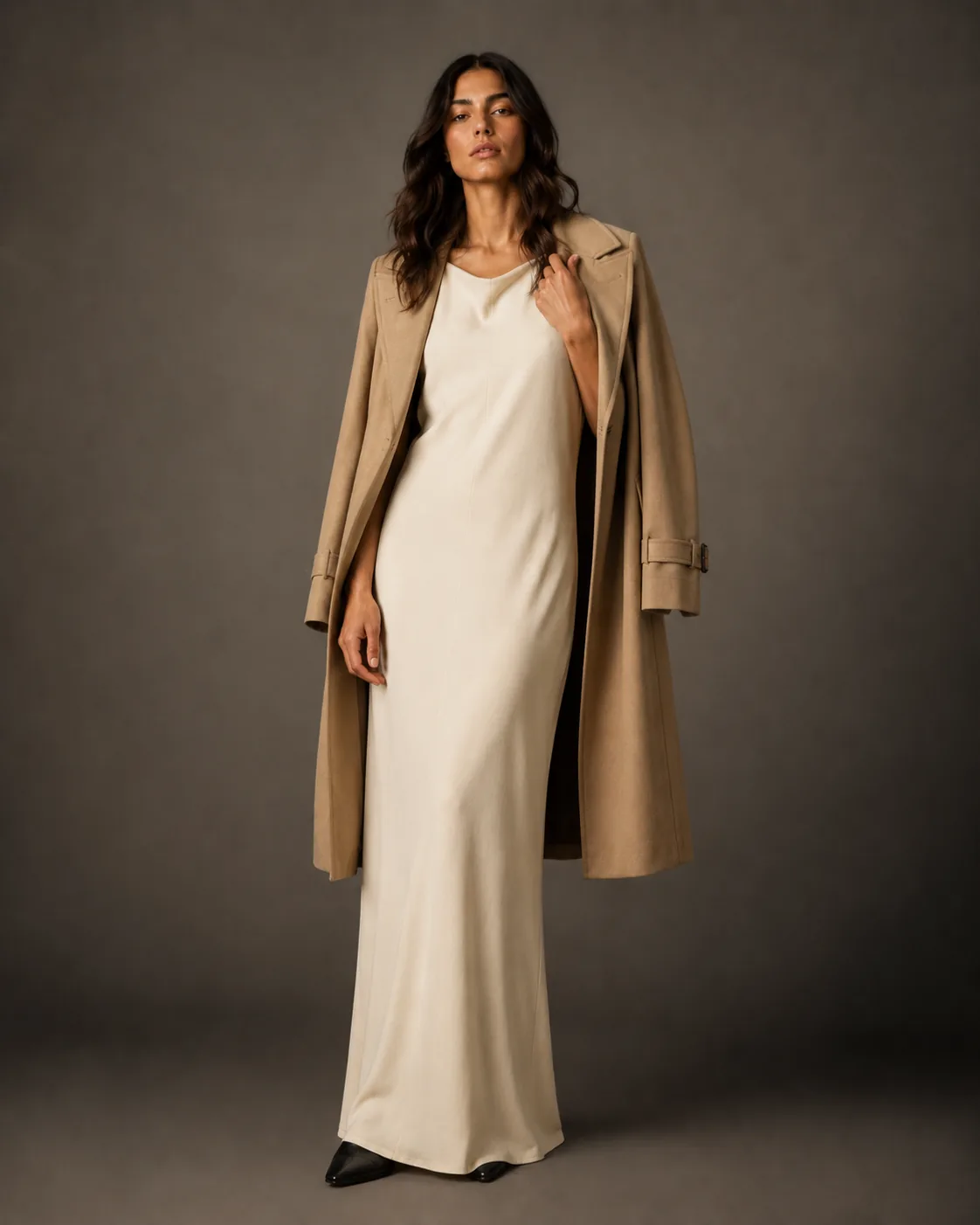
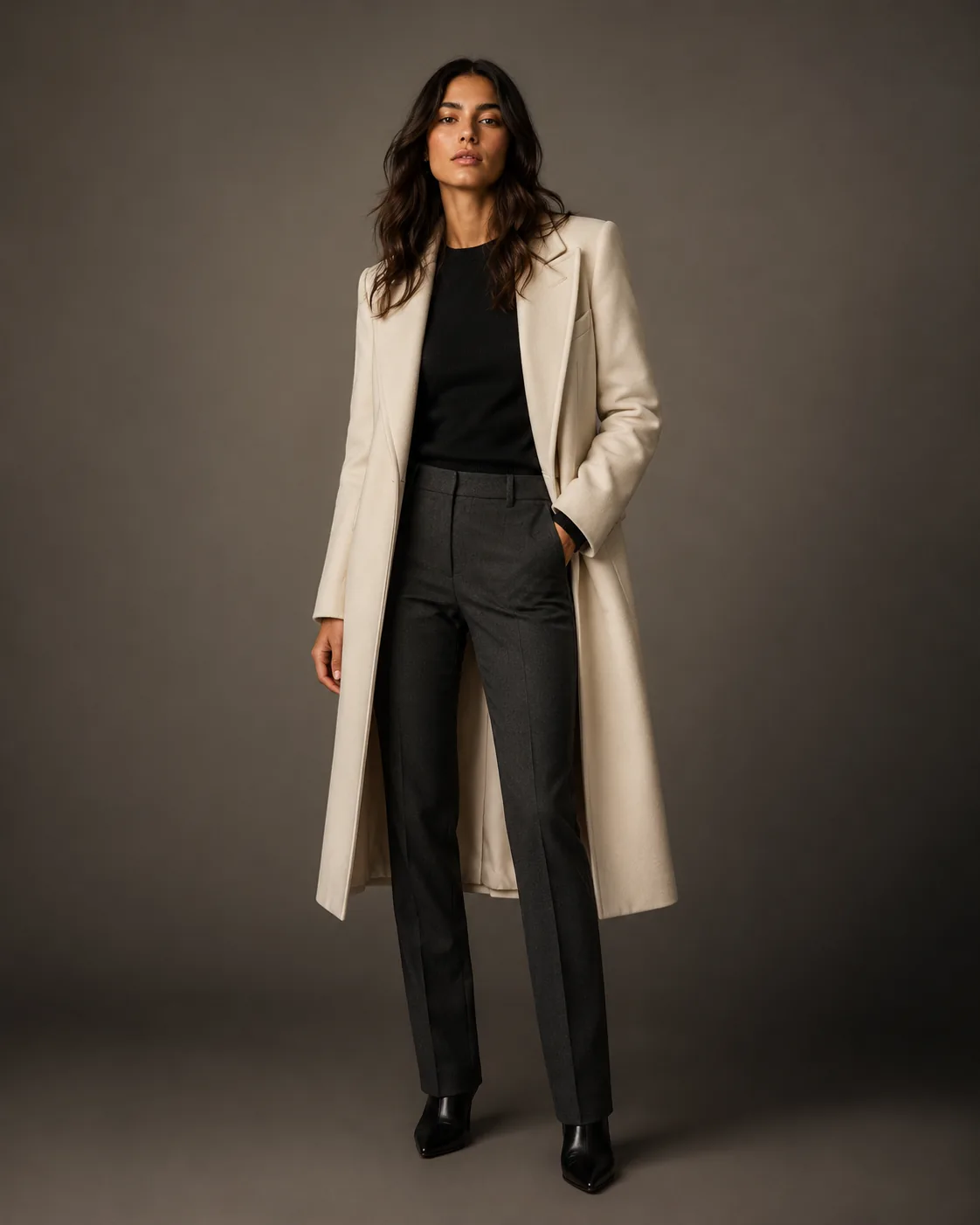
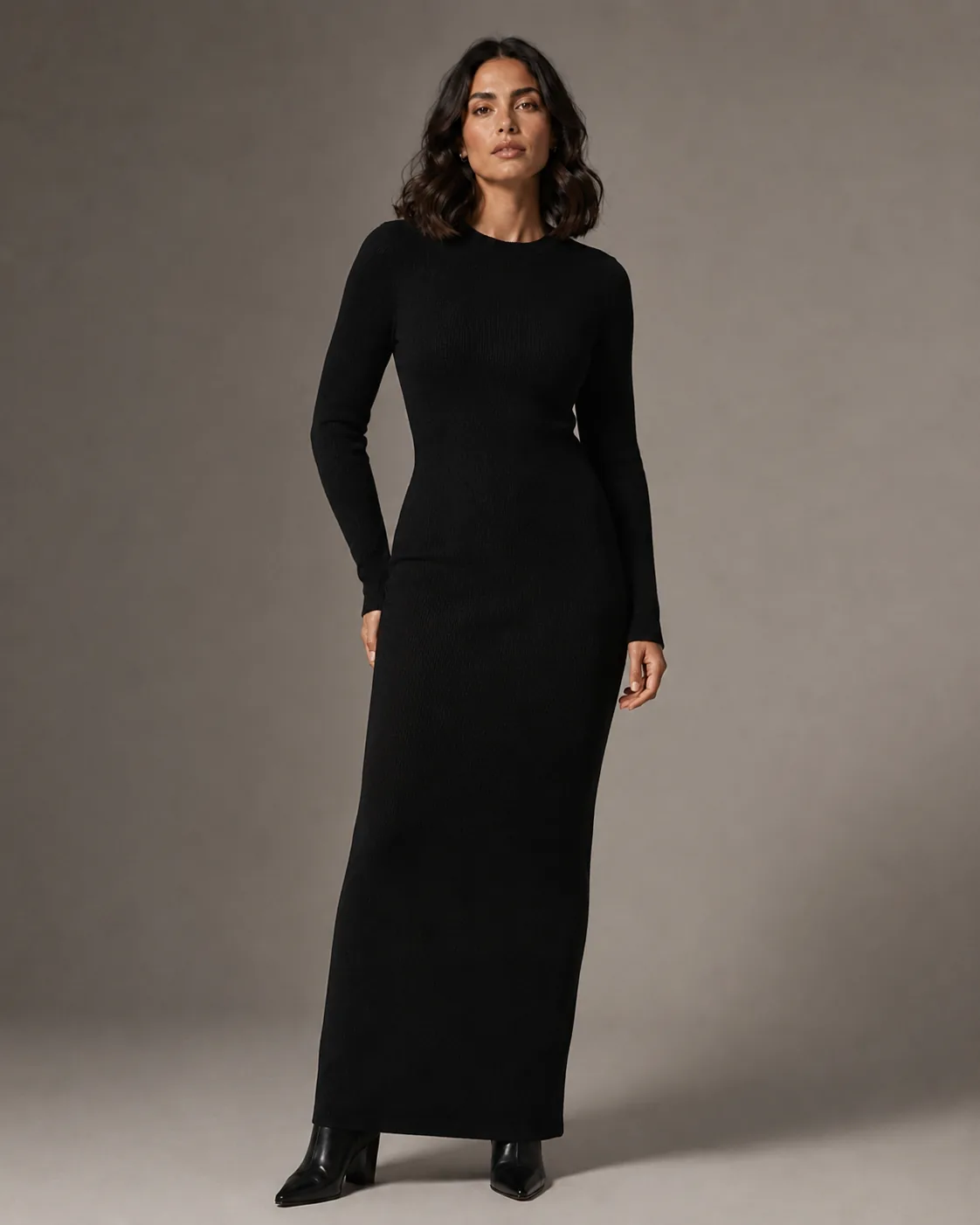
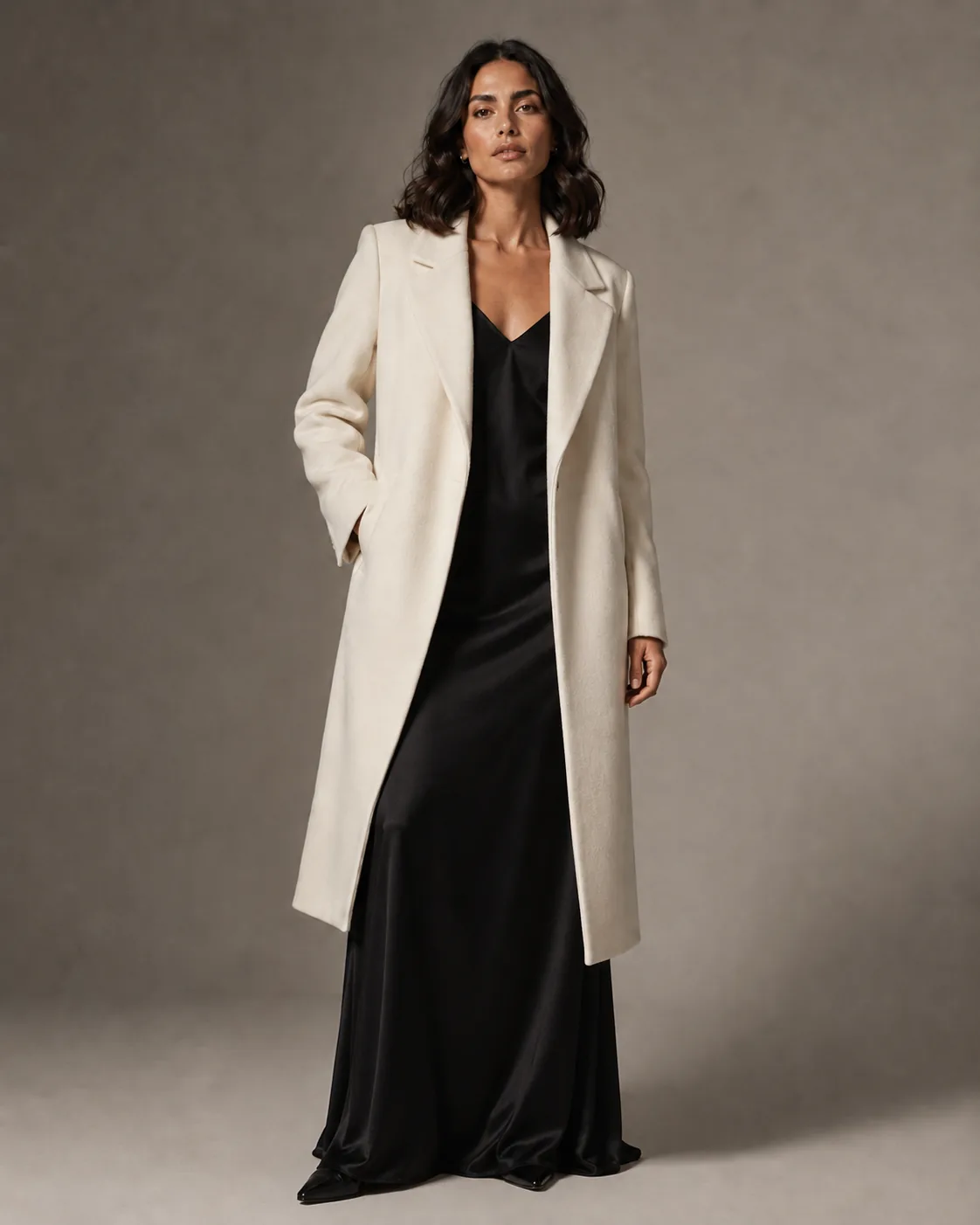
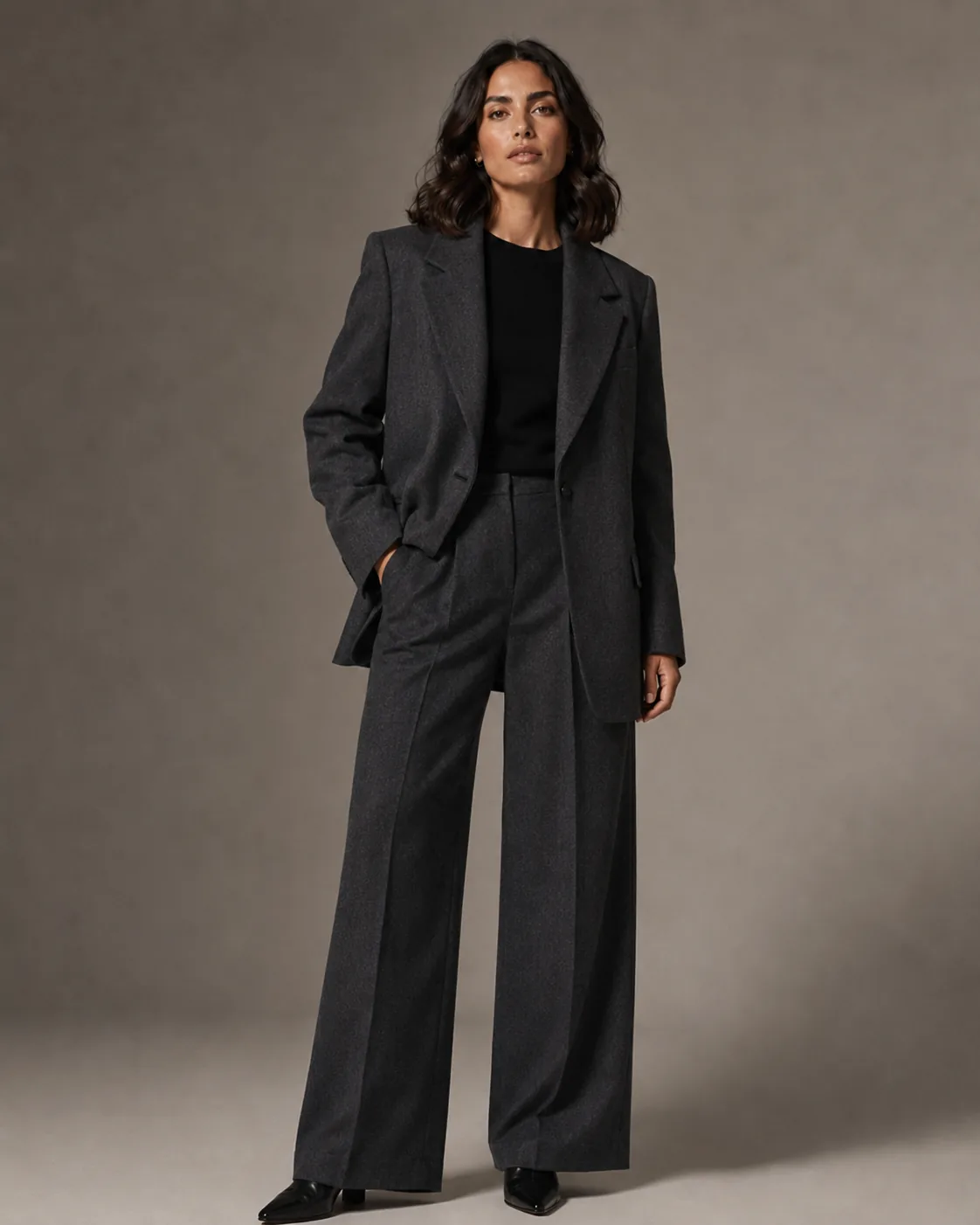
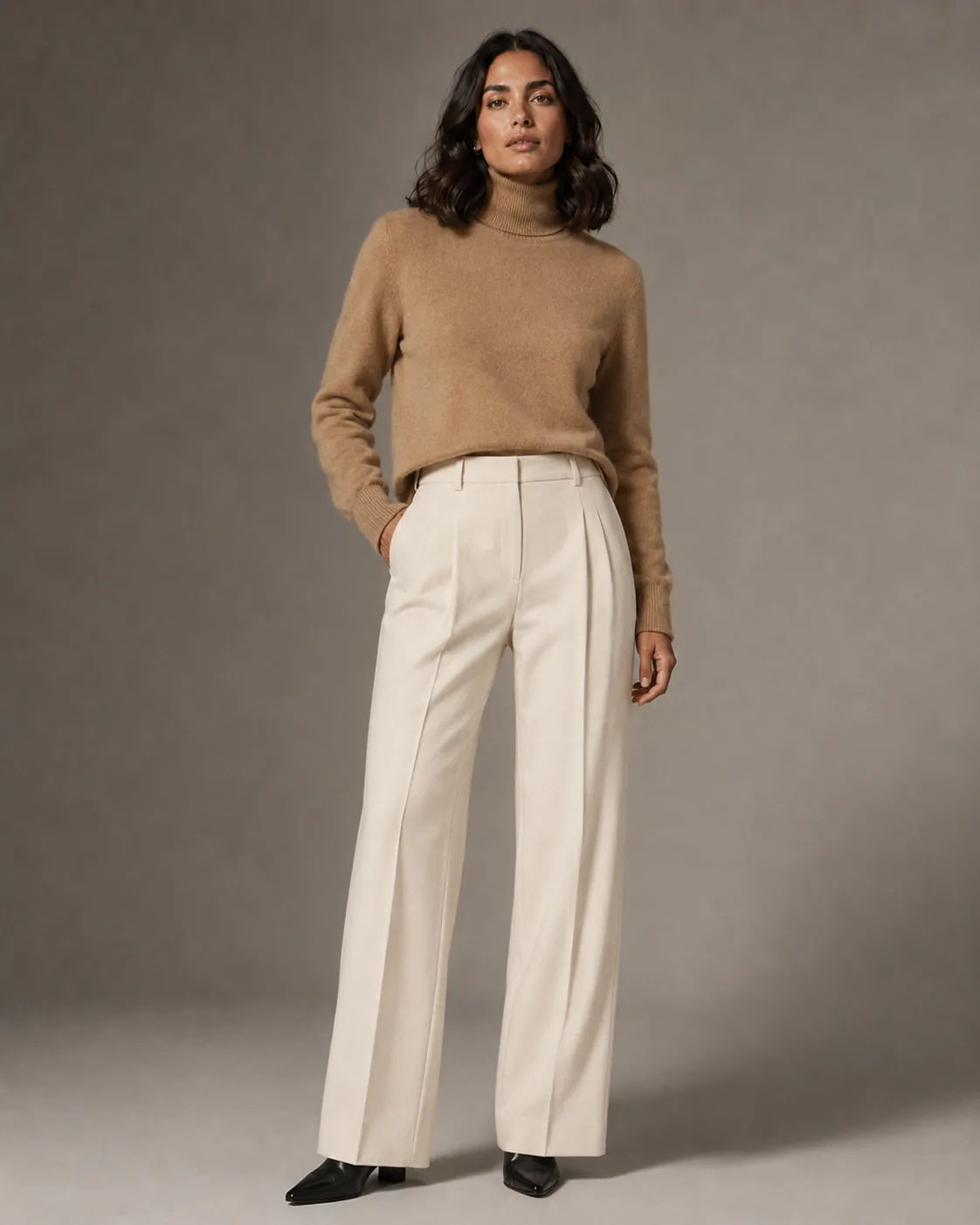
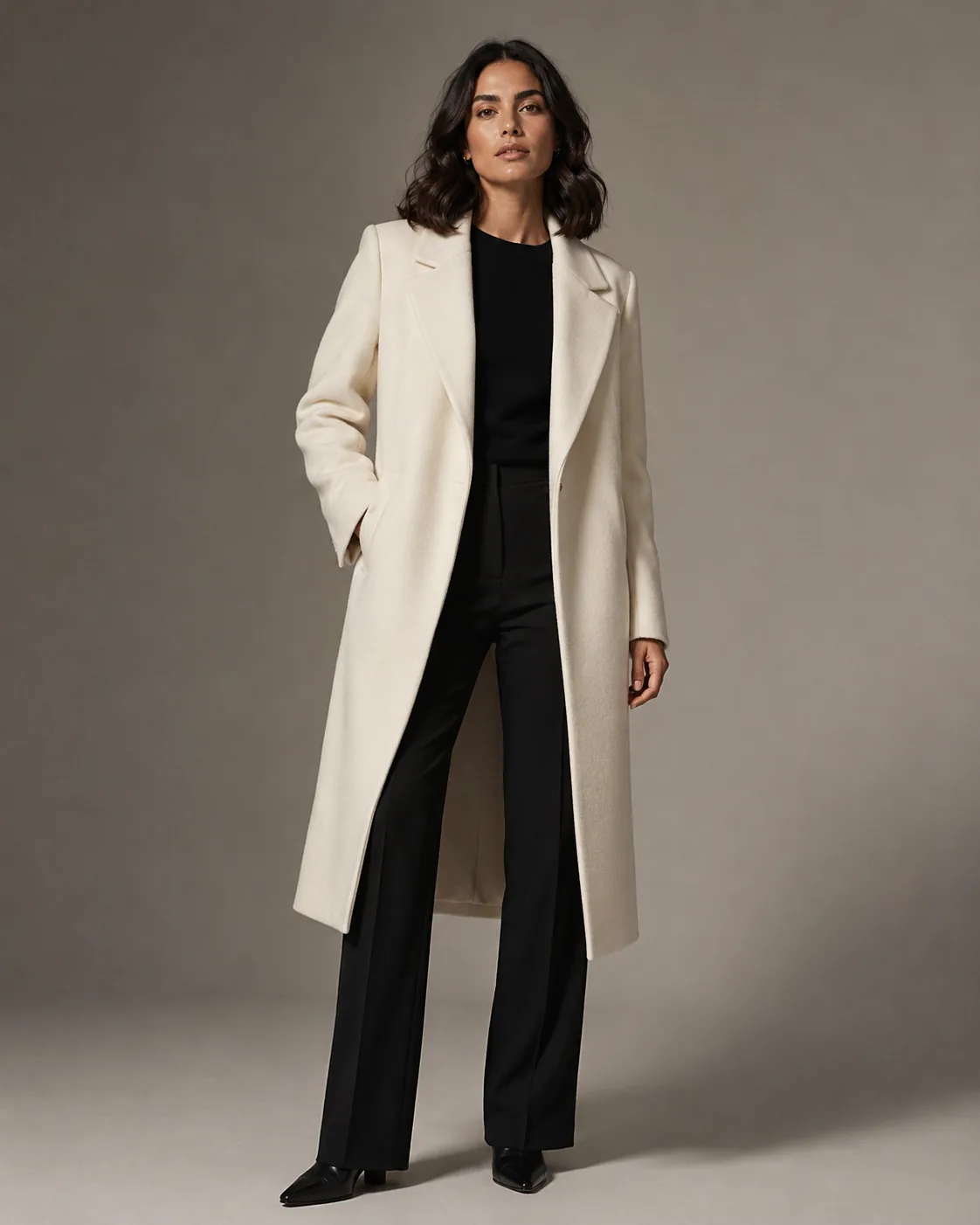
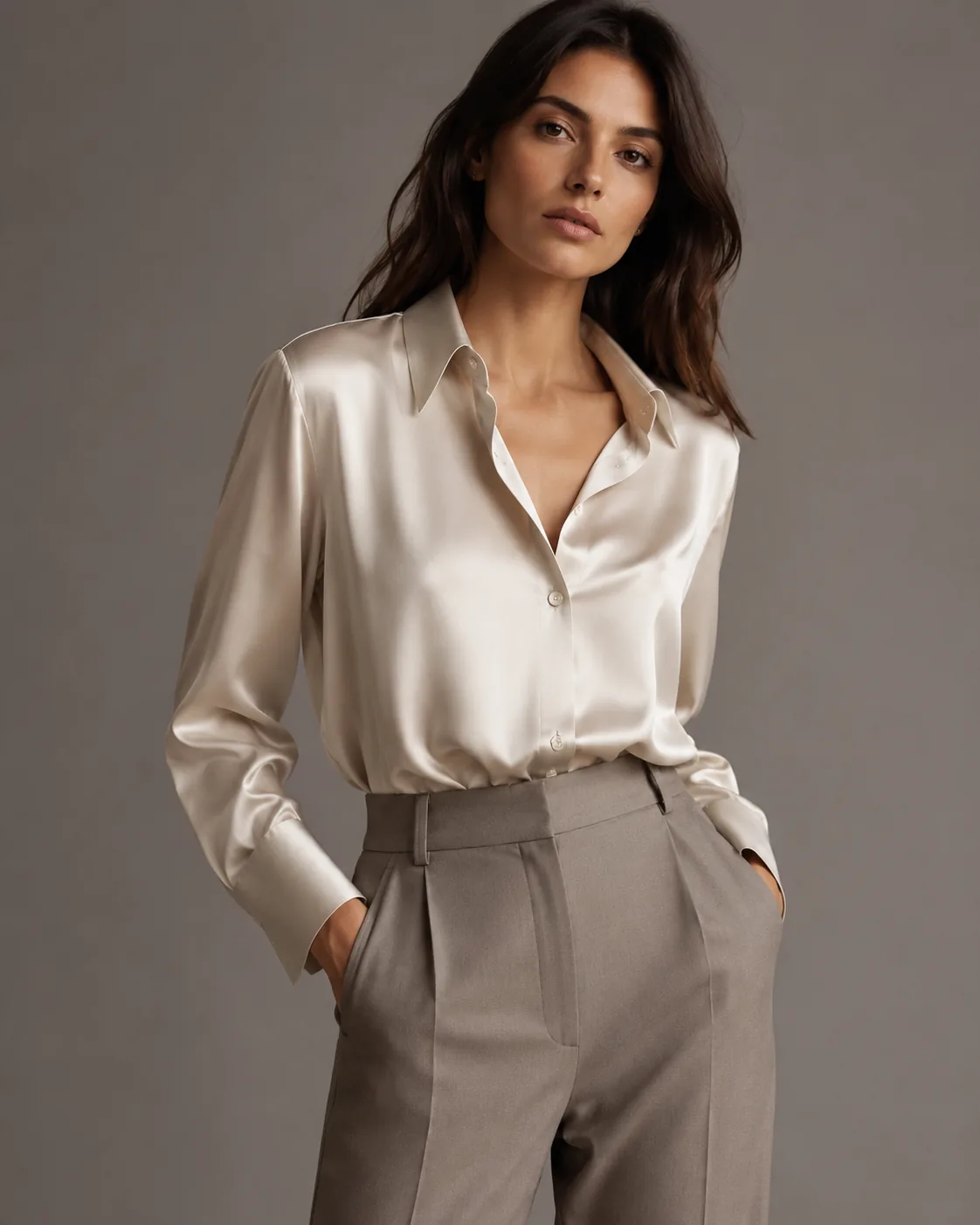
Twelve looks. One model. One afternoon.
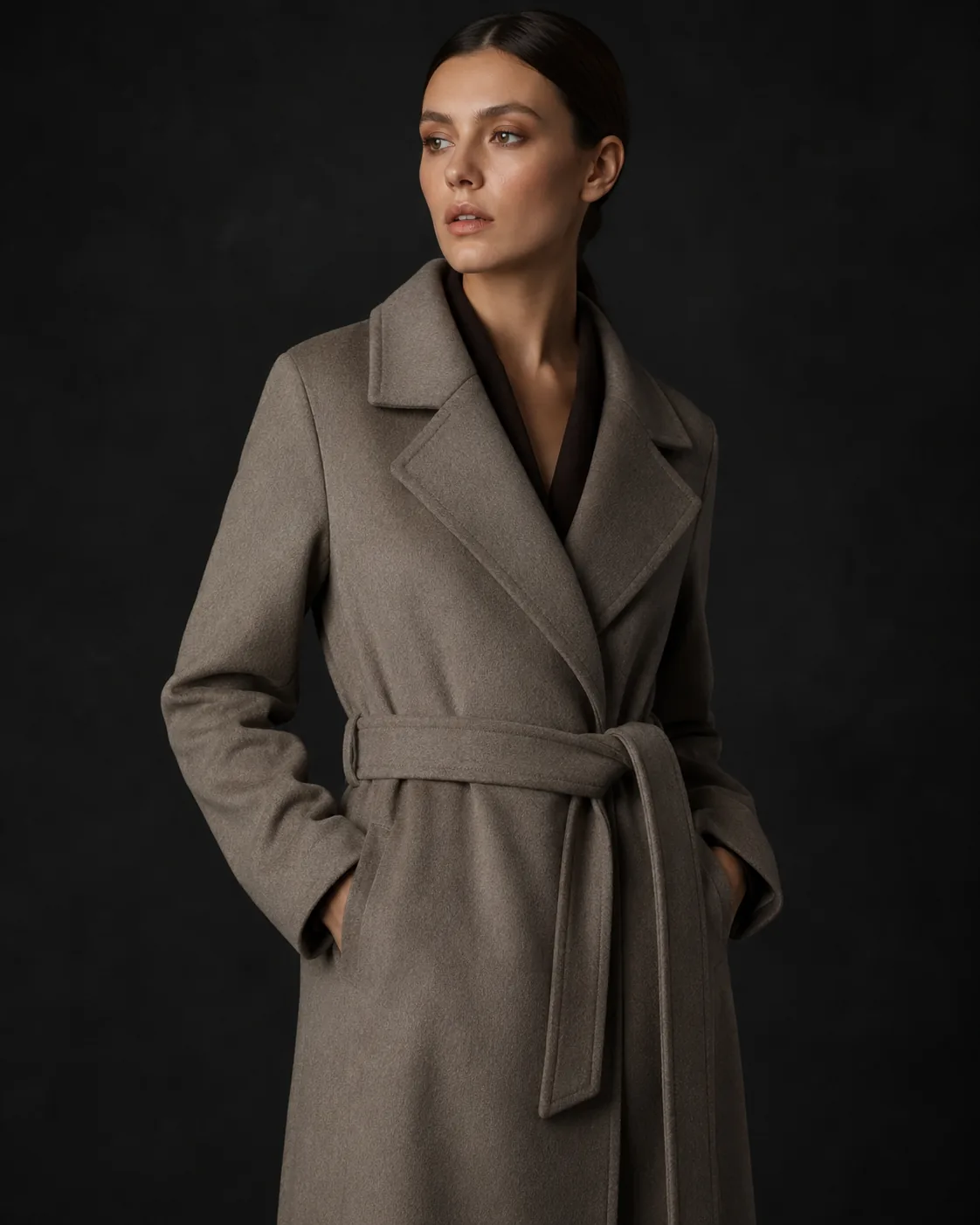
A capsule collection processed end-to-end in a single Collection Photoshoot session. Every look below shares the same persona, the same lighting setup, the same color grade — generated in one batch, not booked across three shoot days.
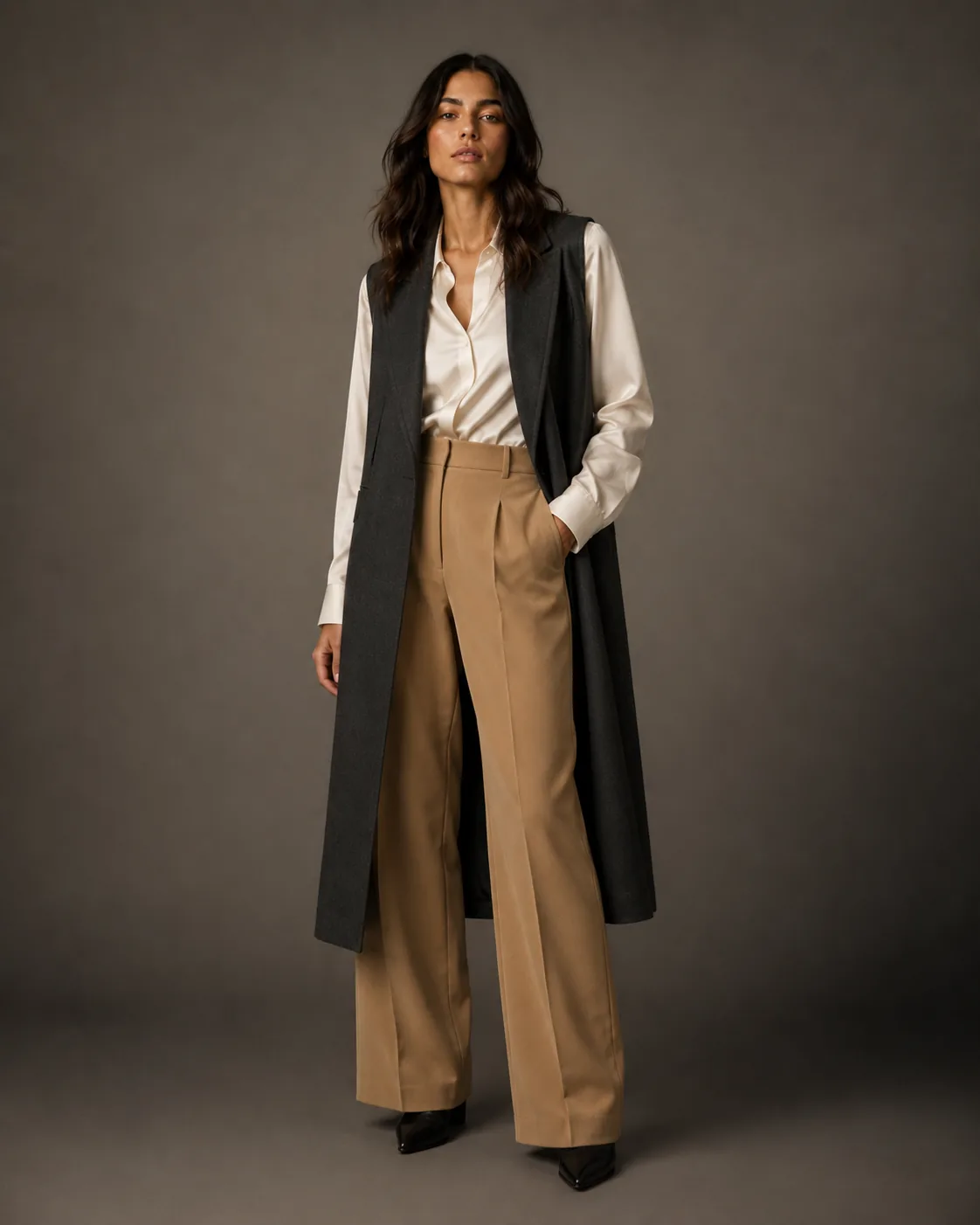
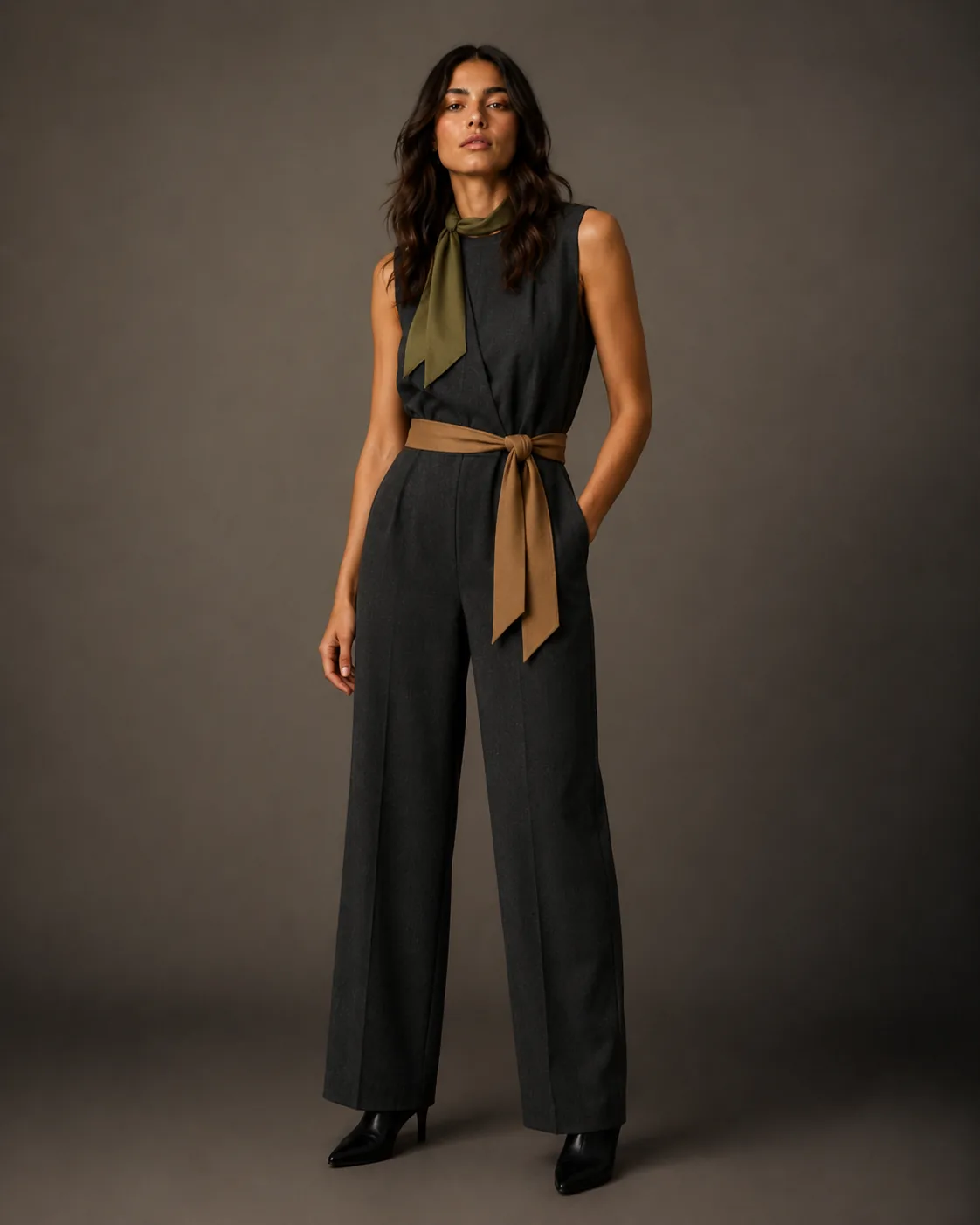
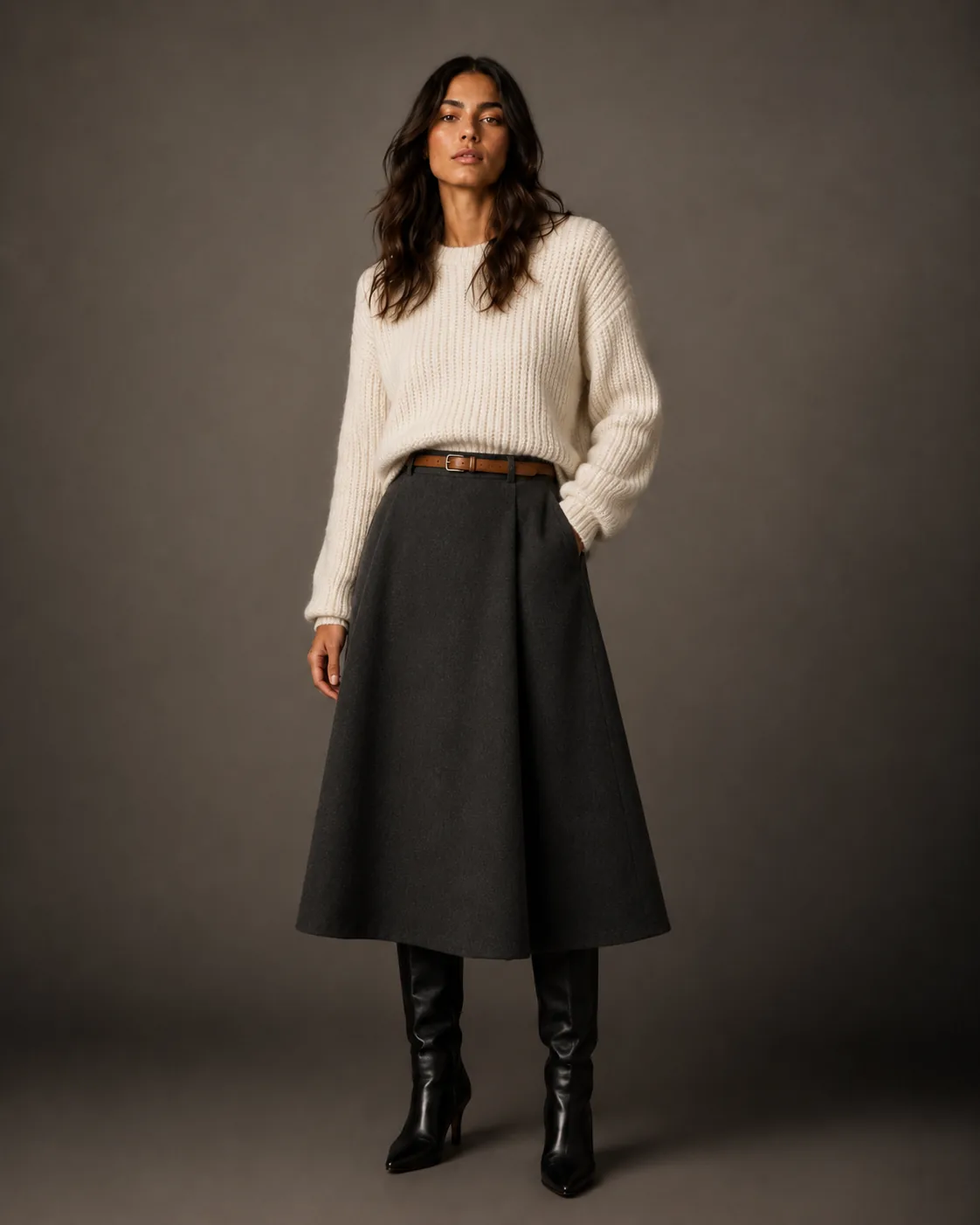
How it works
Upload catalog. Receive catalog.
- 01
Upload the collection
Bulk-upload your product images — raw studio shots, samples on hangers, supplier photos. Any input quality works.
- 02
Set creative direction once
Define persona, lighting, scene, and mood one time. The session applies it to every SKU automatically.
- 03
Review, approve, export
Review each shot, regenerate the ones you want to improve, and download the final set from your Library.
The case for automation
A collection photoshoot used to take months.
Casting, location, scheduling, shooting, editing, retouching, delivery. Each step a bottleneck. Collection Photoshoot compresses the entire pipeline.
- Consistent across every SKU
- Uniform casting, light, and mood across hundreds of products — the visual coherence that separates premium catalogs.
- Asynchronous processing
- Submit a batch, close the tab, come back to a completed queue. No need to babysit the generation.
- QA before download
- Individual shot approval means you only export images that meet your standard — no manual culling of a large RAW library.
- Iterative by season
- Reuse the same personas and creative direction for SS and AW sessions. Consistency across drops becomes systematic.
Questions
Collection Photoshoot — answered.
How many SKUs can I process in one session?
There is no enforced limit. Processing runs asynchronously and time scales with volume and output resolution.
Can I mix categories — clothing, shoes, bags — in one session?
Yes. The module auto-detects garment category and applies the appropriate generation approach per SKU. Mixed-category collections are handled in a single upload.
What happens if I add new SKUs after the session starts?
Each session processes the SKUs you selected at the start. For new pieces, start a follow-up session with the same personas and creative direction — consistency carries over through your setup.
Can I QA and reject individual shots before finalising?
Yes. Review every generated shot in your Library before you use it, and regenerate any individual SKU that does not meet the bar.