
Coming to House
Moodboard in. Campaign out.
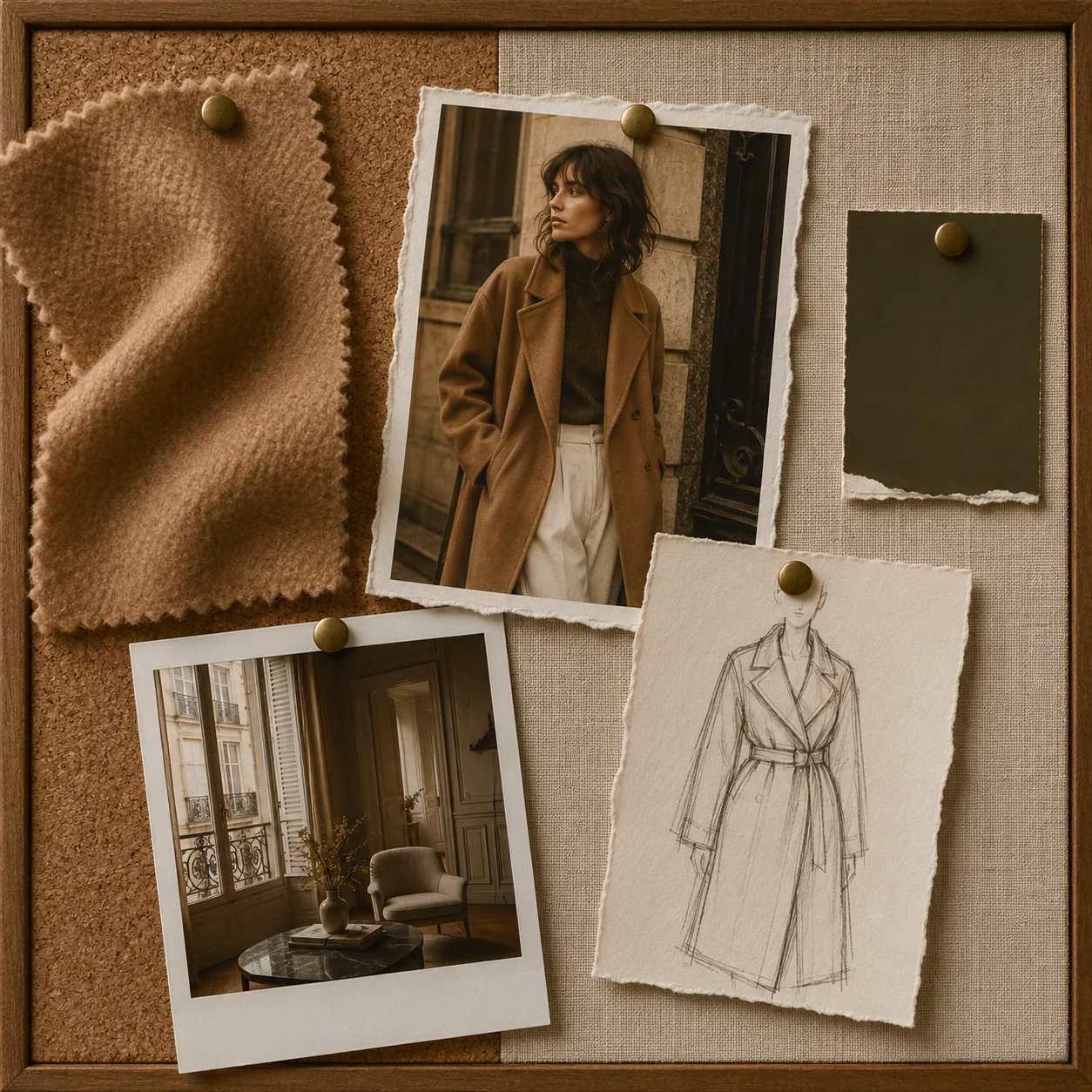
Assemble a moodboard of reference images that capture the feeling of your campaign. Board Look analyses the visual language across all of them and generates a cohesive look that honours the collective direction — not any single image.
From board to brand-ready imagery
Drop the board. We translate the mood into a campaign.
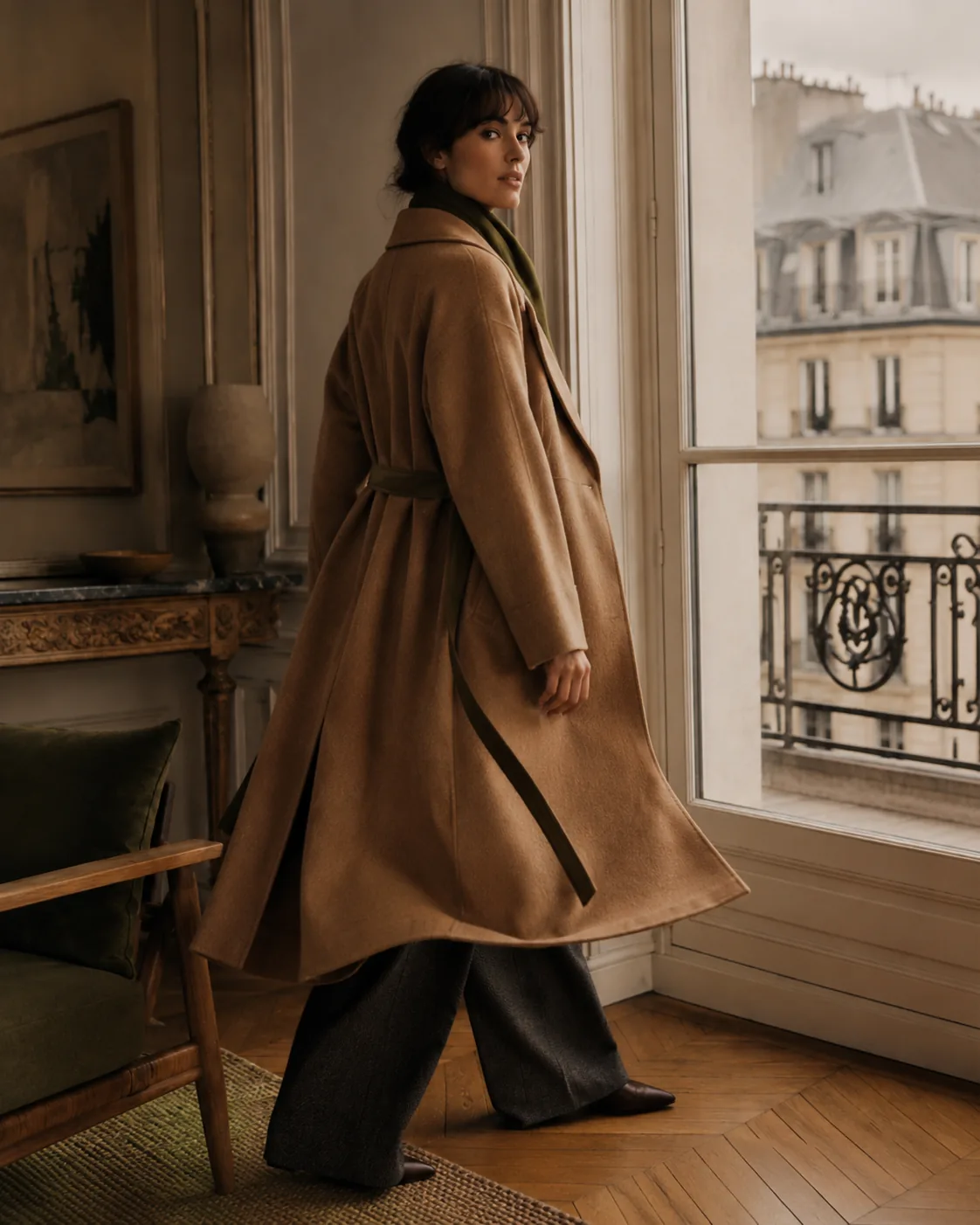
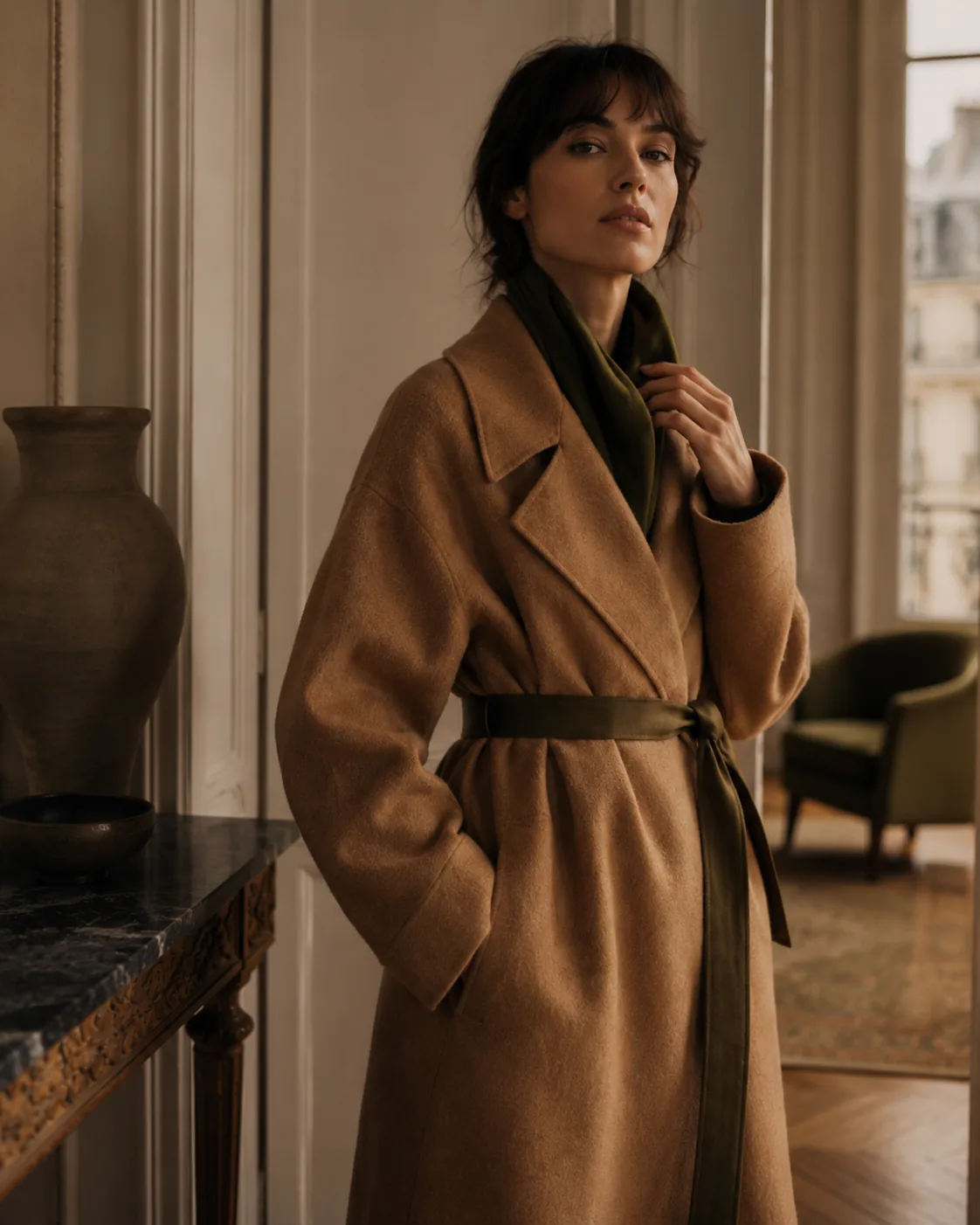
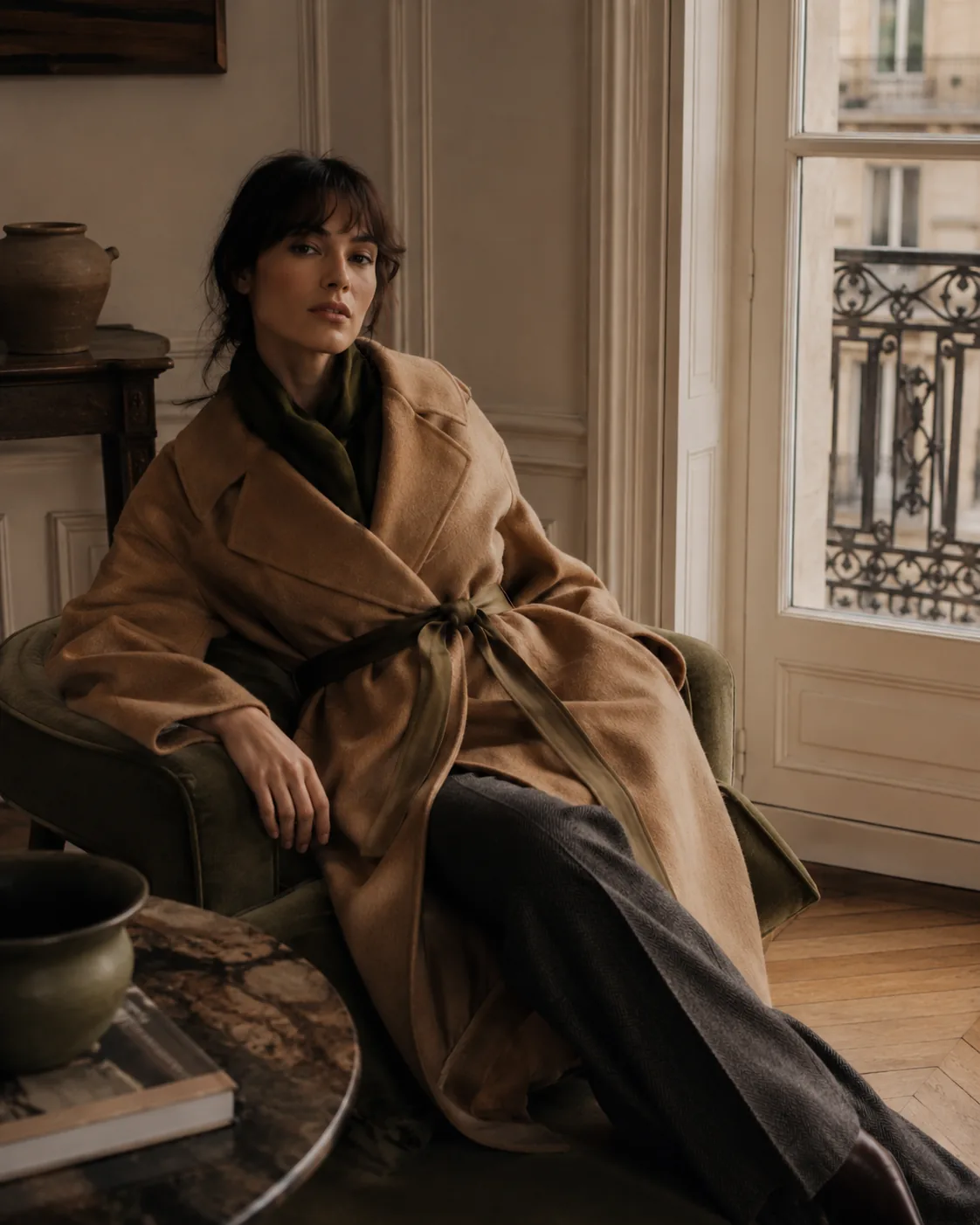
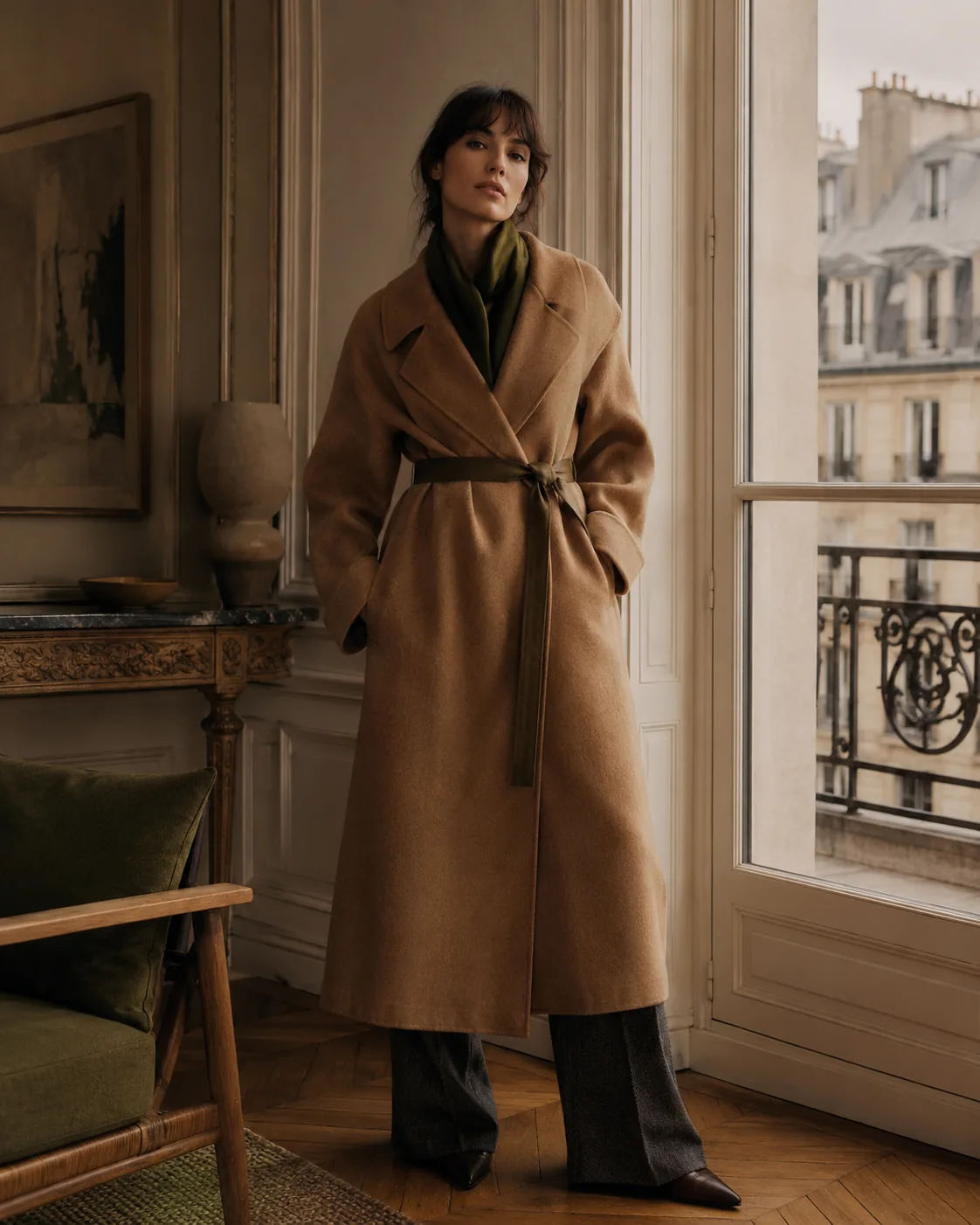
Each output below carries the moodboard's signals — the camel palette, the Parisian interior, the editorial quietness. None of these were in the board. All of them belong to it.
What it does
Creative direction without the briefing deck.
Creative direction has always lived in the moodboard — the collection of images a creative director assembles to communicate a season's feeling. Board Look makes that visual vocabulary machine-readable. Upload the board; receive images that belong to it.
This is not image-to-image copying. Board Look reads the shared aesthetic across your references — the light quality, the casting energy, the editorial pace — and generates original imagery that carries it forward.
How it works
Board. Brief. Generate.
- 01
Build the board
Upload 4–12 reference images that share the aesthetic direction — campaign photography, editorial tearsheets, or your own archive.
- 02
Add the brief
Specify the garment, persona, and any additional direction. The board sets the visual language; the brief sets the subject.
- 03
Generate cohesive looks
Receive a set of images that carry the board's aesthetic — original, on-brand, and ready for campaign use.
Questions
Board Look — answered.
What kinds of reference images work best?
Campaign photography, editorial tear-sheets, runway images, and even colour/texture swatches. The more cohesive the board, the more cohesive the output.
How many reference images can I upload to a board?
Between 2 and 12 reference images per board. Using 4–8 references tends to produce the best balance of coherence and variation.
Can I use competitor images as references?
Technically yes, but we recommend using your own campaign archive and editorial references. The output reflects the visual DNA of the board you upload.
Can Board Look output match a specific persona?
Yes. Add a persona selection and the model will cast your chosen brand model within the aesthetic direction set by the board.