
Studio Photo
A full shoot. Fully consistent.
Studio Photo runs a full multi-angle studio set in one go — same persona, same light setup, same backdrop, across six coordinated angles. Change the garment. Keep everything else.
Session consistency
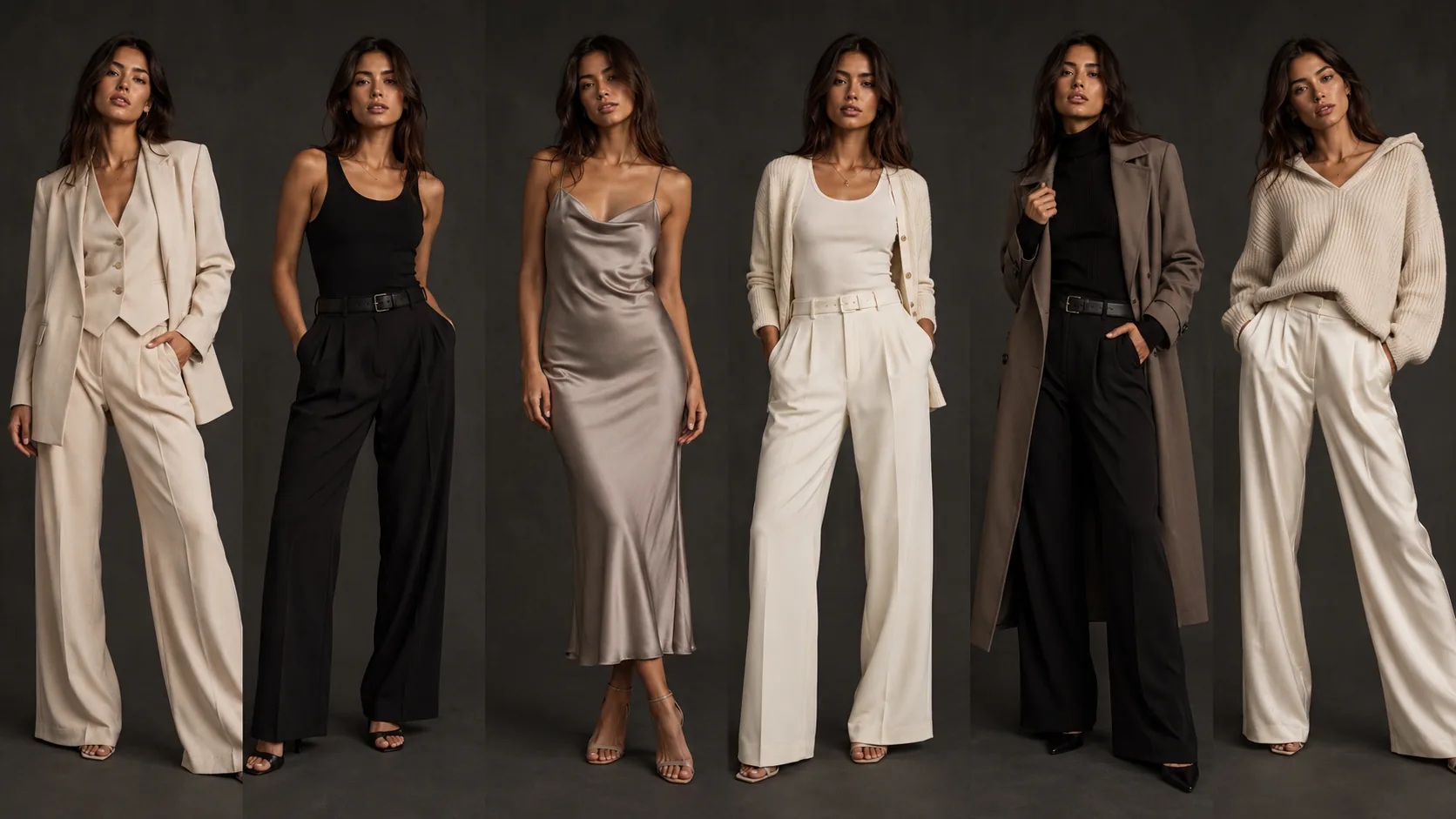
Same studio. Same model. Twenty outfits. One afternoon.
Each frame below was generated in the same session. The model, the backdrop, the lighting setup, and the editorial grade are locked. Only the garment changes.
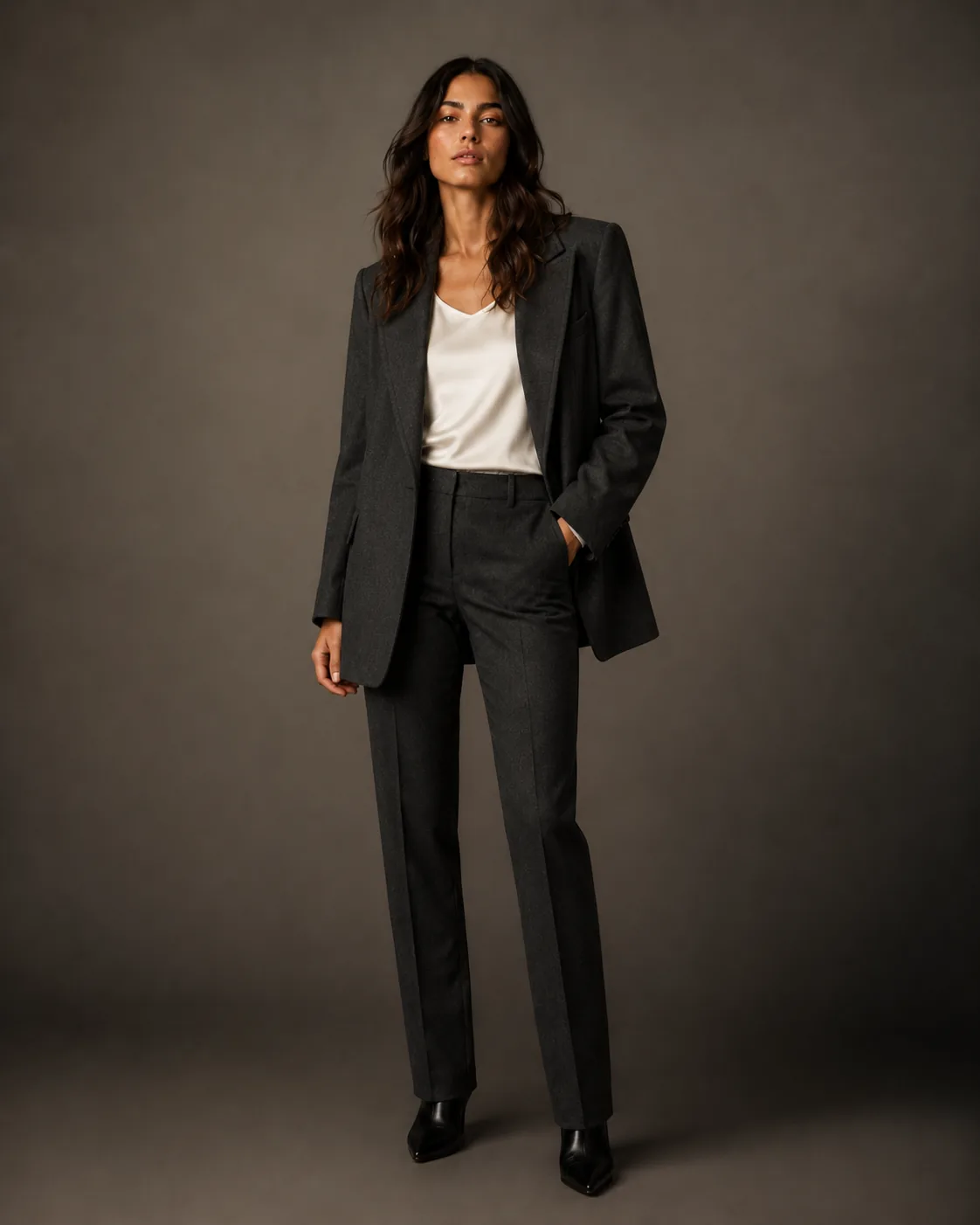
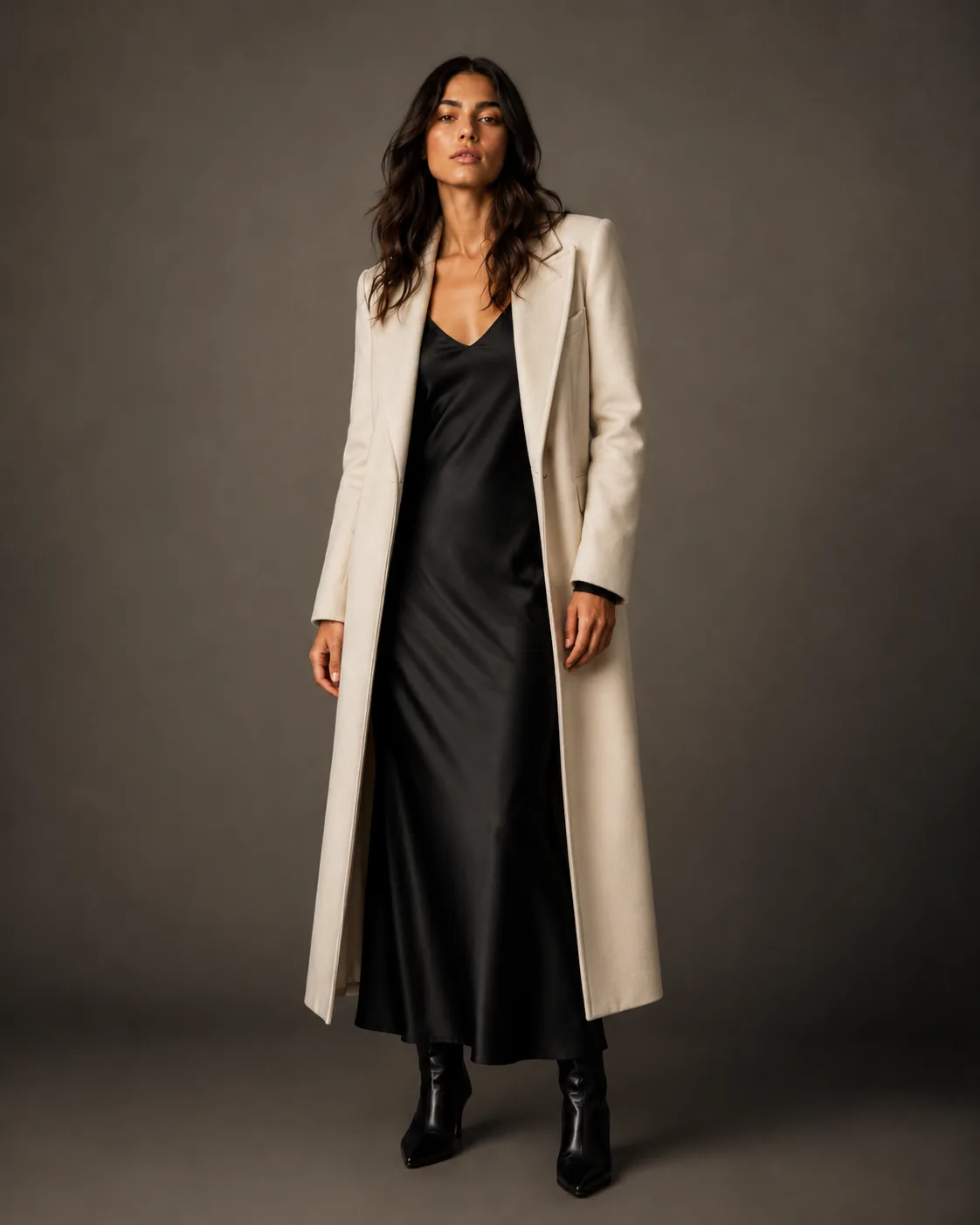
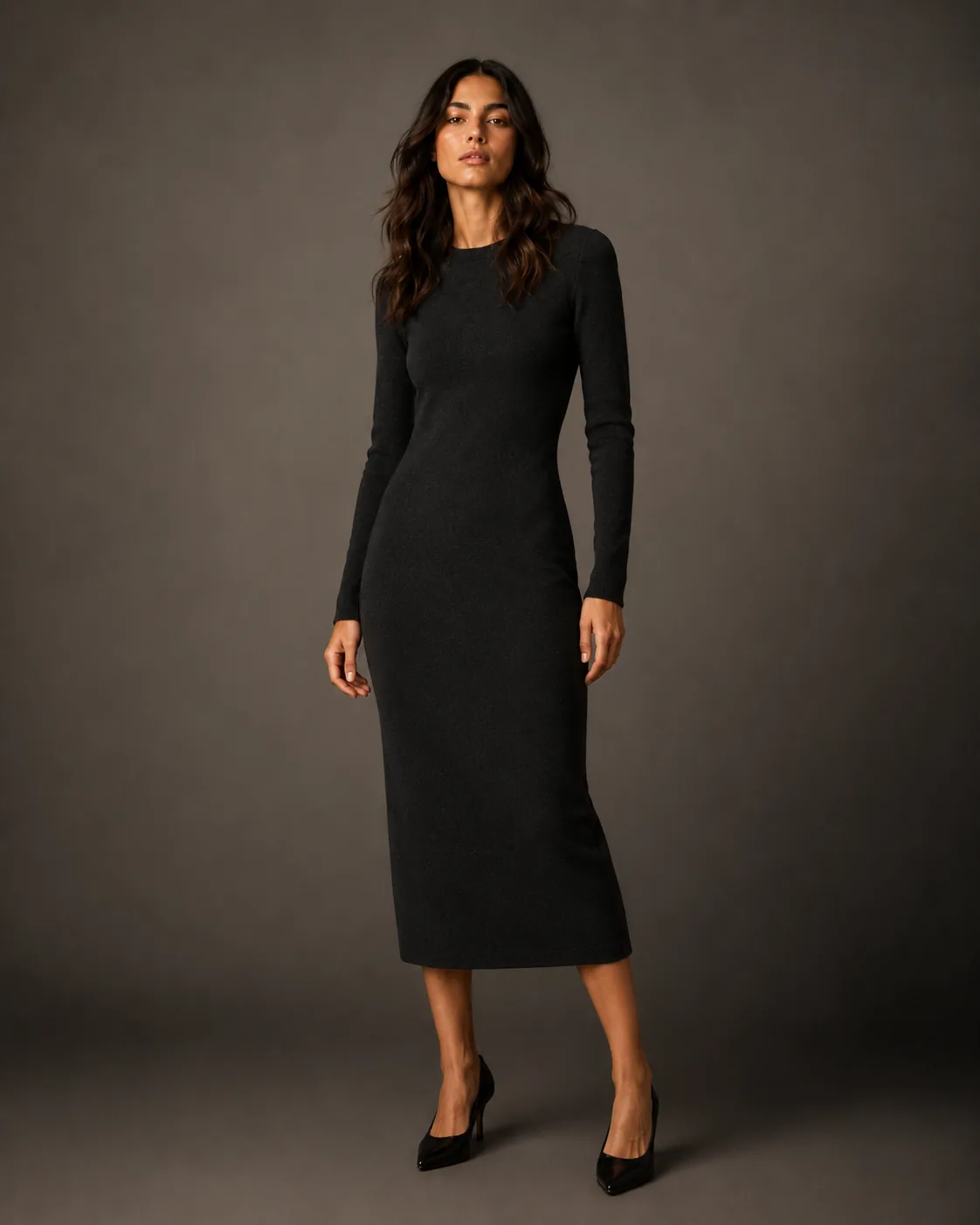
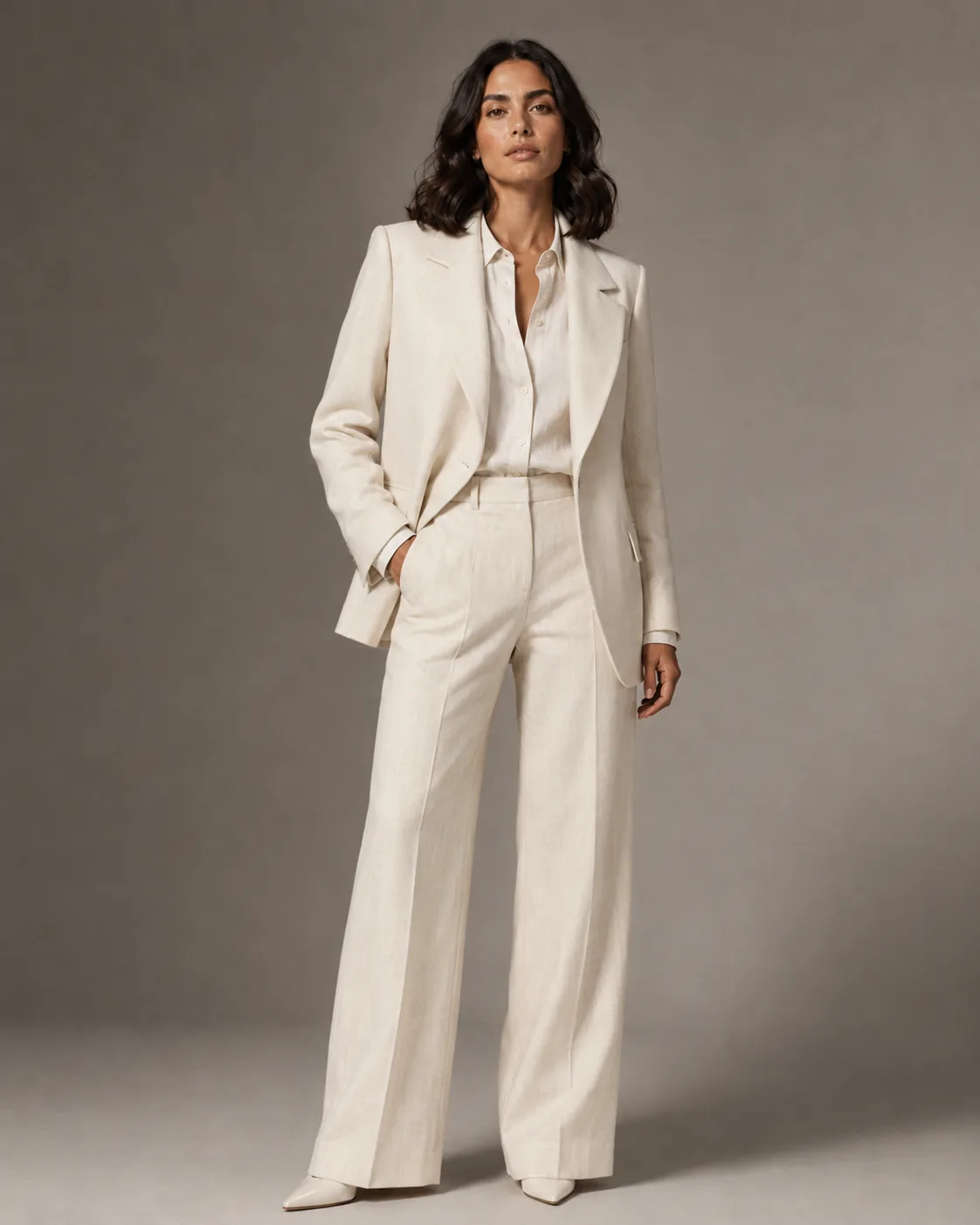
What it is
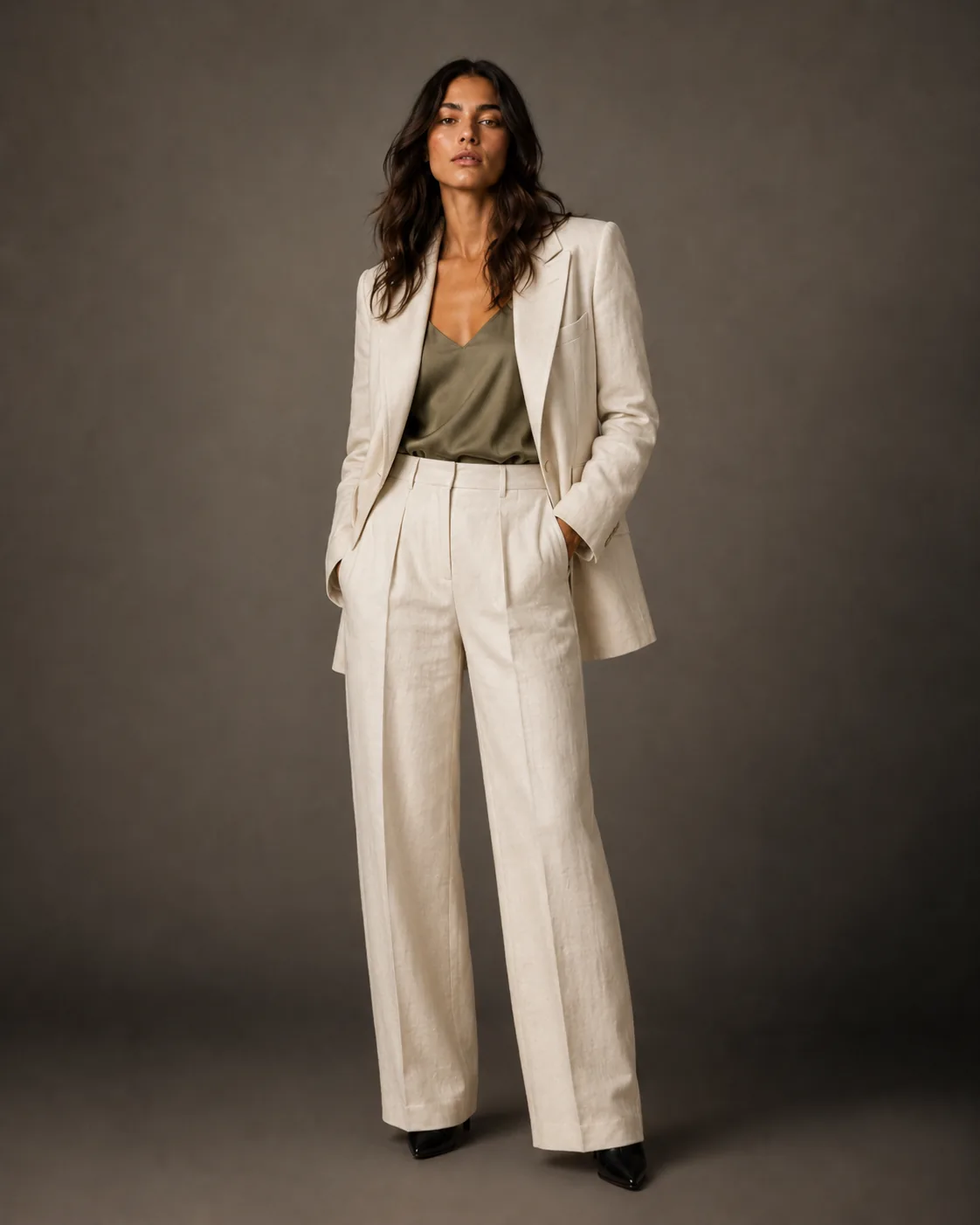
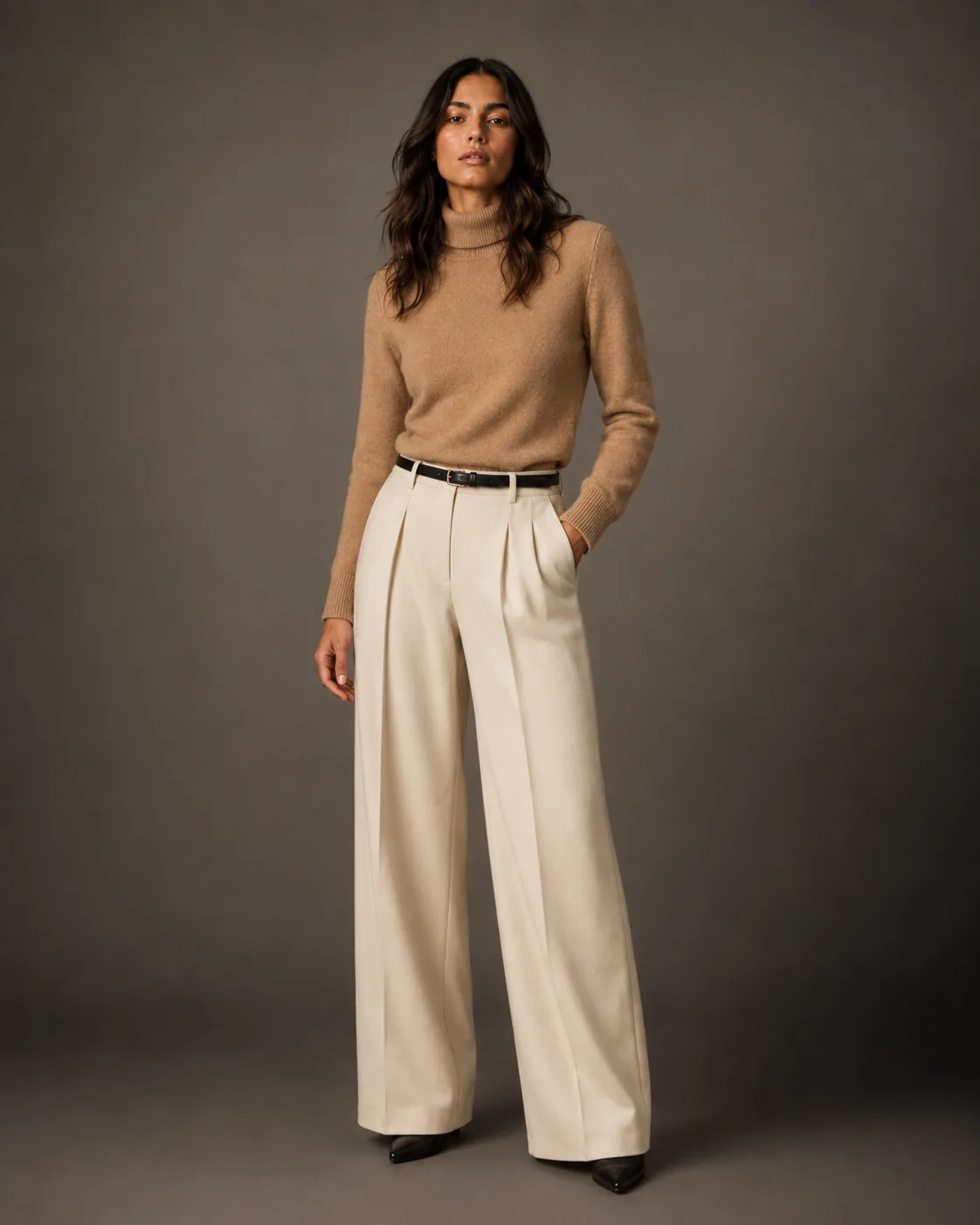
Session state, preserved across every shot.
Every fashion shoot starts with a setup: the model, the lighting rig, the set dressing. Studio Photo holds that setup in memory for the entire session. Introduce a new garment, and you get a shot that belongs to the same campaign — not a random reinterpretation.
This is the difference between generating images and running a shoot. One is transactional. The other builds a library that hangs together.
How it works
One setup. Every angle.
- 01
Configure the session
Set your persona, lighting direction, backdrop, and editorial mood. These parameters lock for the session duration.
- 02
Cycle through garments
Upload each piece. The AI generates on-model shots within the established session setup — without re-briefing each time.
- 03
Export the collection
Download a cohesive set of images that reads as a single campaign shoot — ready for editorial, e-commerce, or social.
Questions
Studio Photo — answered.
What does "session-level consistency" mean in practice?
Every image generated in a Studio Photo session shares the same persona, lighting continuity, and brand DNA. Swap the garment, keep everything else locked.
How many looks can I produce in one session?
There is no hard cap. Sessions are credit-based; a typical full-day equivalent studio session runs 20–40 final images at production quality.
Can I recreate the session later for new pieces?
Every generation is saved to your workspace Library. To shoot new pieces in the same style, rerun Studio Photo with the same persona and backdrop selections — the setup takes seconds to reproduce.
Is this the same as running Fashion Photo multiple times?
Not quite. Fashion Photo is single-shot focused. Studio Photo adds session state — meaning pose references, lighting rigs, and persona details persist across every generation within that session.