
Cut-Out Photo
PDP-ready cut-outs, at scale.
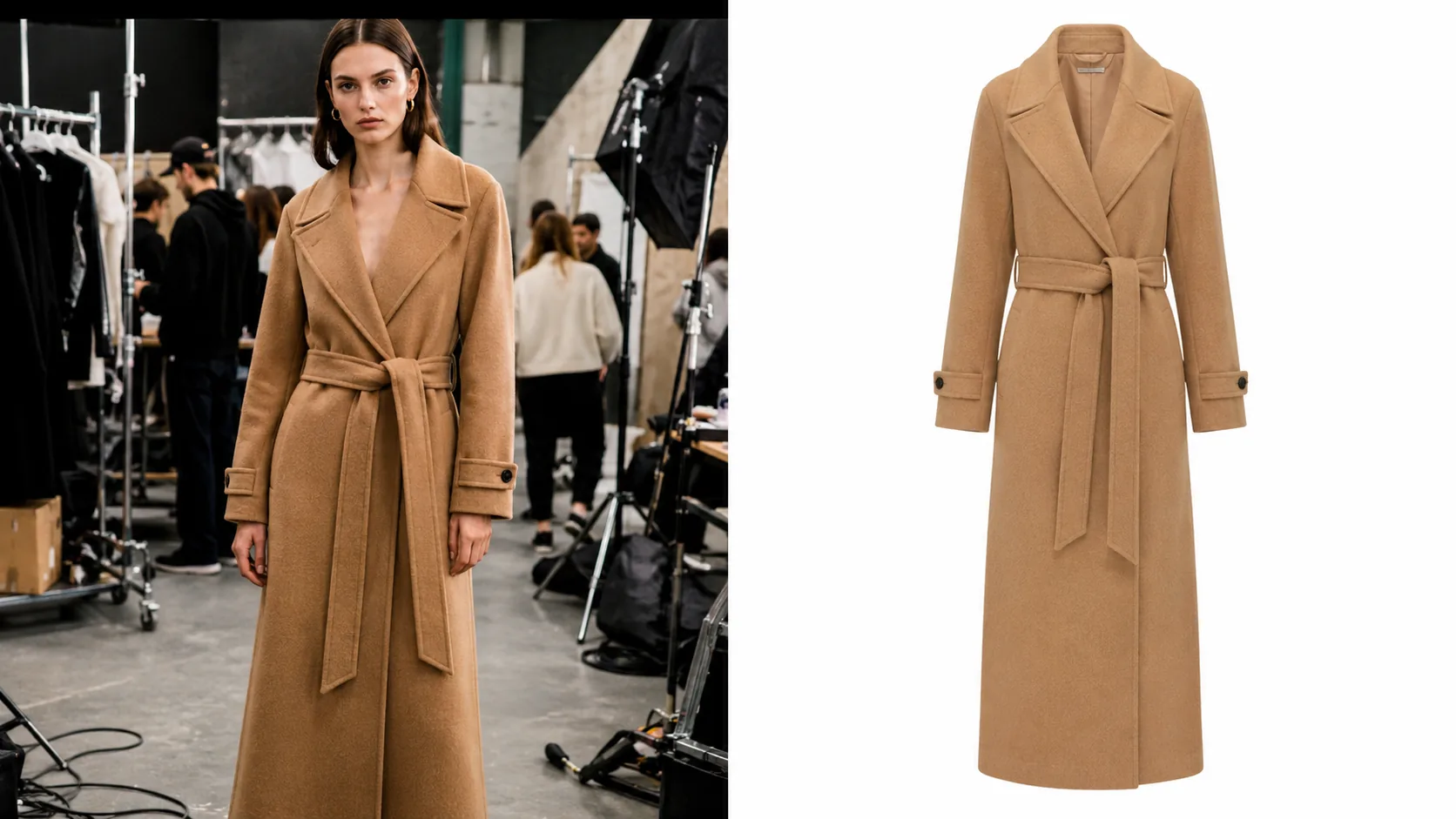
Upload any product image — on-model, flat lay, or raw studio shot — and receive a clean, high-fidelity cut-out ready for your product detail pages. Background removed, shadow controlled, transparent PNG delivered.
Across every SKU type
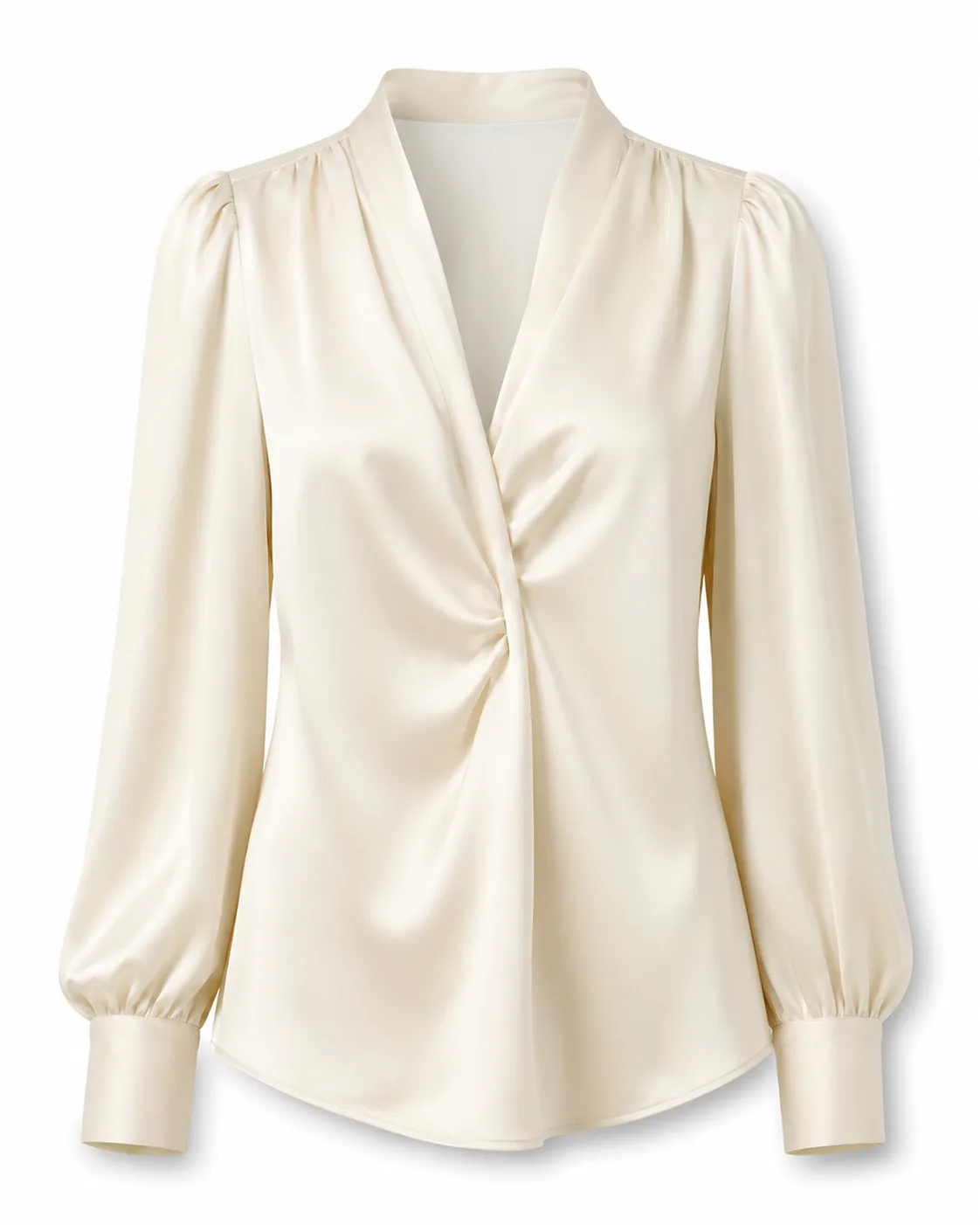
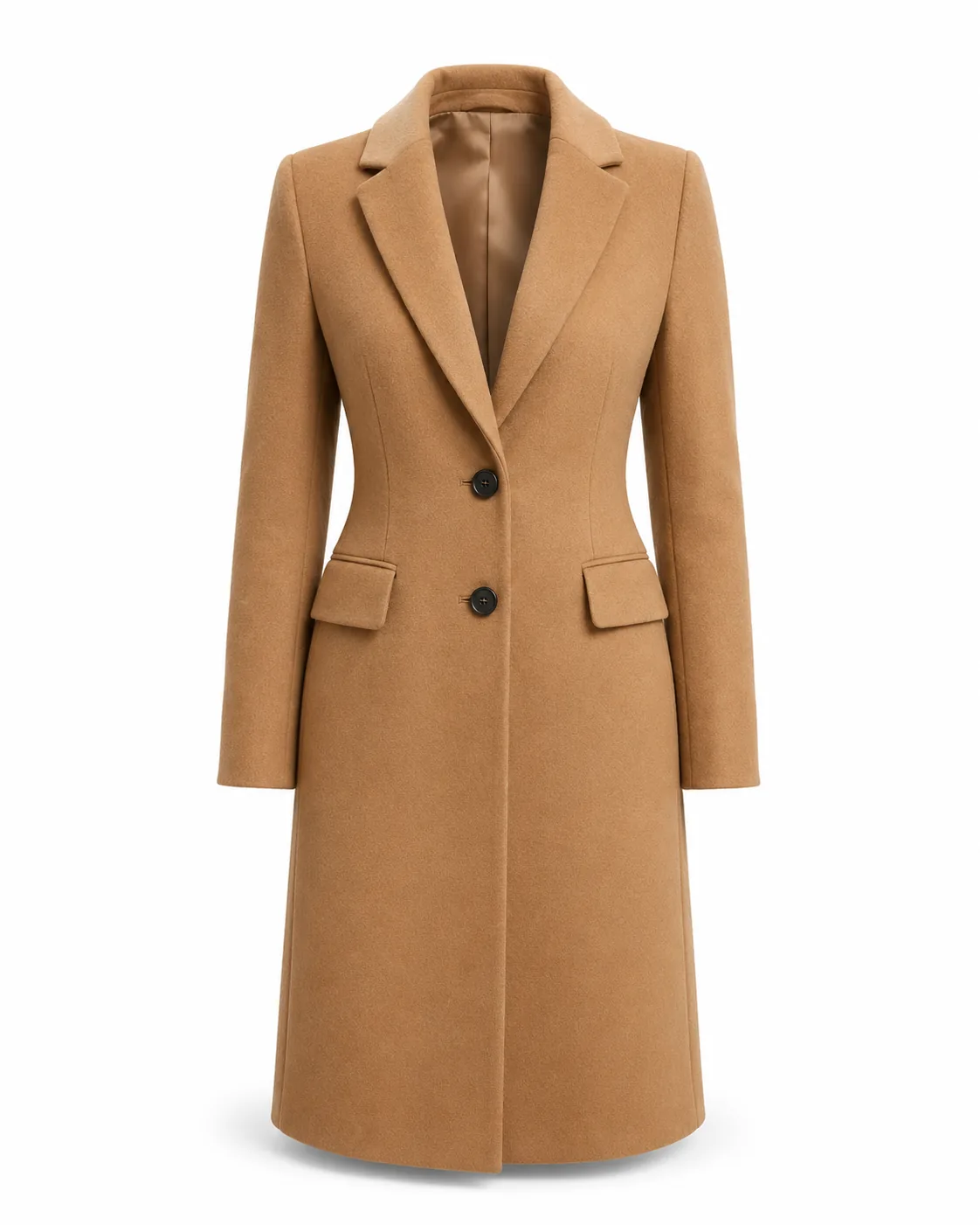
One look. Every product type. Pure white. Pure clean.
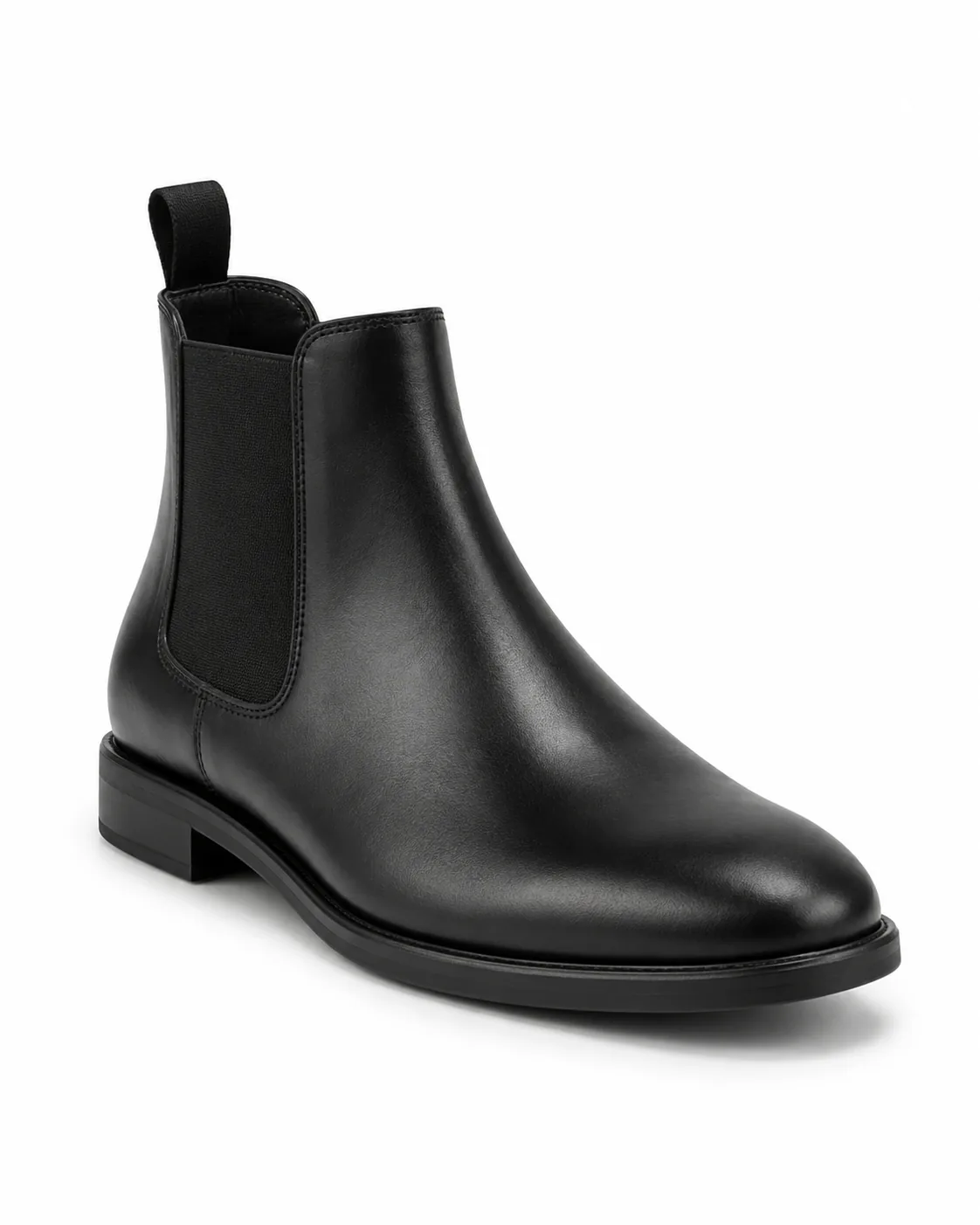
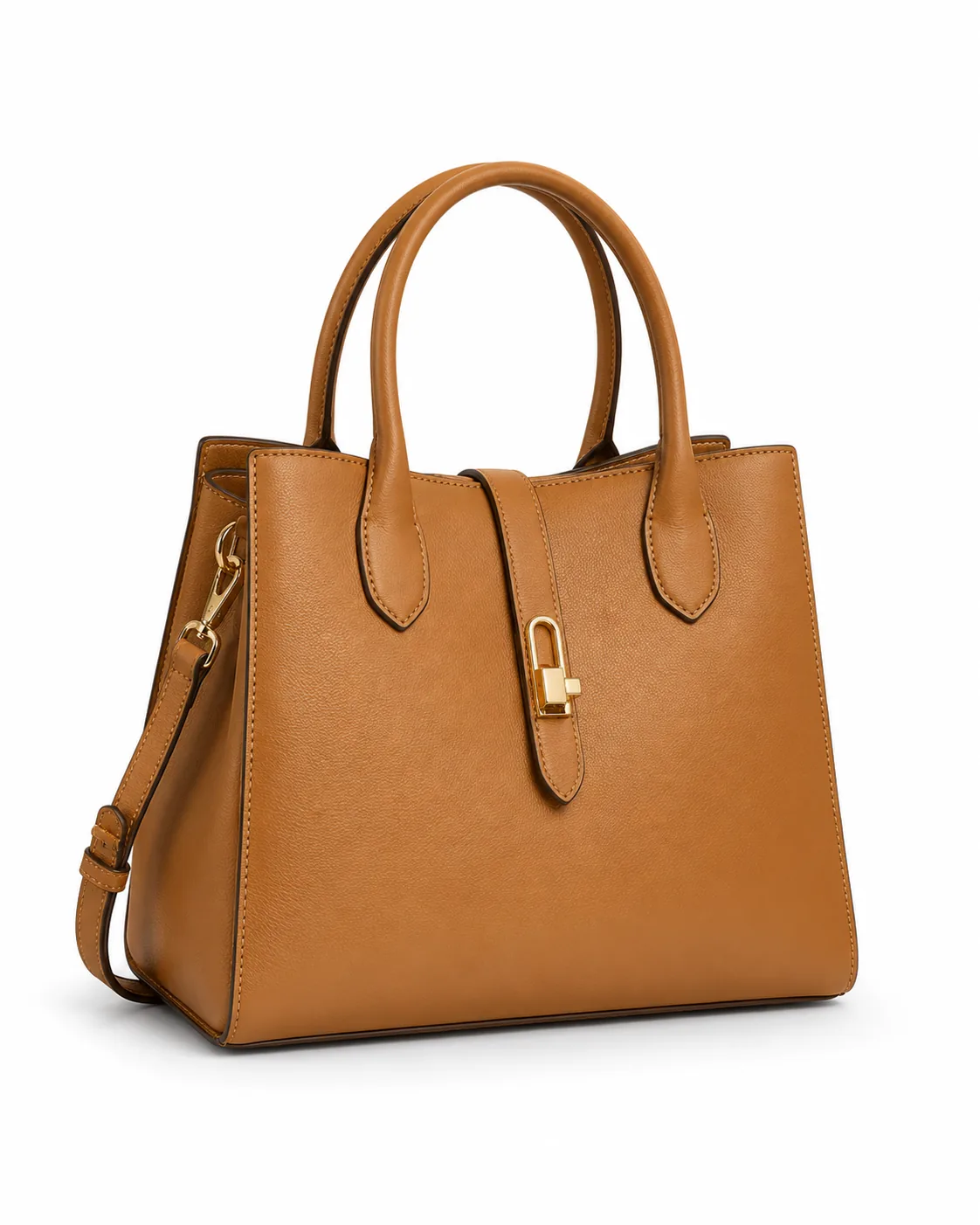
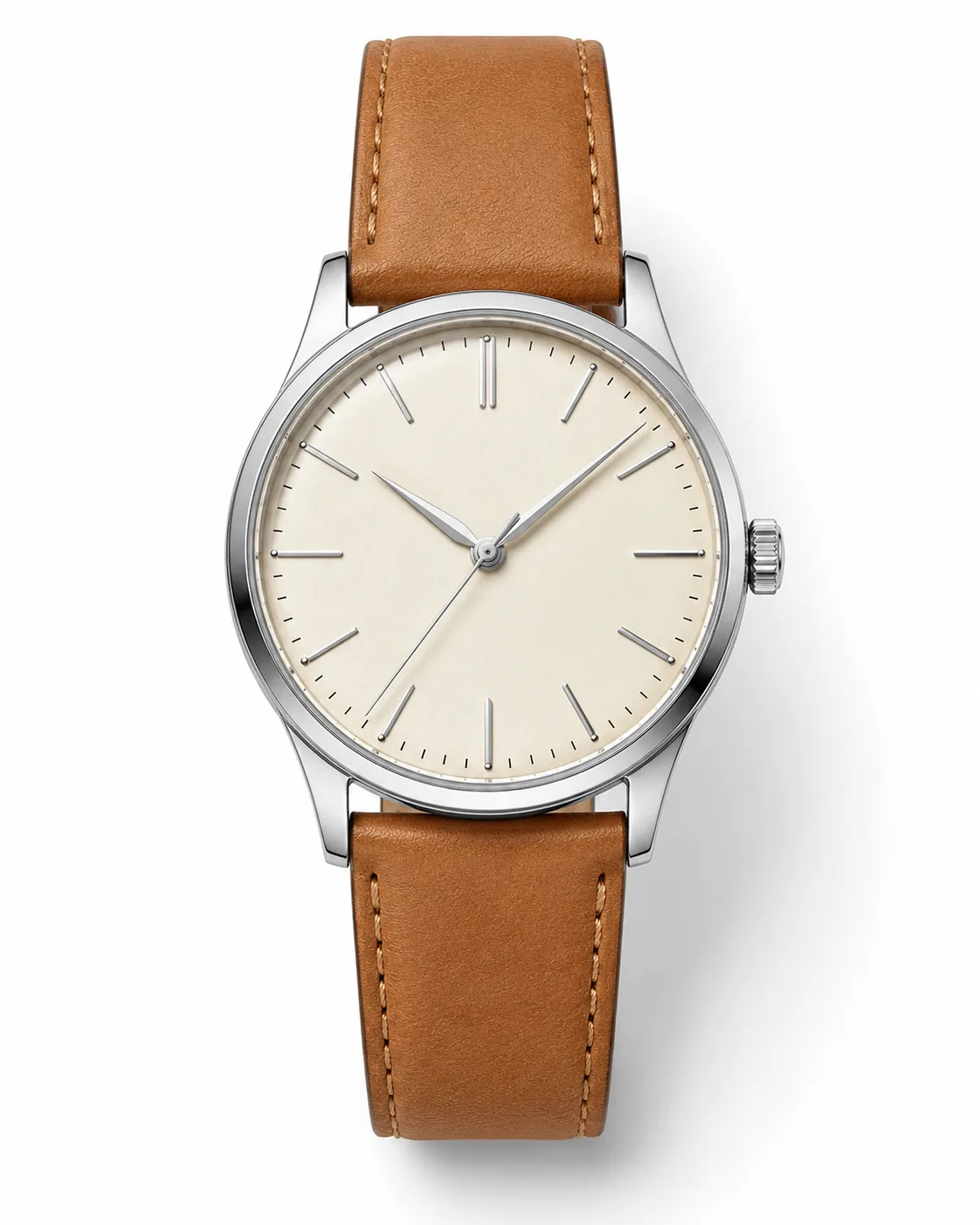
Apparel, footwear, bags, watches — all isolated cleanly on pure white background, with consistent shadow treatment. The visual standard your PDP grid demands.
How it works
In with background. Out without.
- 01
Upload the product image
Any photo works — on-model, flat lay, supplier shot, or raw studio file. The AI reads the garment regardless of background complexity.
- 02
Set output preferences
Choose transparent PNG, on-white JPEG, or a custom background. Control shadow style and edge treatment.
- 03
Download PDP-ready files
Receive high-resolution cut-outs with pixel-accurate edges, ready to upload directly to your e-commerce platform.
Built for fashion
Cut-out quality that generic tools miss.
- Hair and fine detail
- The underlying AI models are optimised for fashion imagery and handle flyaway hair, sheer fabric, lace, and jewellery chains at production fidelity.
- Shadow control
- Natural shadow, soft drop shadow, or no shadow — set a workspace default and override per SKU as needed.
- Batch processing
- Submit a full catalog in one upload. Processing runs asynchronously; download when done.
- Multiple output formats
- Transparent PNG and clean on-white JPEG outputs, ready for product pages and marketplace listings, in one job.
Questions
Cut-Out Photo — answered.
Does Cut-Out Photo produce a transparent PNG?
Yes. Output options include transparent PNG, on-white JPEG, and on-custom-background — all from the same generation.
Can it handle complex backgrounds and fine details like hair?
Yes. The module is trained on fashion-specific cut-outs and handles hair, transparent fabric, jewellery chains, and intricate lace with high fidelity.
Can I batch-process an entire catalog?
Each job processes one product with front, back, and optional detail views. Jobs run asynchronously, so you can queue products back to back and work through a catalogue quickly.
What happens to the shadow?
Outputs include a soft, natural shadow under the garment for grounding — clean, even, and consistent across your whole catalogue.