
Fashion Photo
The studio session, without the studio.
Brief a shot in plain language. Select a persona. Generate on-brand, on-model product photography that carries your label's casting, light, and mood — no photographer, no location, no downtime.
What it does
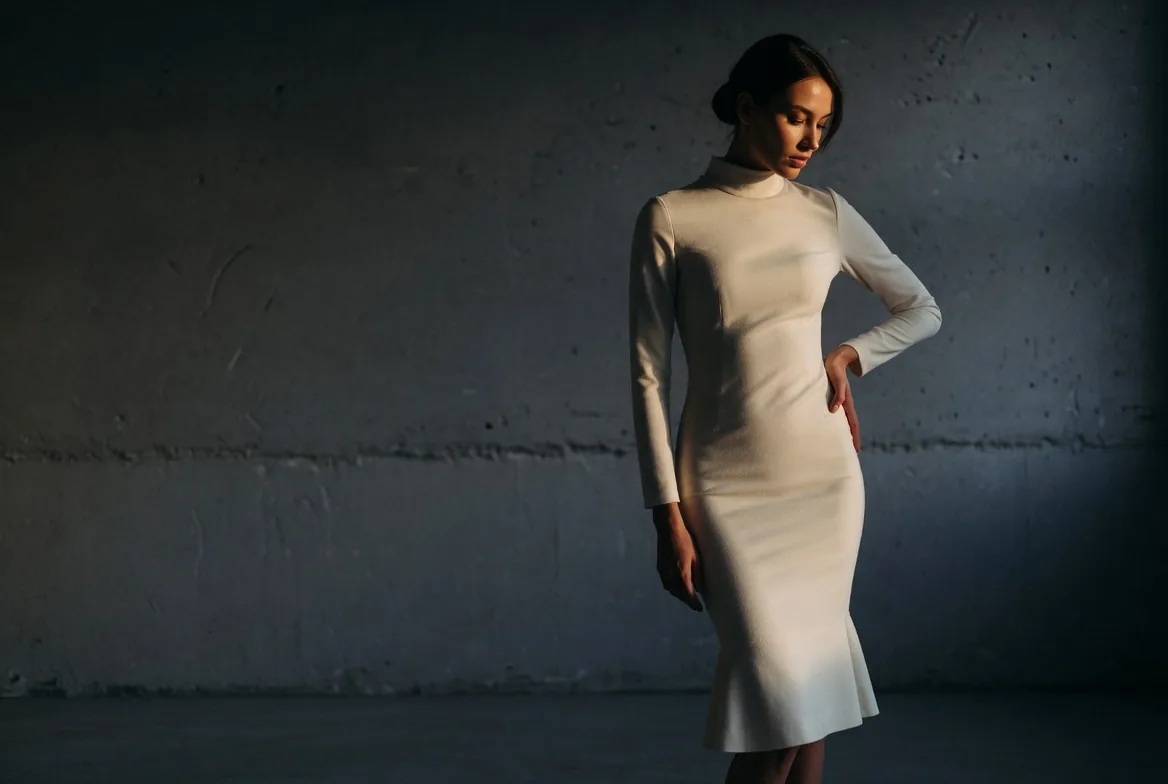
Consistent on-model photography at scale.
Fashion Photo pairs your brand DNA with a persona system that locks casting across every image. Brief the scene, choose the pose reference, and generate shots that look like they came from the same creative director — because they did.
The result is a library of on-model imagery your e-commerce and editorial teams can draw from immediately — without coordinating shoots, talent, or post-production.
Persona consistency
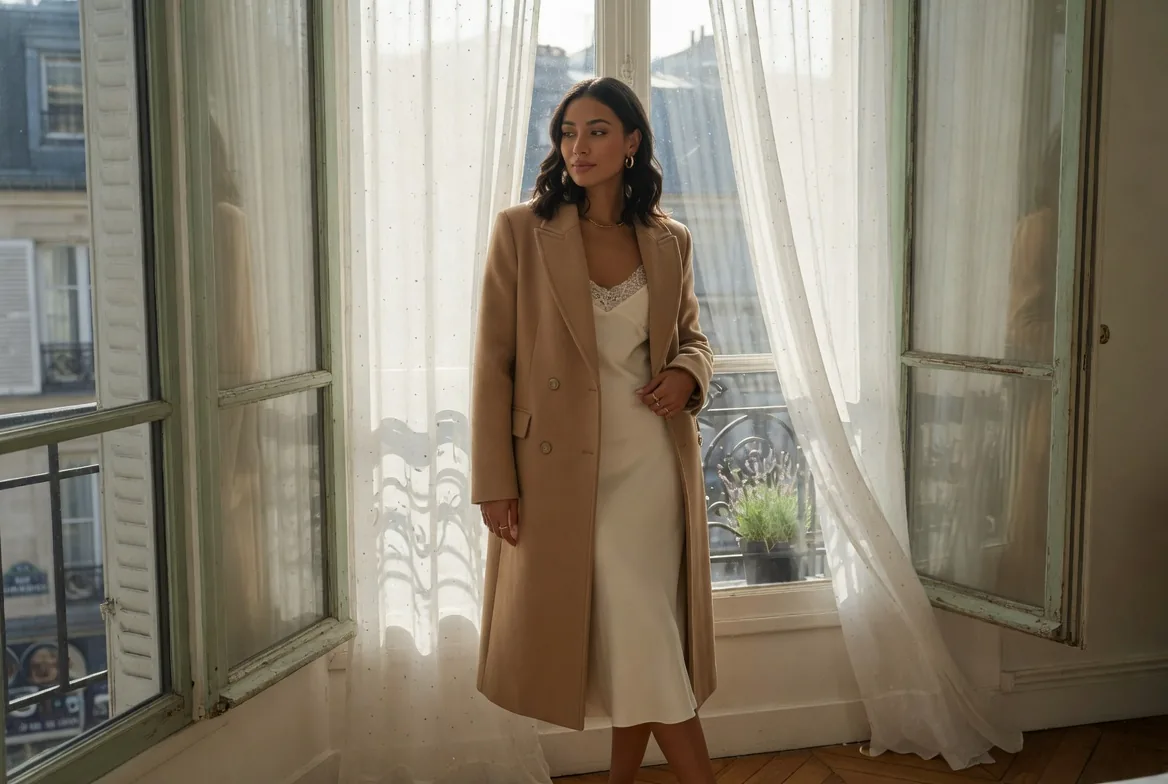
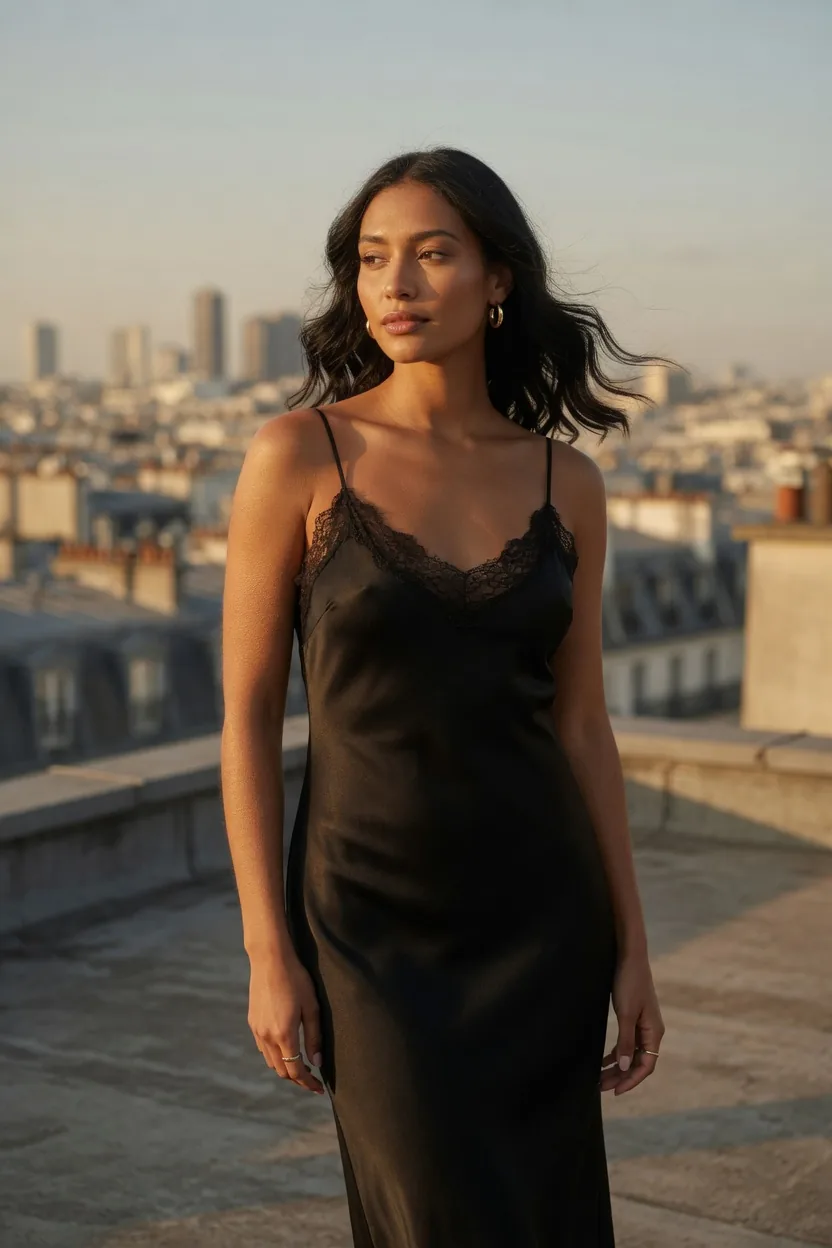
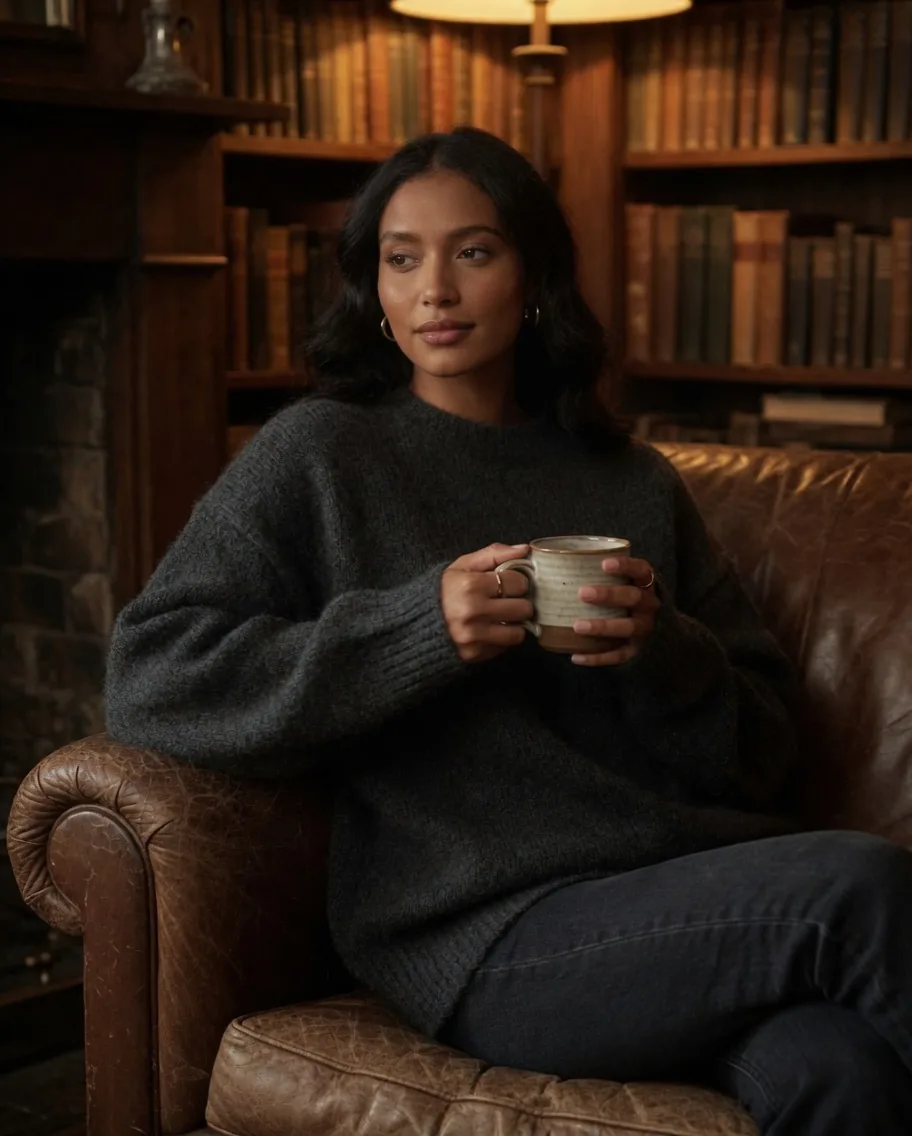
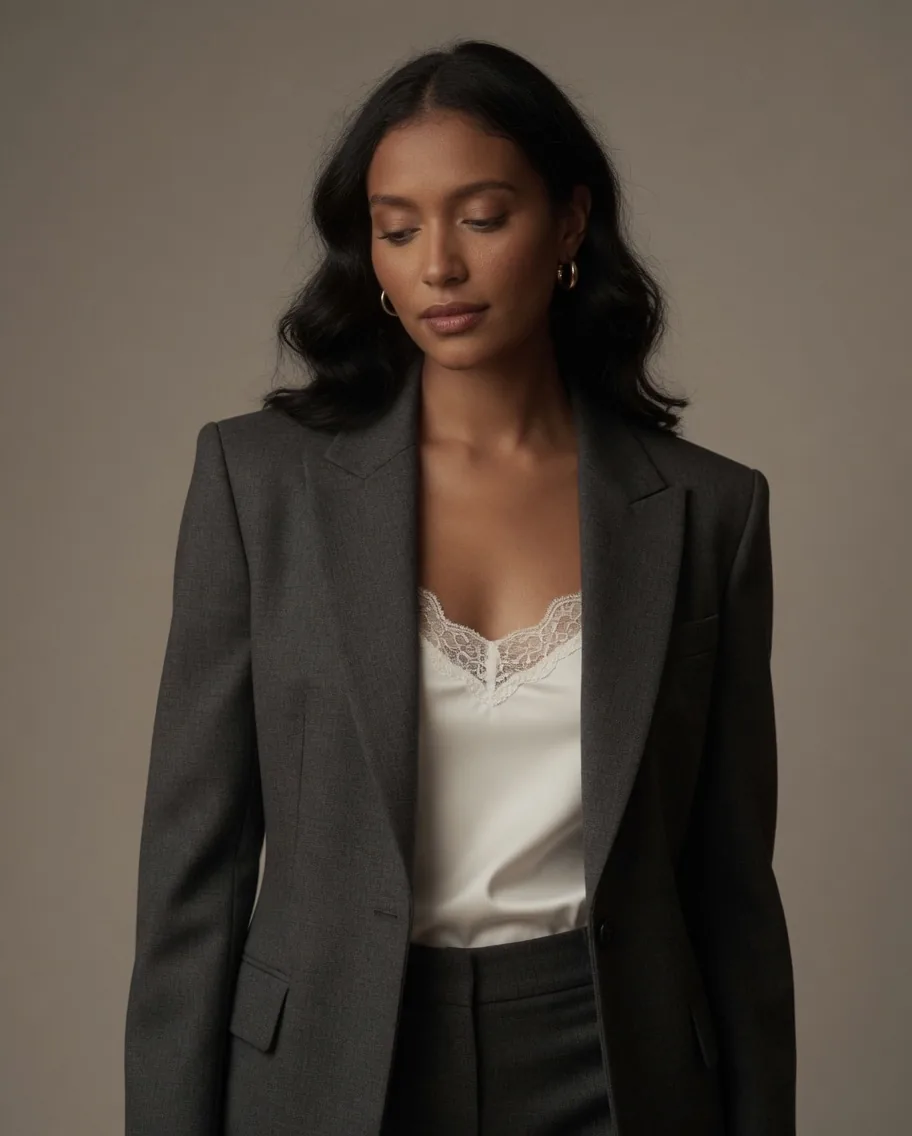
Same persona. Four scenes. Zero re-casting.
The same face, the same body, the same energy across every shot. Lock a persona once; generate as many scenes, outfits, and lighting setups as the catalogue demands.
Fashion Photo
AI On-Model Product Photography — Fashion Photo | neofashion.ai
- 01
Set your persona
Choose a saved brand model or define a new one — face, body type, and editorial notes locked for the session.
- 02
Brief the shot
Describe the scene, light, and pose in plain language. Upload a garment reference image.
- 03
Generate and refine
Generation applies your brand DNA to the shot. Iterate on pose, background, or lighting in seconds.
Questions
Fashion Photo — answered.
Can I control which model persona appears in each shot?
Yes. You select from your saved personas — or create a new one — before generating. The face and body are locked for the session.
How many images can I generate in one session?
There is no hard cap per session. Credit cost scales with resolution and quantity, and the exact cost is always shown before you generate.
Does Fashion Photo work for all garment categories?
It is optimised for clothing (tops, bottoms, outerwear, dresses) and works across womenswear and menswear. Footwear and accessories are better served by dedicated modules.
What if I have not set up my brand DNA yet?
You can start generating immediately using the platform's base models. Once your brand DNA — references and personas — is set up, every subsequent shot automatically reflects your brand aesthetic.