
編集ツール
Production teamに必要なすべてのadjustment。
AIレタッチ
skin smoothing、blemish removal、fabric wrinkle reductionを、manual postの何時間分にも代わるcontrol levelで実行します。
カラーグレーディング
ブランド美学のwarmth、contrast、saturationに合わせます。gradeをpresetとしてsession全体に適用できます。
調光
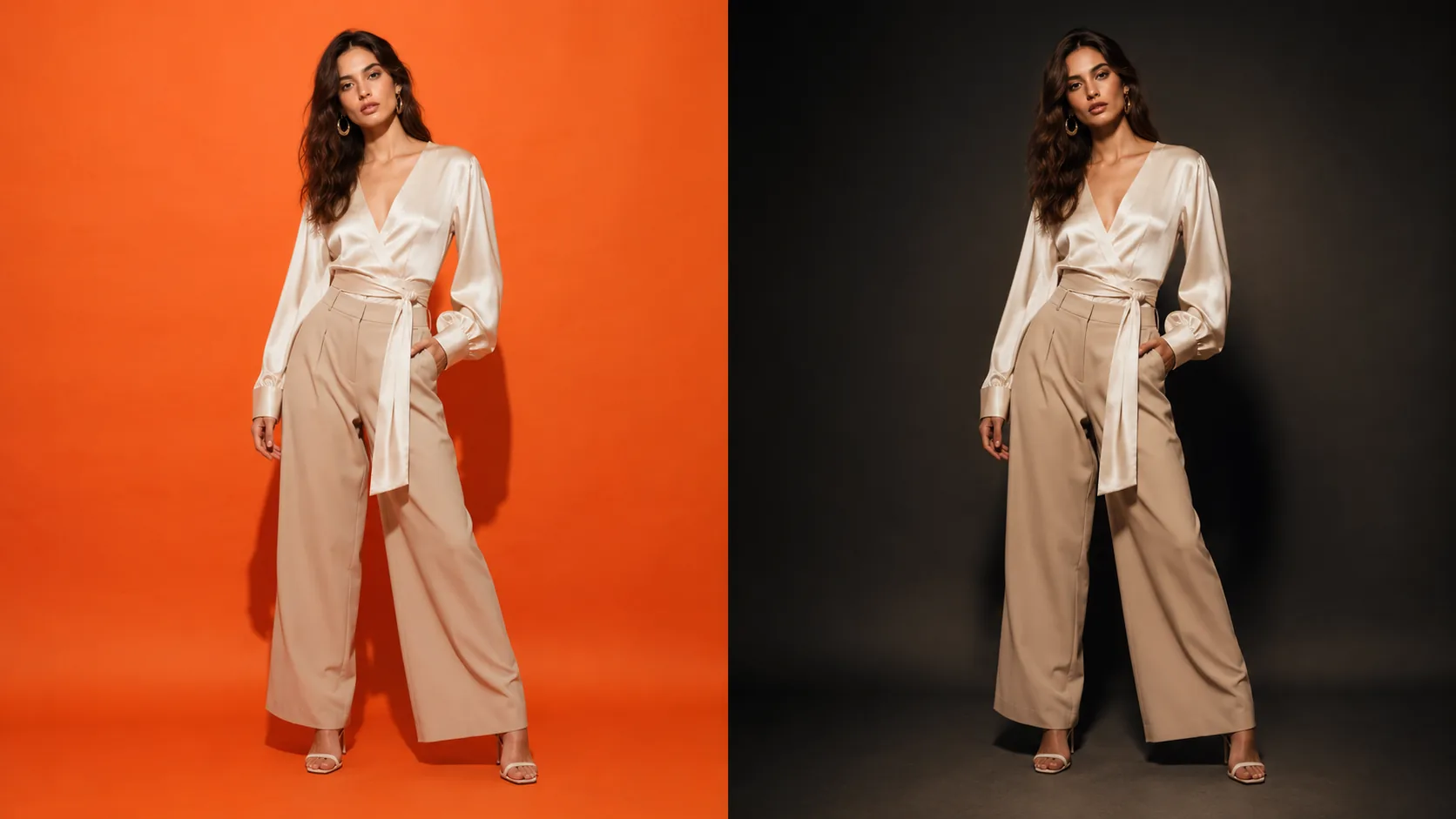
under-exposed shadowsを補正し、blown highlightsを抑え、reshootingなしでlighting directionを再構成できます。
修復
imageの任意areaをmaskしてregenerateできます。backgroundの差し替え、propの削除、frameの拡張をすべてeditor内で行えます。
地域固有の編集
selectionを描き、そのareaだけにadjustmentsを適用します。image全体に触れず、単一のgarment detailだけを修正できます。
スマートエキスパンド
canvasを任意の方向に拡張すると、モデルが同じシーン、光、gradeで新しいスペースを埋めます。縦のcropをワイドなbannerに変換できます。
仕組み
Generationからfinal imageへ。
- 01
Editorで開く
generated imageを選択するか、自分の画像をuploadして、non-destructive editorで開きます。
- 02
Adjustmentsを適用
retouching、colour、light、inpainting向けのAI-assisted toolsを使います。すべての変更はcommit前にpreviewされます。
- 03
Finalをexport
edited imageをfull resolutionでdownloadできます。すべての結果は今後のreferenceのためLibraryに残ります。
よくある質問
Photo Editorに関するよくあるご質問
Photo Editorは他で生成された画像にも使えますか?
はい。他のモジュールのoutputs、third-party photography、raw studio filesを含む任意の画像をeditorにアップロードできます。
画像全体ではなく、特定の領域だけを調整できますか?
はい。editorはselection maskingに対応しています。regionを描画し、その範囲だけにretouching、colour adjustment、inpaintingを適用できます。
これはdestructive editingですか?
いいえ。originalが変更されることはありません。すべての編集はLibraryに保存される新しい画像を生成するため、いつでもoriginalや以前の結果に戻れます。
画像全体に影響を与えずに、精密なローカル編集はできますか?
はい。選択範囲を描いて、その領域だけに調整を適用できます。あるいはinpaintingでマスクした領域を丸ごと再生成することも可能です。画像の残りの部分はそのまま保たれます。