
编辑工具
生产团队需要的每一种调整。
AI修图
皮肤柔化、瑕疵移除、面料褶皱降低,以可控程度替代数小时手动 post。
颜色分级
匹配品牌美学中的暖度、对比度和饱和度。将 grade 作为 preset 应用到整个 session。
灯光调节
修正曝光不足的阴影,降低过曝高光,并在不重拍的情况下重塑灯光方向。
修复
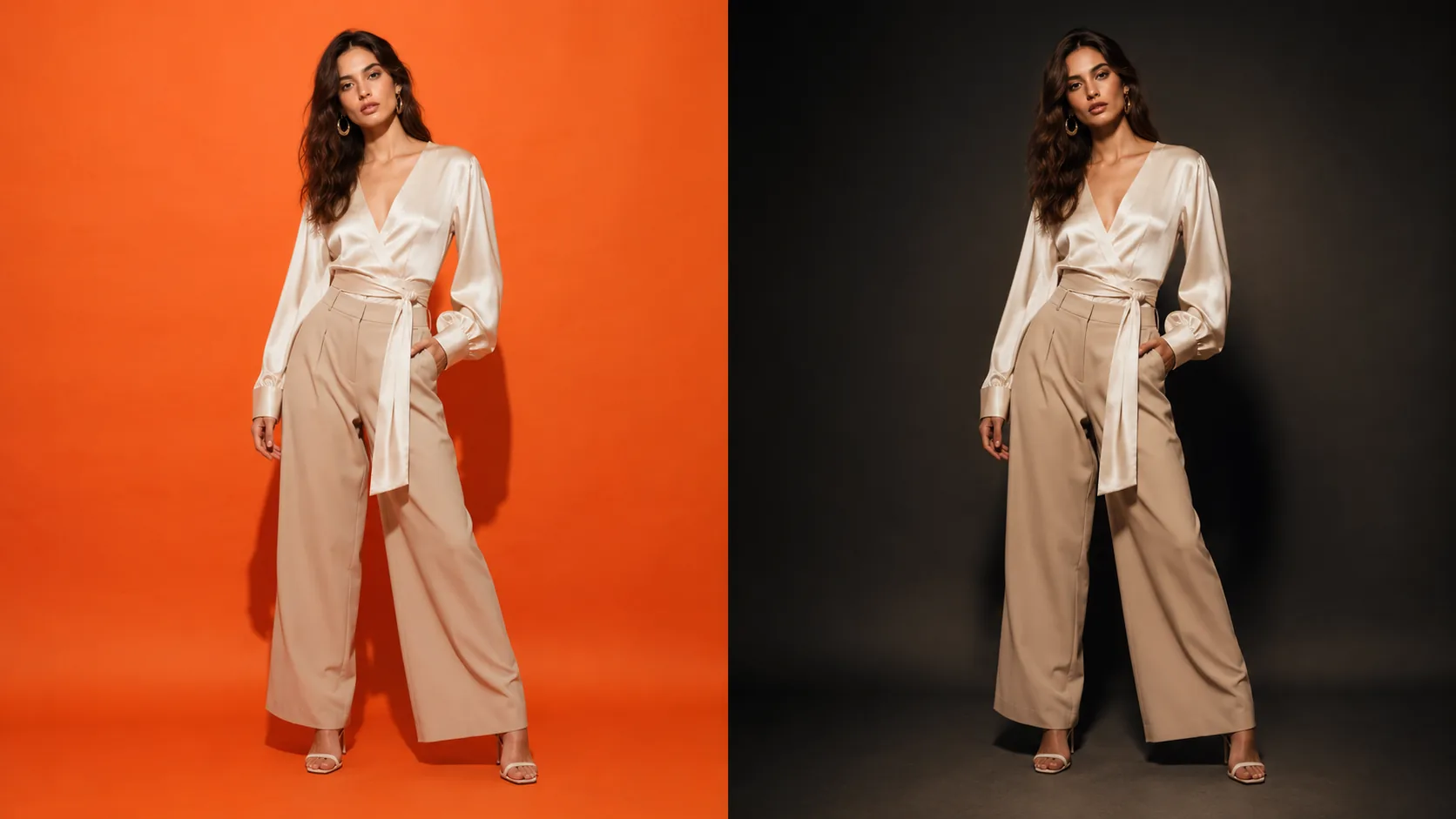
遮罩并重新生成图像任意区域:替换背景、移除道具或扩展画面,都在 editor 内完成。
特定于区域的编辑
绘制选区,只对该区域应用调整。不影响图像其他部分即可修正单个 garment 细节。
智能扩展
向任意方向扩展画布,让模型以相同的场景、光线和调色填充新空间 — 将竖版裁切变成宽幅 banner。
运作方式
从 generation 到 final image。
- 01
在 editor 中打开
选择任意 generated image,或上传您自己的图像,并在 non-destructive editor 中打开。
- 02
应用调整
使用 AI-assisted tools 完成 retouching、colour、light 和 inpainting。每次更改都会在提交前预览。
- 03
导出 final
以全分辨率下载编辑后的图像。每个结果都会保留在 Library 中,便于之后参考。
常见问题
Photo Editor常见问题
Photo Editor 可以处理在其他地方生成的图像吗?
可以。您可以将任何图像上传到 editor,包括其他模块的 outputs、third-party photography 或 raw studio files。
可以只调整图像的特定区域,而不是整张图吗?
可以。editor 支持 selection masking:绘制 region,并仅对该区域应用 retouching、colour adjustment 或 inpainting。
这是 destructive editing 吗?
不是。您的原图永远不会被修改——每次编辑都会生成一张保存到 Library 的新图像,因此您随时可以回到原图或更早的结果。
可以进行精确的局部编辑而不影响整张图像吗?
可以。绘制选区并仅对该区域应用调整 — 或使用 inpainting 完整重新生成蒙版区域。图像其余部分保持不变。