
Photo Editor
Generation is the first draft.
Photo Editor brings AI-powered retouching, colour correction, and light adjustment into your workspace — non-destructively, on any image. Refine generated outputs or bring your own photography into the same pipeline.
Editing tools
Every adjustment your production team needs.
AI retouching
Skin smoothing, blemish removal, and fabric wrinkle reduction — at a level of control that replaces hours of manual post.
Colour grading
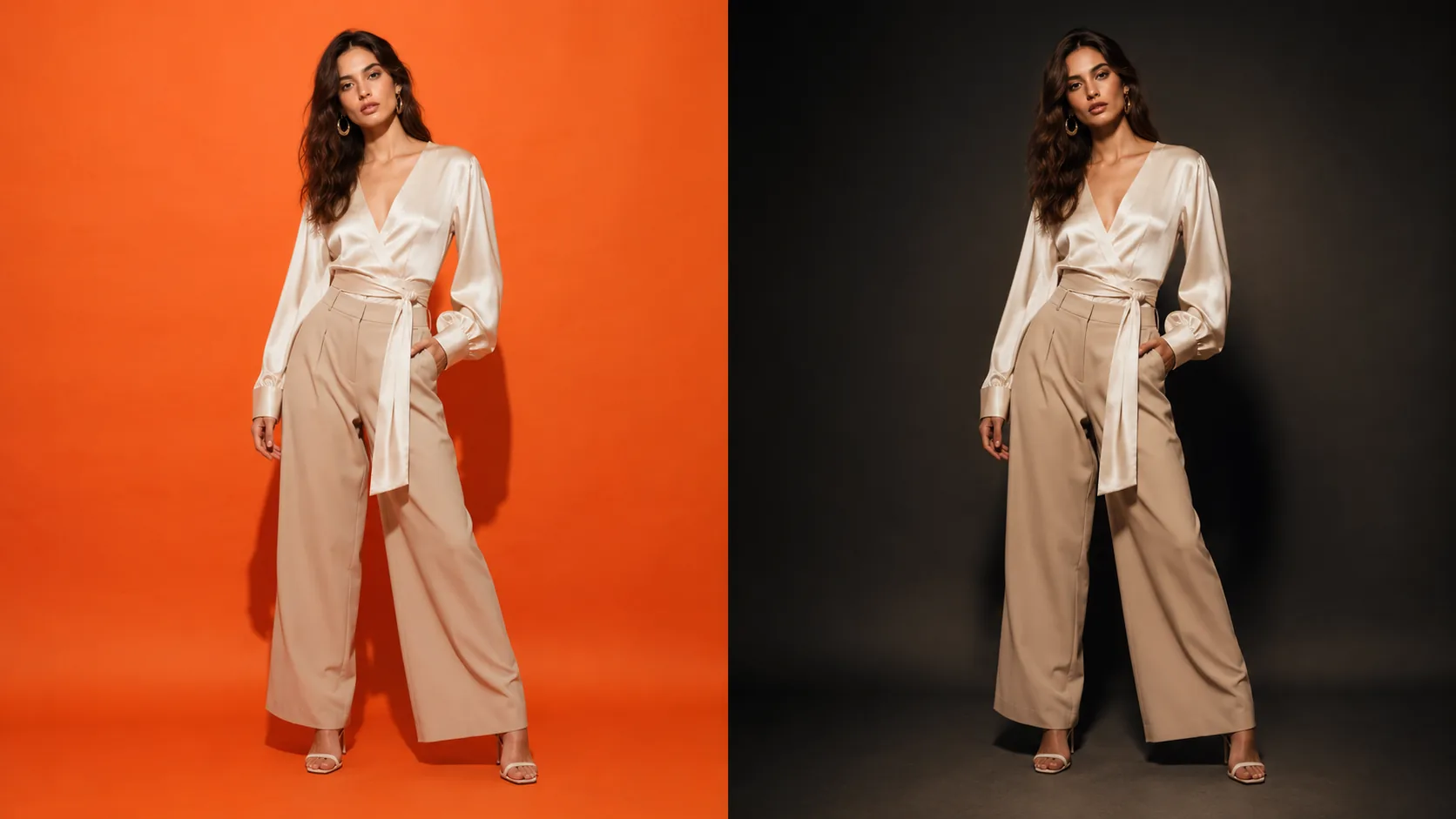
Match the warmth, contrast, and saturation of your brand aesthetic. Apply a grade as a preset across an entire session.
Light adjustment
Correct under-exposed shadows, reduce blown highlights, and reshape the lighting direction without reshooting.
Inpainting
Mask and regenerate any area of the image — swap a background, remove a prop, or extend the frame — all from within the editor.
Region-specific edits
Draw a selection and apply adjustments to that area only. Correct a single garment detail without touching the rest of the image.
Smart expand
Extend the canvas in any direction and let the model fill the new space in the same scene, light, and grade — turn a portrait crop into a wide banner.
How it works
From generation to final image.
- 01
Open in editor
Select any generated image — or upload your own — and open it in the non-destructive editor.
- 02
Apply adjustments
Use AI-assisted tools for retouching, colour, light, and inpainting. Every change is previewed before committing.
- 03
Export final
Download the edited image at full resolution. Every result stays in your Library for future reference.
Questions
Photo Editor — answered.
Does Photo Editor work on images generated elsewhere?
Yes. You can upload any image into the editor — including outputs from other modules, third-party photography, or raw studio files.
Can I adjust a specific area of the image, not the whole thing?
Yes. The editor supports selection masking — draw a region and apply retouching, colour adjustment, or inpainting to that area only.
Is this destructive editing?
No. Your original is never modified — every edit produces a new image saved to your Library, so you can always return to the original or an earlier result.
Can I make precise, local edits without affecting the whole image?
Yes. Draw a selection and apply adjustments to that region only — or use inpainting to regenerate a masked area entirely. The rest of the image stays untouched.