
Personas
Your casting library. Locked in.
Define the faces and bodies that represent your brand — once. From that point, every module generates with your personas. Same model, same energy, every shoot.
What they are
Consistent casting, at the platform level.
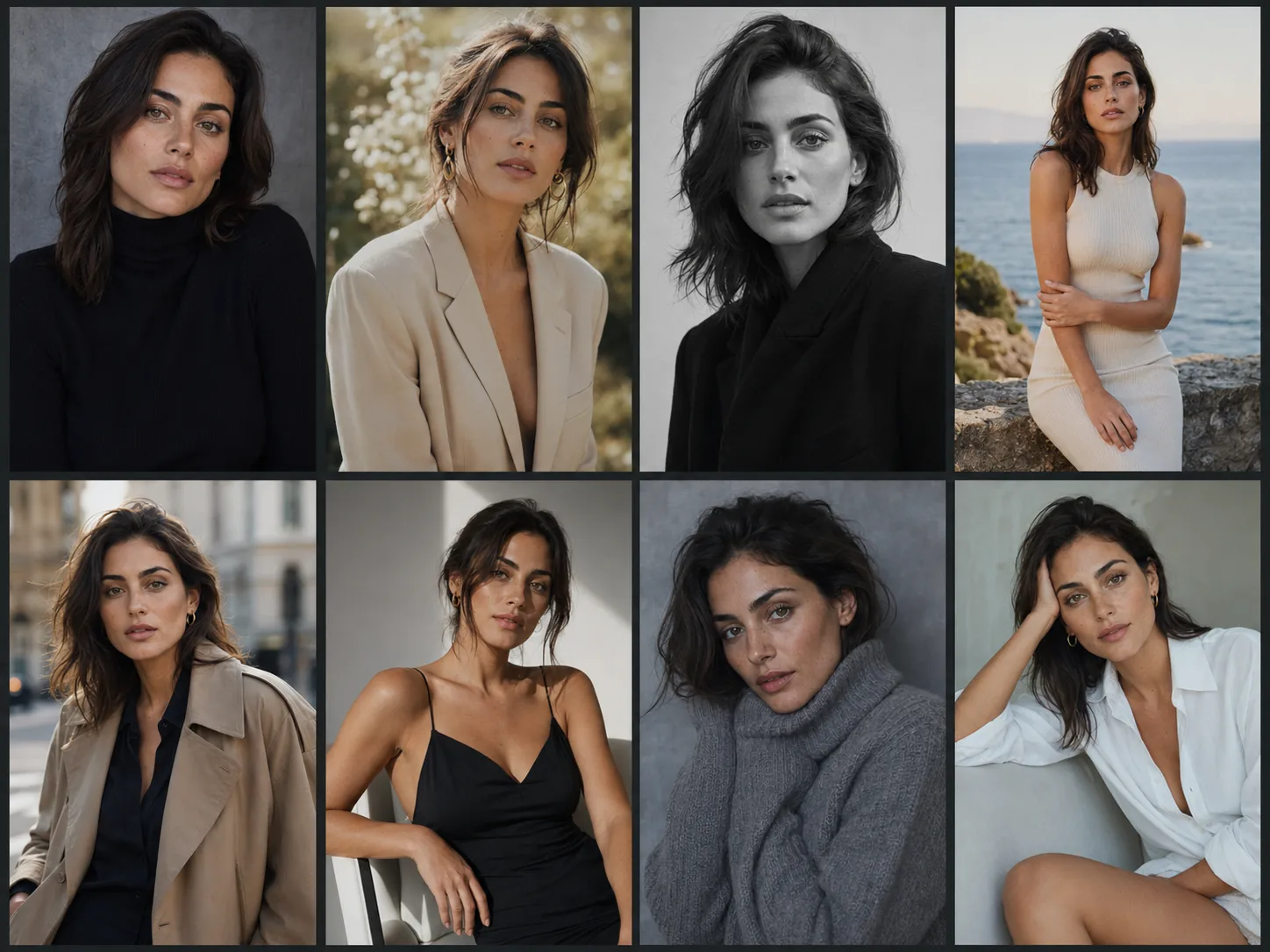
A persona is a saved model definition — face, body type, proportions, casting notes — that lives in your workspace and travels across every module. Build the library that matches your brand's casting ethos, then select from it every time you generate.
The result is imagery that reads as a unified campaign rather than a collection of disconnected AI outputs. Same model, same brand, every time.
Save as many as your brand needs
Different personas for different stories.
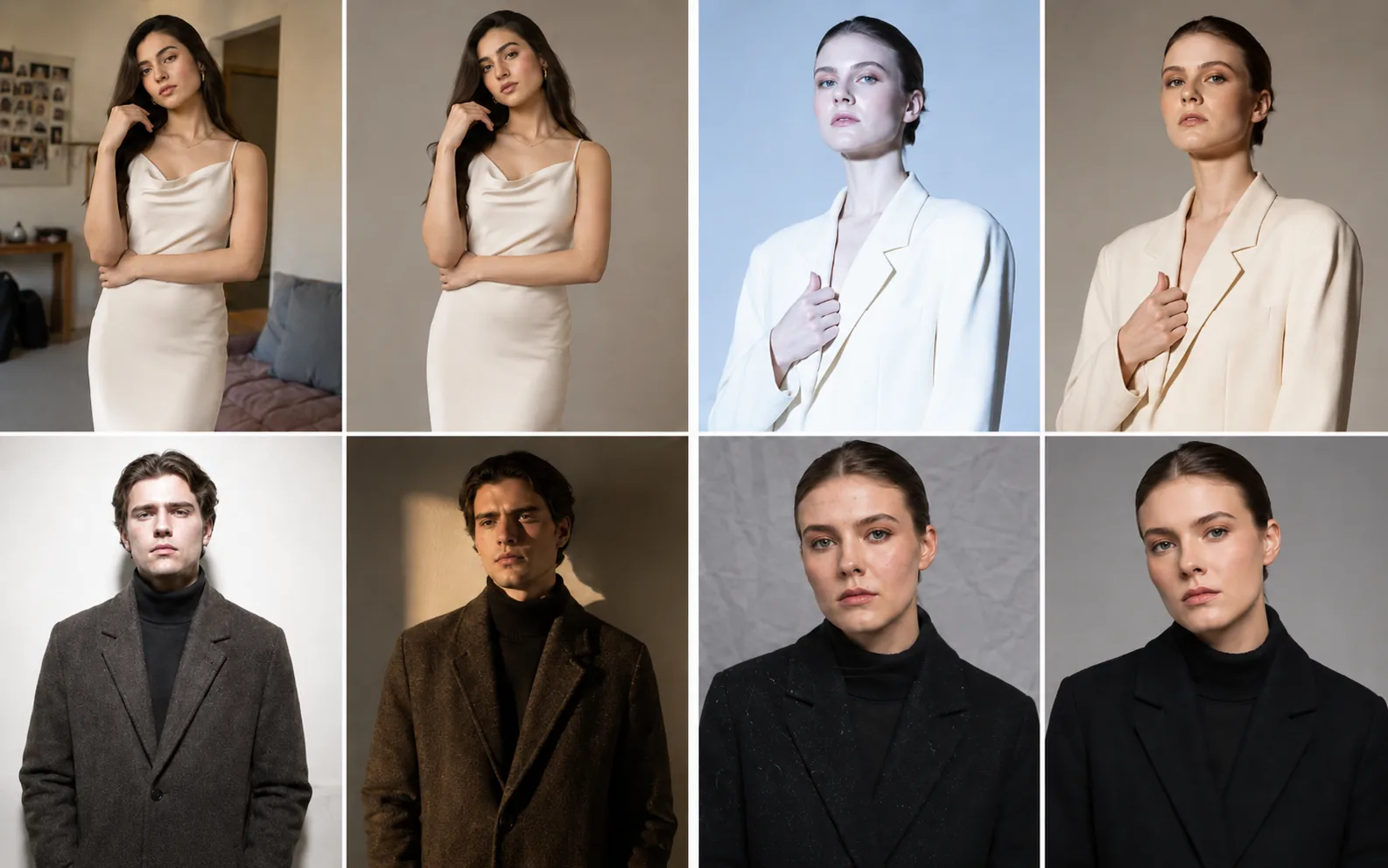
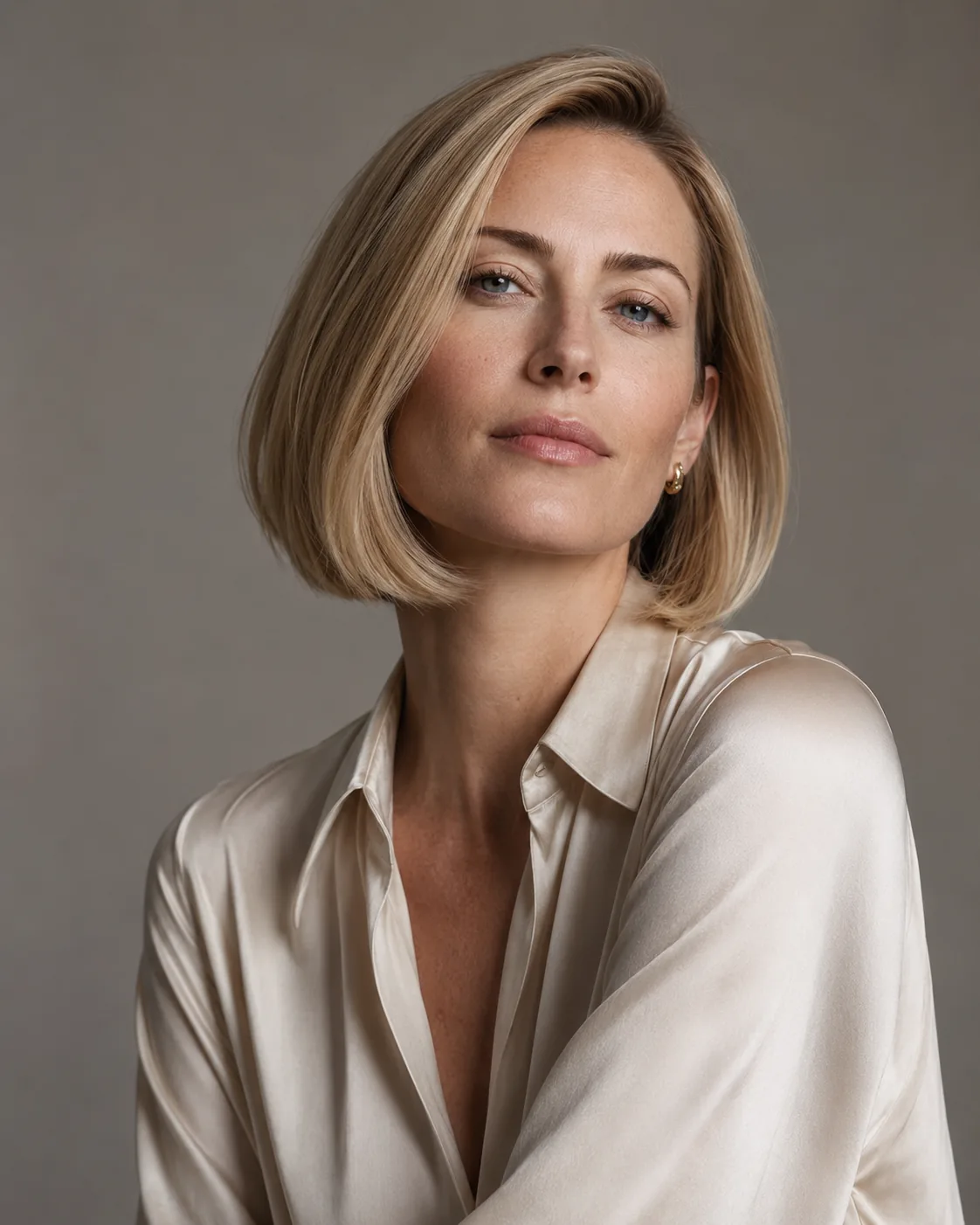
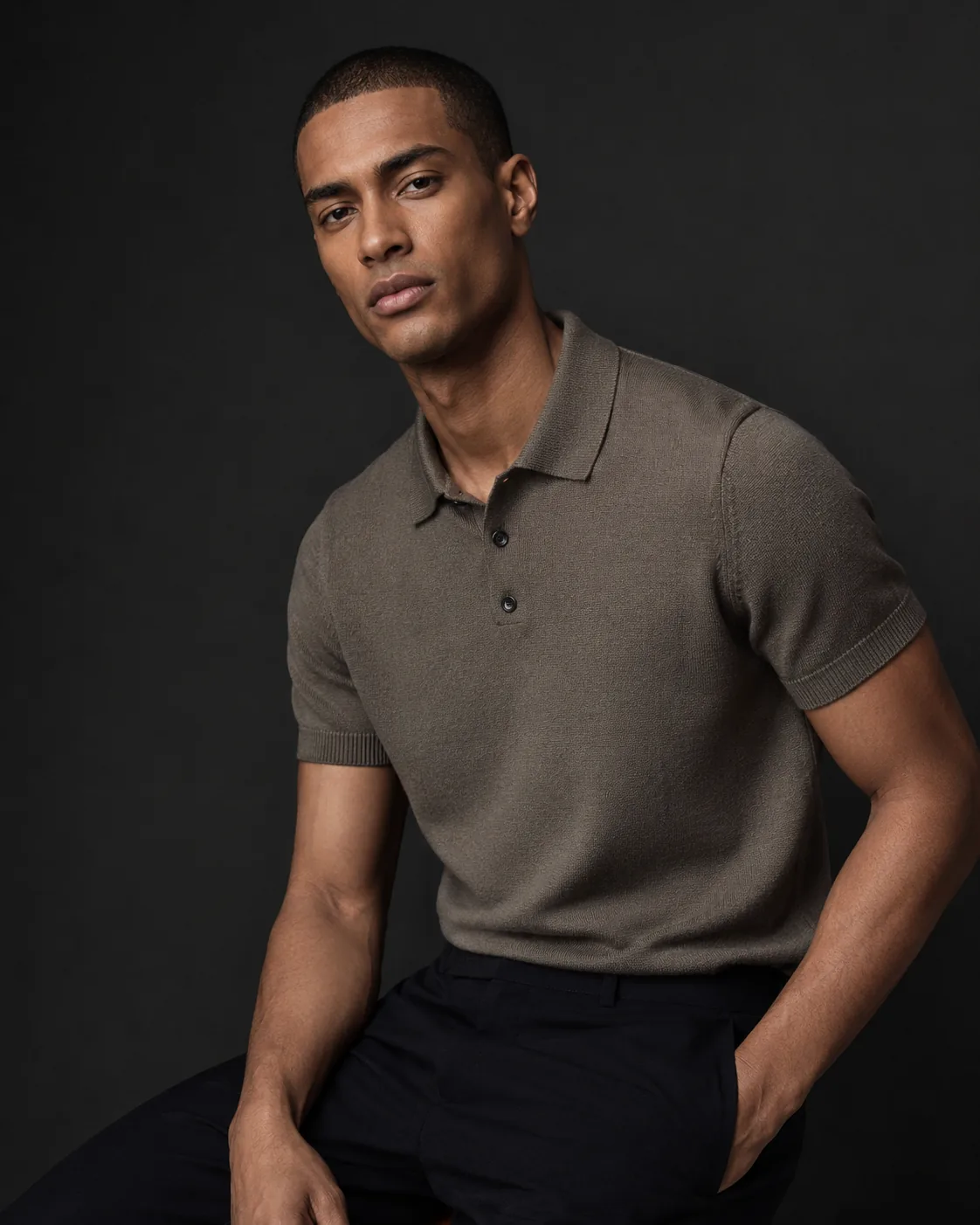
The face stays locked. The wardrobe, scene, and lighting don't. Each example below is a distinct persona — your team can save as many as the brand requires.
How it works
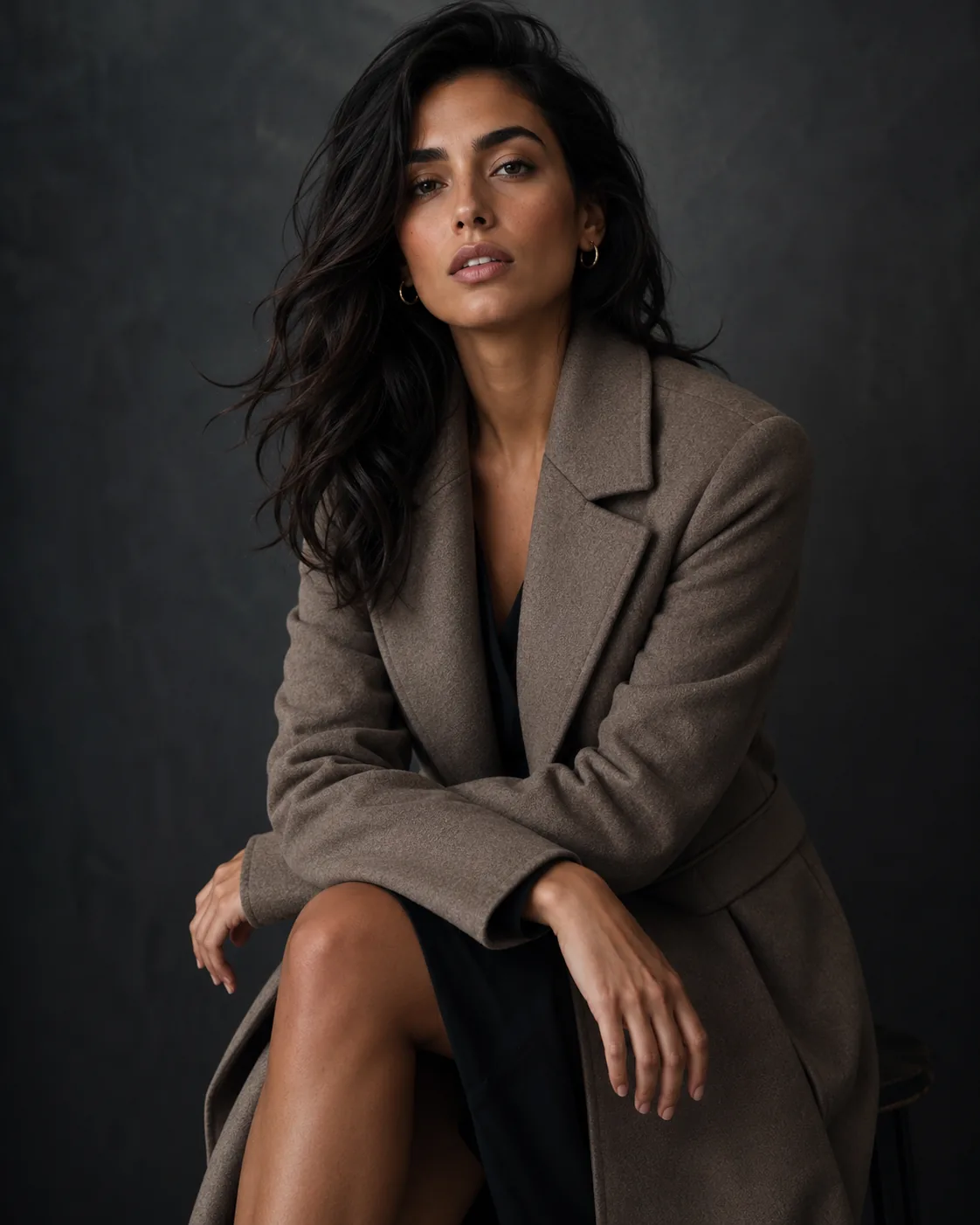
Define once. Use everywhere.
- 01
Define the persona
Describe face features, body type, proportions, and editorial notes. Upload optional reference images to guide fidelity.
- 02
Save to your library
The persona is stored in your workspace and shared with every team member immediately.
- 03
Select at generation time
Pick from your persona library in any module — Fashion Photo, Studio Photo, Board Look — and generate with locked casting.
Questions
Personas — answered.
How many personas can I create per workspace?
Free 1 · Starter 5 · Tier 1 and Team 25 · House 100 · Enterprise 500 (plus add-ons); 3 starter personas at onboarding do not count.
Can I create personas that reflect diverse body types?
Yes. Persona definition includes body type, height, proportions, and editorial notes. The system is built for inclusive casting.
Are personas shared across my team?
Yes. Personas are workspace-level resources. Every team member sees and uses the same library, ensuring consistent casting across all generated content.
Can I use a persona from one module in another?
Yes. Personas are cross-module. The same face and body appear consistently whether you are using Fashion Photo, Studio Photo, or Board Look.